
Question
How can I move Transactions between different Supplier Accounts without having to reverse everything that has previously been done?
Answer
You can do this using Contra Journals.
Contra Journals can be found in:
Accounts > Nominal Ledger > Journal Entry > Contras
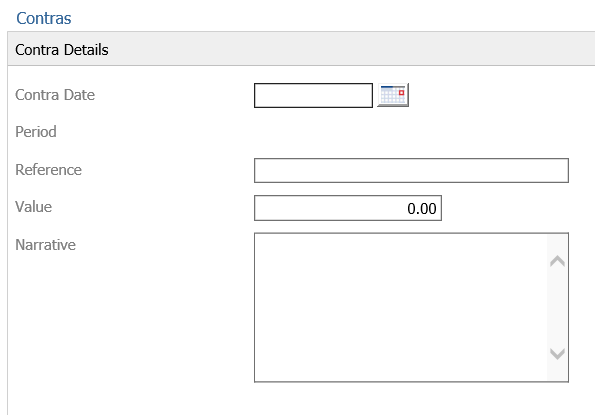
On this Screen, you are asked to fill in the Contra Details.
After Clicking Next, you are then presented with the Ledger selections for the Debit and Credit posting you want to make.
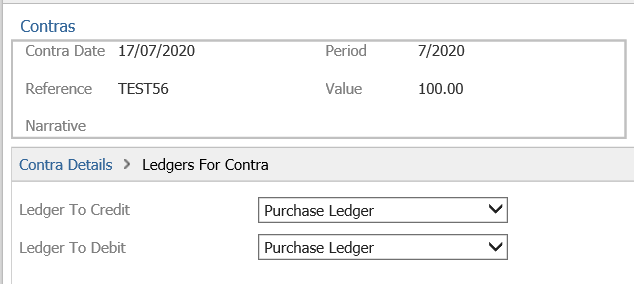
Select Purchase Ledger for both.
Once selected click Next and you can then fill out the details for the ledger to credit:
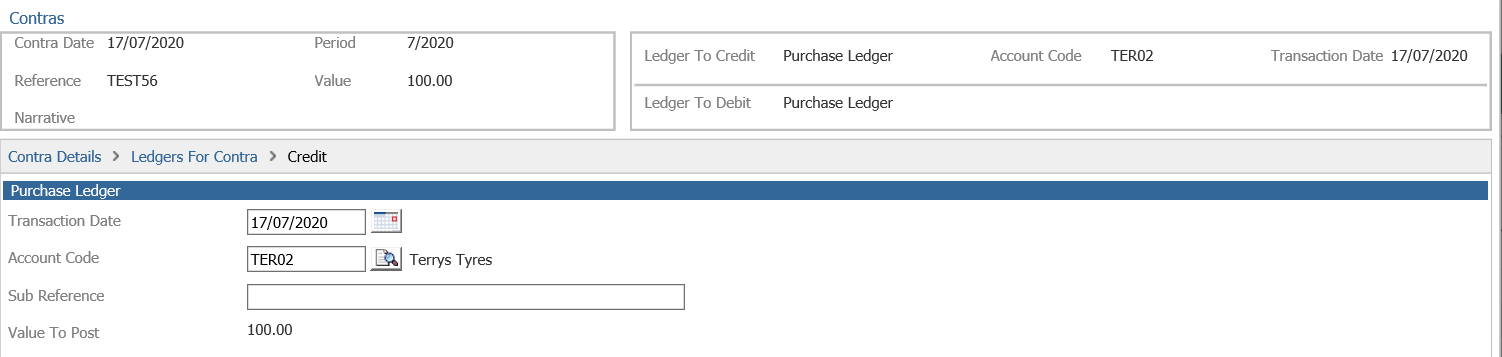
Click Next and once confirmed and you click next you will be presented with a Daybook print out.
Now fill out the Account to debit:
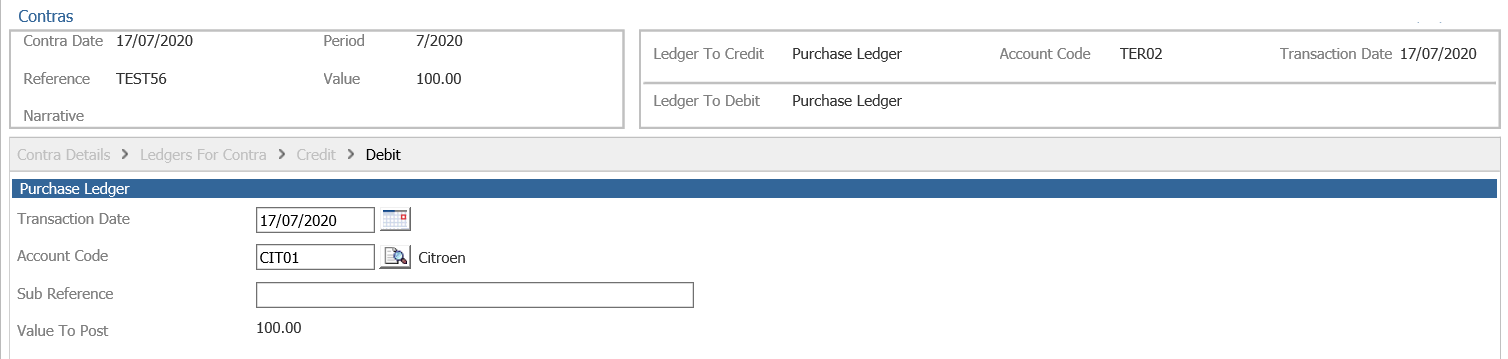
Click Complete. A day book will be printed and the contra will be completed between the two supplier accounts.