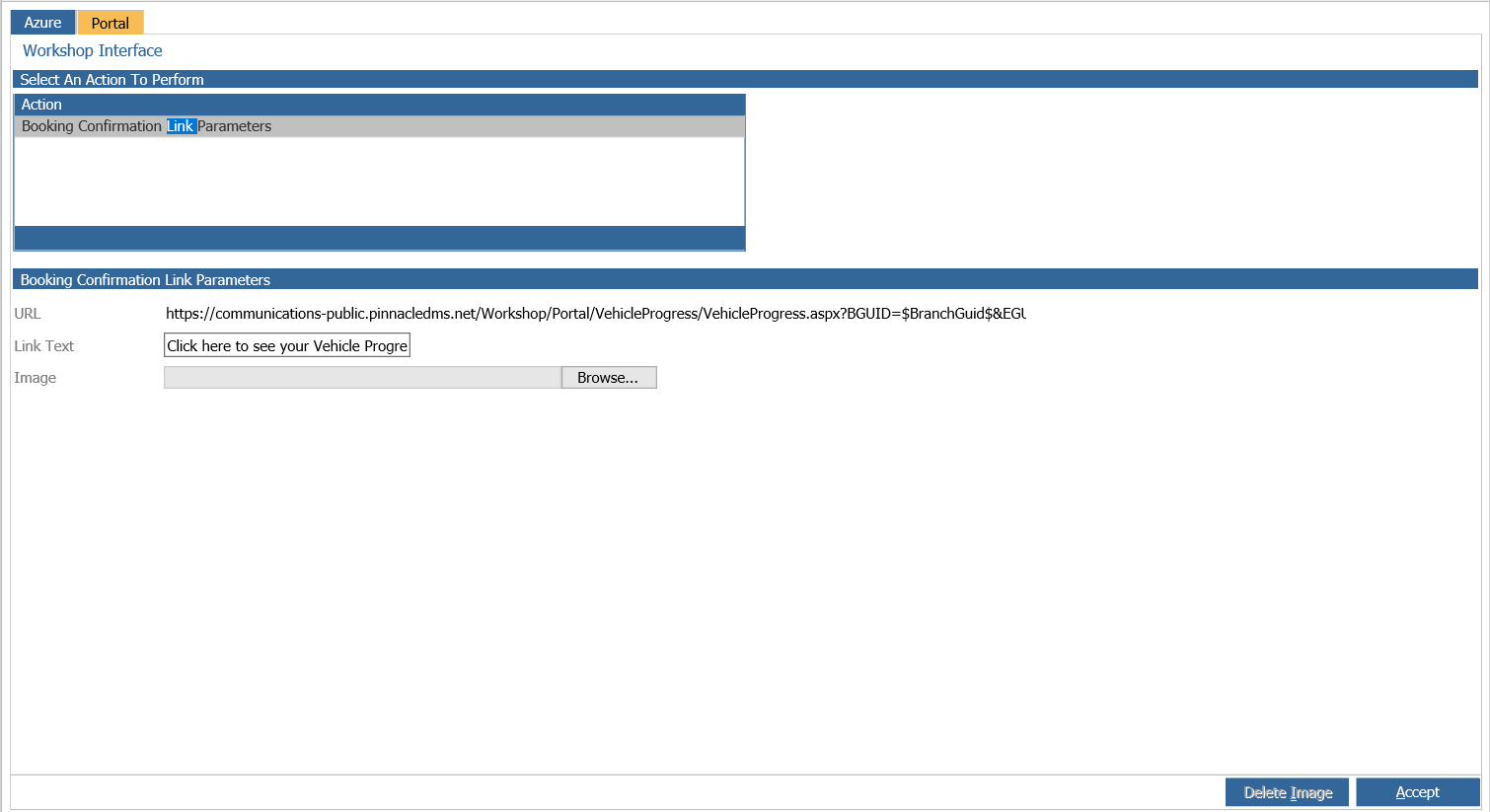
If you ever experience the scenario where a job progress link doesn't display for a booking confirmation emailed to a customer it may be because the Portal integration link text isn't completed.
We test this in the below scenario:
Go to:
> CRM
> Parameters
> Communications
> Workshop
Go to the Booking Confirmation tab, select the department which you wish to send a test email from yourself to see if the job progress link displays:
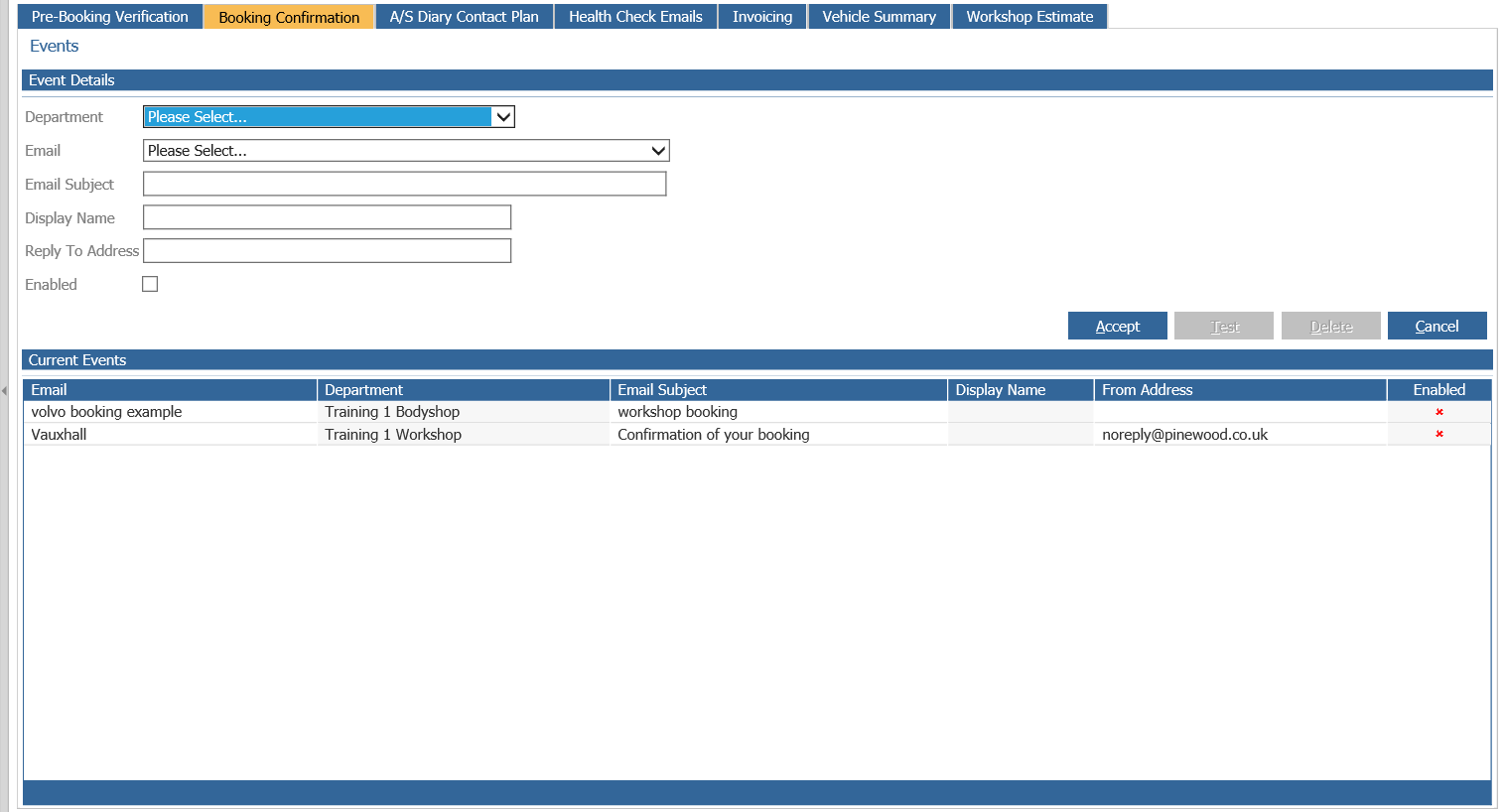
Double click one of the events and Click Test, then the following window prompts:
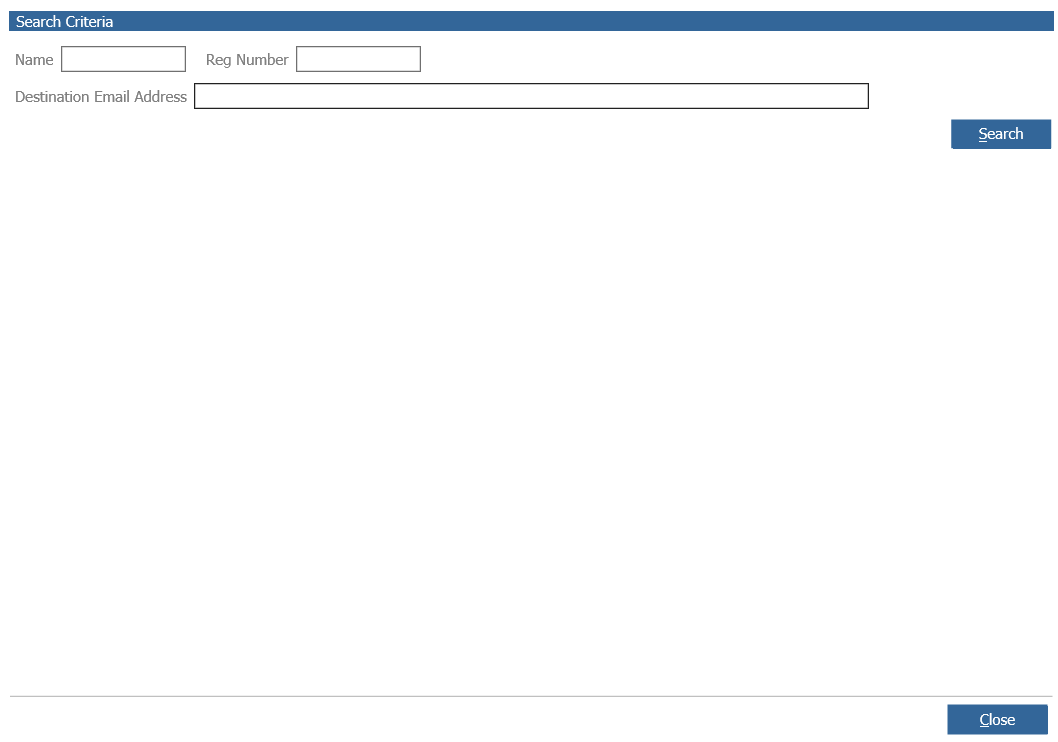
Enter a destination email address and then search for a customer.
Search, select, and test an example customer and say yes to the prompt window to send a test email.
If when viewing the test email you don't have the Job Progress link in your email then it could be that your missing the test in the following field:
> Workshop
> Parameters
> Partner
> Portal tab
Then the Booking Confirmation Link Parameters and then the Link Text needs to be completed in order to be able to select the link within emails.