
Question
Why is the remaining value showing incorrectly when posting a purchase ledger invoice?
Answer
If you have a Remaining Value when posting an invoice and you are manually entering the Tax then this will be causing the issue.
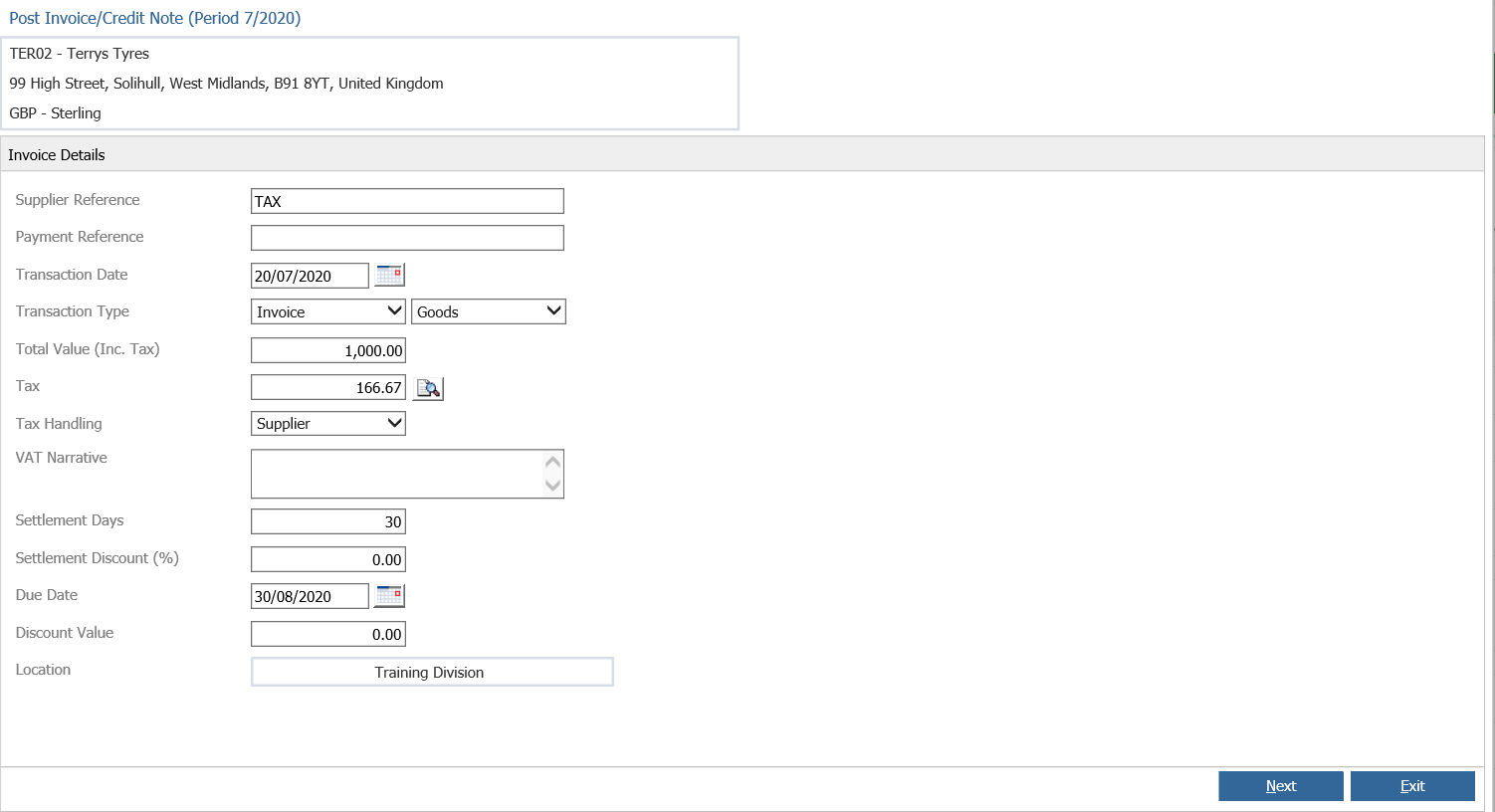
When posting an Invoice if you type the full amount in then this will automatically calculate the Tax.
Go back to Accounts > Purchase Ledger > Processing > Post Invoice and do not manually enter the tax.
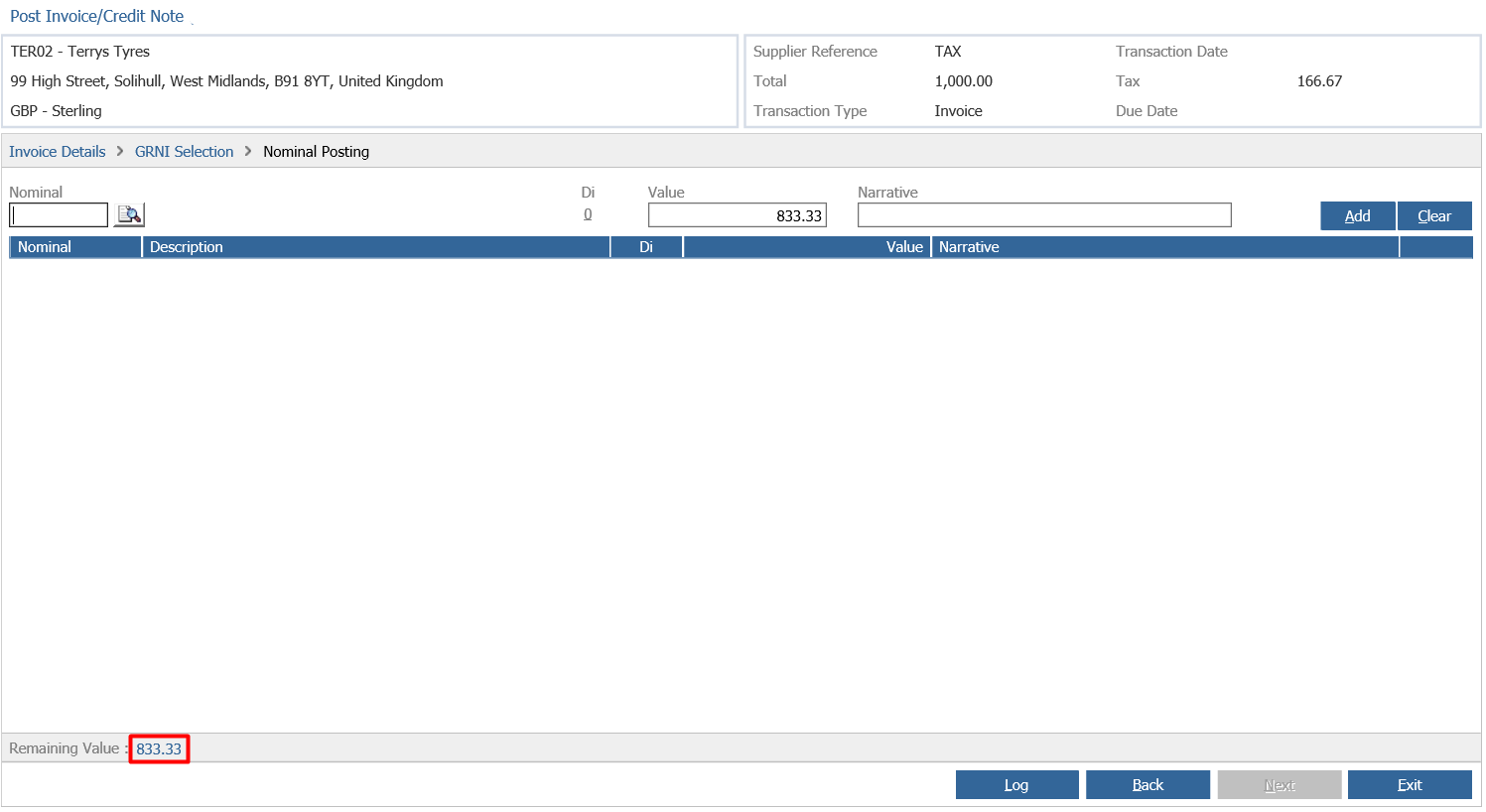
This will now show the correct Tax value and also give you the correct Remaining Value.