Question
How do you create a new Nominal Code?
Answer
Nominal Code creation can be done by navigating to:
Accounts > Nominal Ledger > Ledger Parameters > Master Codes Tab
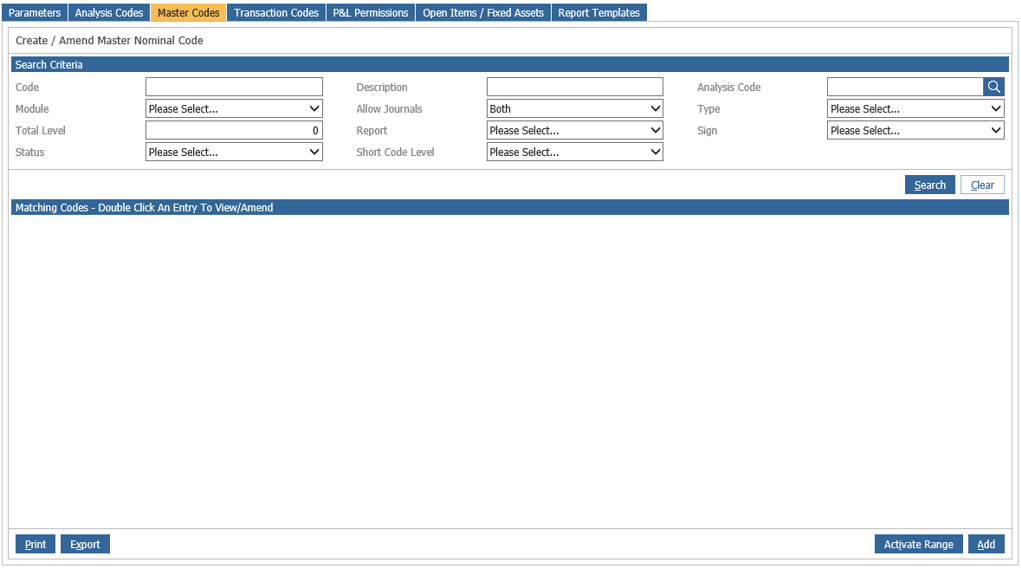
Master Codes form the overall structure for the nominal. Click on the Master Codes tab to see a
search screen. Enter the new nominal code that is to be created and click the search button in the
bottom right hand corner of the screen to ensure that the nominal code is not already in use.
Accounts > Nominal Ledger > Ledger Parameters > Parameters
- Select the ‘Master Codes’ tab
- Click ‘Add’
- Enter the code and description
- Select a category and module
- Specify whether to allow journals
- Click ‘Add’
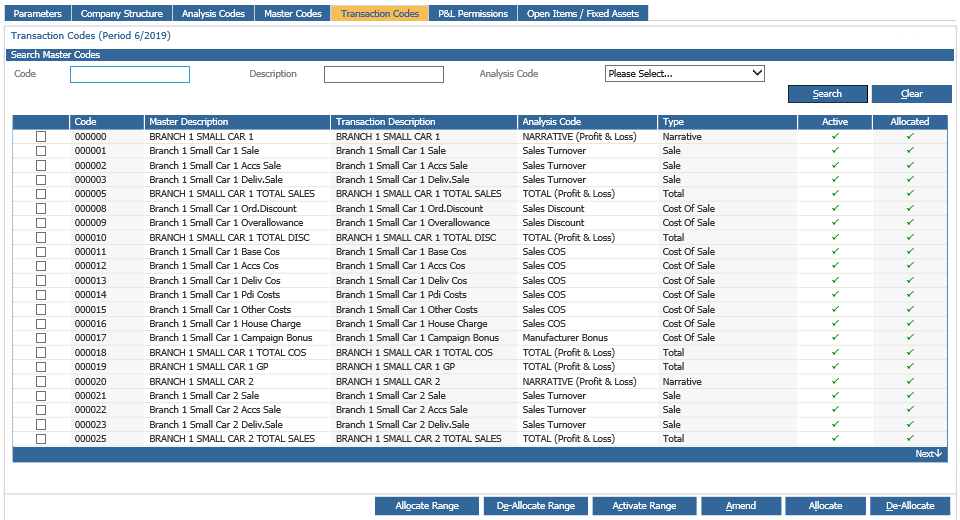
Within the Transaction Codes tab:
- Select the ‘Transaction Codes’ tab
- Enter the nominal code and click ‘Search’
- Double click the nominal code
- Double click the division within the company structure
- Click ‘Yes’
Once the master nominal code has been created choose the transaction codes tab, enter the master nominal code and double click the displayed code. This then need to be ticked and click the Allocate button in order to allocate this code to the Division you are currently working in.
Allocate Range - This will offer the option to allocate a range of master nominal codes to a division at transaction level.
De-Allocate Range - This will offer the option to set a range of nominal codes to not allow postings to the codes at divisional level and will make the codes invisible in nominal ledger reports. If the selected codes have been entered into parameters or have had postings against them, they cannot be deallocated.
Activate Range – This will offer the option to set a range of nominal codes as active to allow postings to the codes at divisional level and will make codes visible in nominal ledger reports.
To amend a nominal code description, click on the Master Codes tab and search for the nominal
code to be amended. Double click on the required code, click ‘Amend’ on the pop up box and overkey the description. Then on the Transaction Codes tab, search for the code, double click on the left hand screen to open up the transaction code screen on the right, single click on the division (the blue highlighted level) and click ‘Amend’ to over-key the description on the transaction account. If the change is not made at Transaction account level, it will not display the amended description on the Trial Balance, Profit & Loss and Balance Sheet reports.