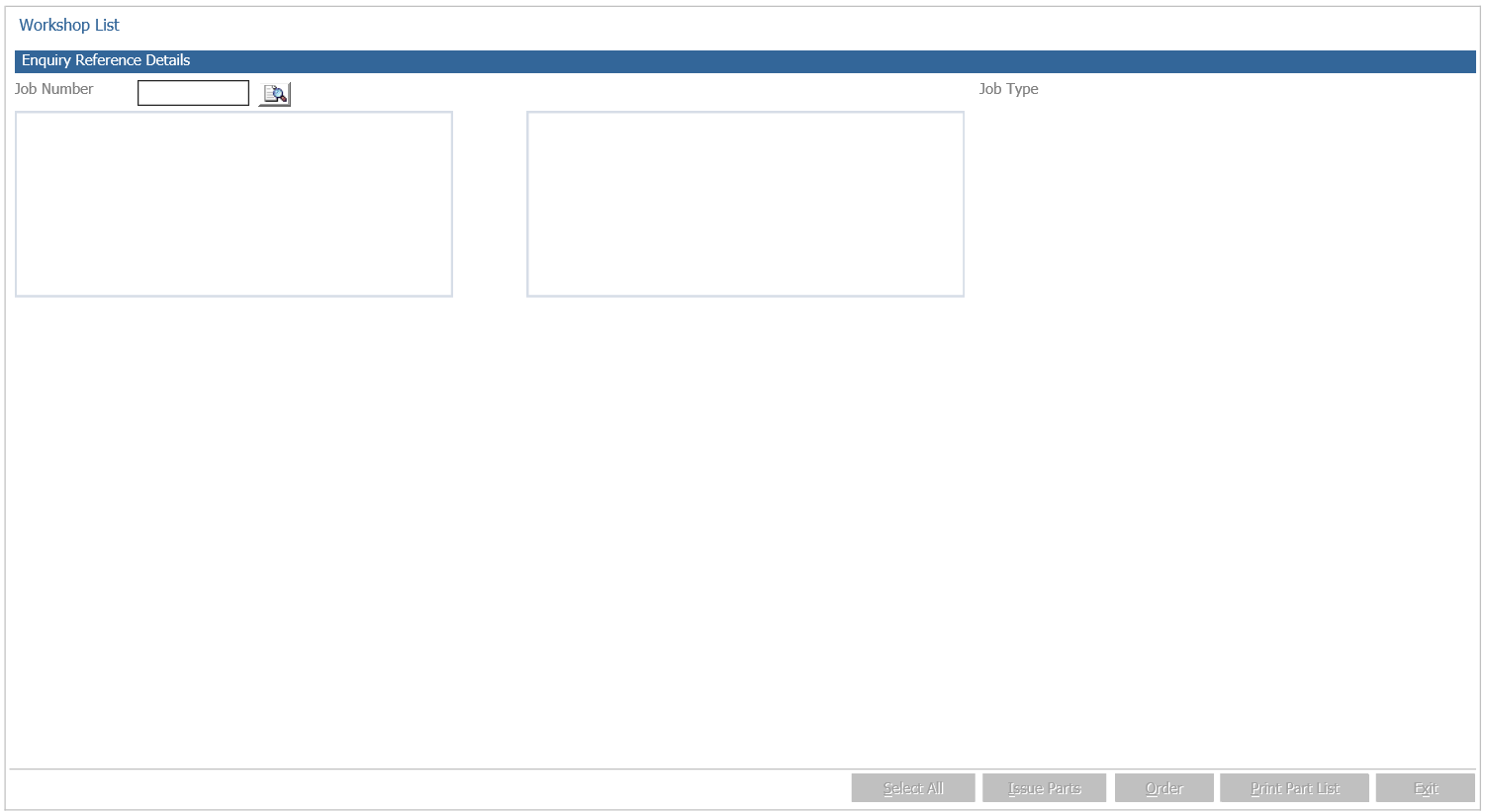
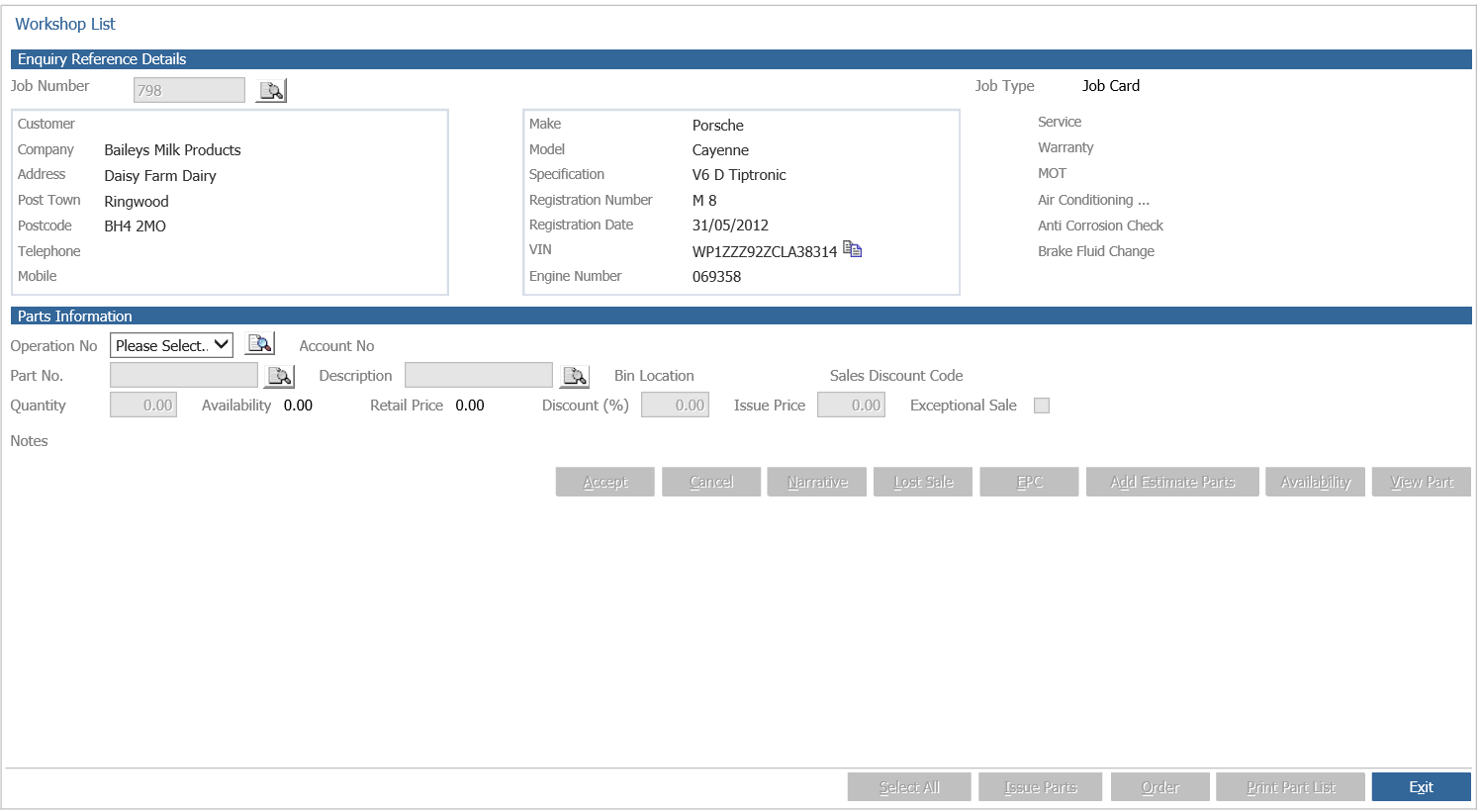
Having a Fast fit department allows for parts to be issued to workshop jobs and ordered from suppliers via the Workshop module.
This setting is done by defining the parts department as ‘Fast Fit’ which is set-up within the Parts module itself and done via;
Parts – Parameters – Department Details Click Department Details 2 tab
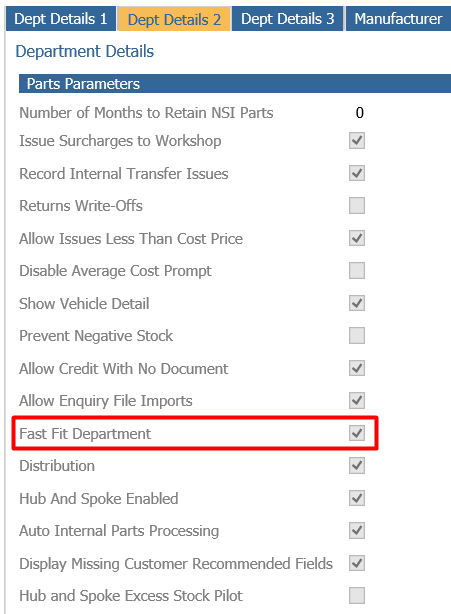
On the left hand side, the ‘Fast Fit Department’ parameter needs to be ticked. Fast Fit Product Groups box, on the right of the screen can then be drilled into and Product Groups can then be entered to define what parts can and cannot be issued/ordered from the workshop module.
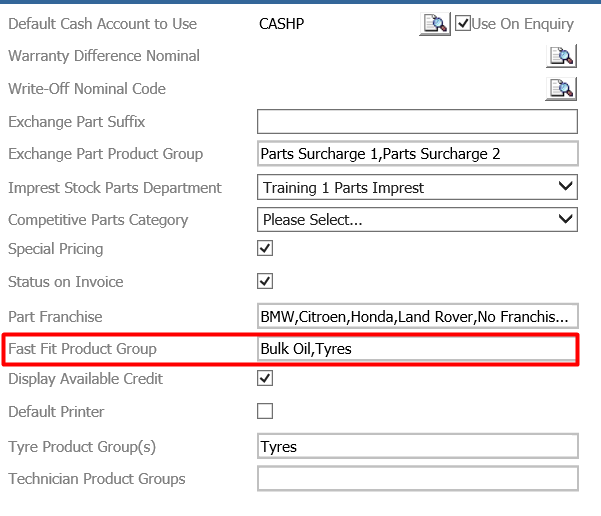
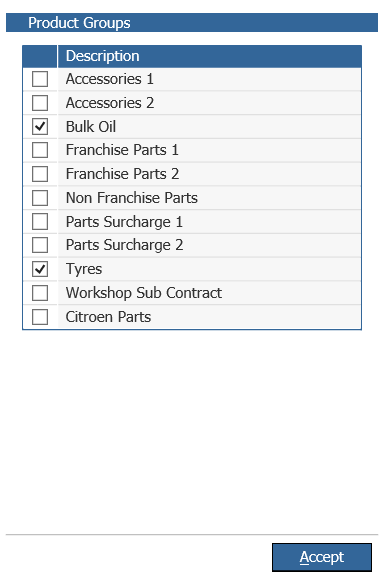
Once this parameter has been set-up a new screen will become active for service users by going to;
Workshop – Invoicing - Parts Issues
This will essentially serve the same purpose as that of the workshop issue screen that can be seen in parts.
It is accessed by going to Workshop > Invoicing > Parts Issues