
When running end of month you are able to print each page for your records.

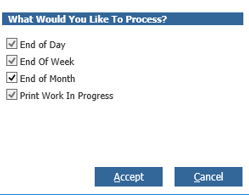
Once you come to complete the process to run the reports you are presented with the below window to select to complete. When running End of Month, the Print Work In Progress will default to print.
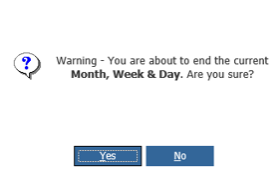
You will then be prompted again that this will end the months reporting:
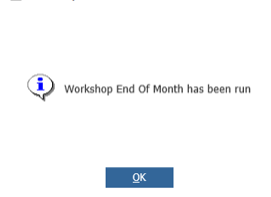
If you select Yes, this will complete and display the below message:
If you select No, this will take you back to the window selections and you can cancel and review your reporting if necessary.
The system will then print the Product Group and Job Type Summary Report.
The Work In Progress Report will then print.
The process is then complete.
Please note: Once this has been ran, if the desired print outs were not printed before completion, you will be unable to re-print this data. The report will now be refreshed. To obtain this information please use the Repair Order Register Export and the Time Analysis exports to obtain the values required.