
In Workshop > Parameters > Parameters the Email Reports tab contains an email address field. The addresses entered into the field will receive a copy of the Day Book report (as a PDF file attachment) when the end of day process is completed once this is set as Active.
The Work In Progress report can also be set up to be received via email for specified contacts.
You will need to contact Support who will arrange the task for this to be ran. Once this has been completed, you will need to add the recipients in the email address field and select the Active box.
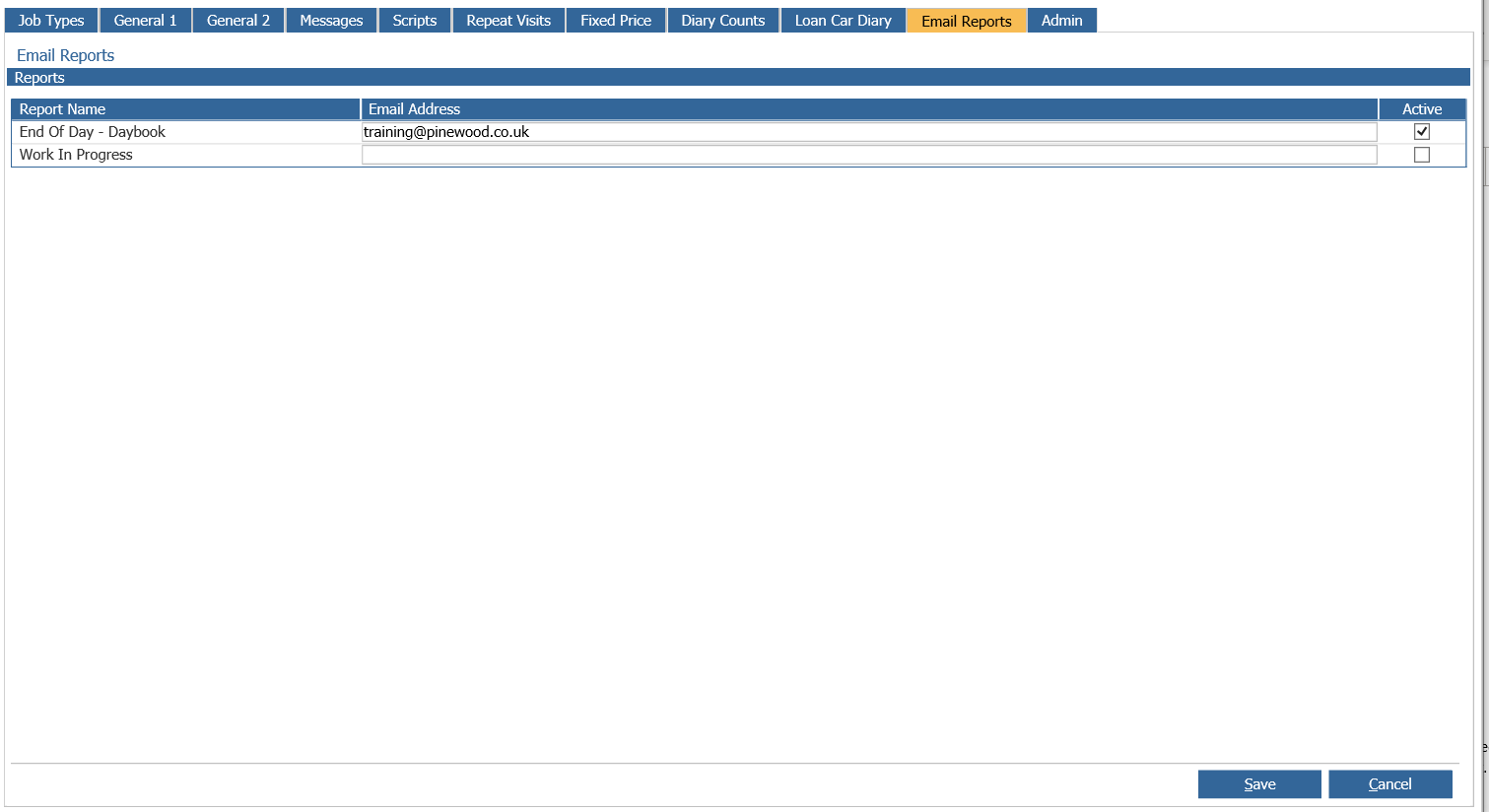
Note: Multiple addresses can be entered and separated by a semi colon (;).
Select the ‘Save' button to save any changes made to this screen.