
Question
How can you clear zero value GRNI within the Purchase Ledger
Answer
If you find yourself with zero value GRNI’s they will not appear in the posting table and so cannot be cleared using the ‘delete matching’ option.
This can instead be done by going through the Accounts module;
Accounts – Purchase Ledger - Reporting
And selecting the GRNI tab at the top of the screen.
At the bottom right of this screen you will see a ‘Purge’ button.
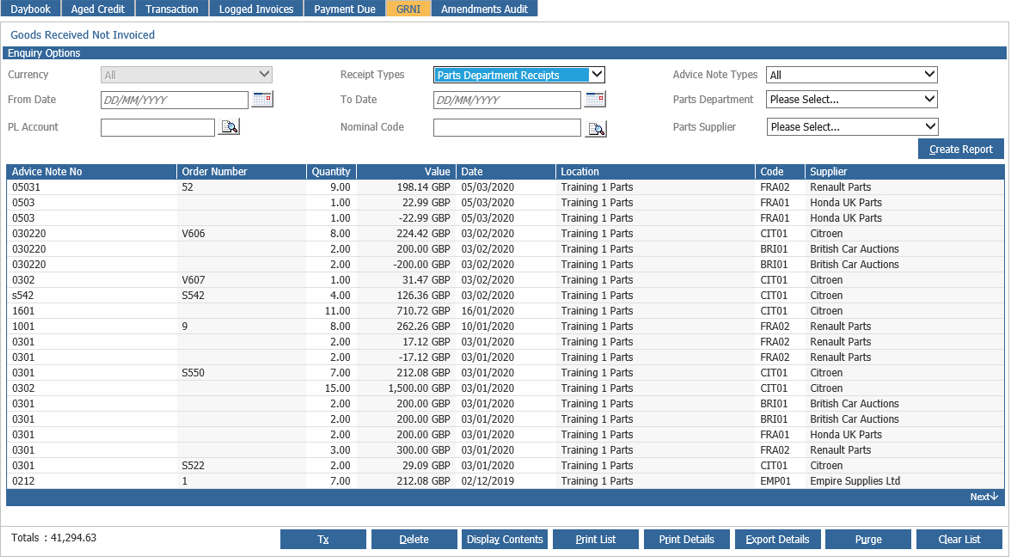
Selecting this will lift the prompt ‘This will remove all GRNI entries with zero value.’
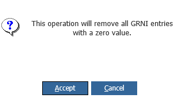
Upon accepting this, it is removed.