
The Preparation Filter within Job Progress has provided the option to filter to show internal preparation work only. Which gives you the ability to review the progress of preparation work separately.
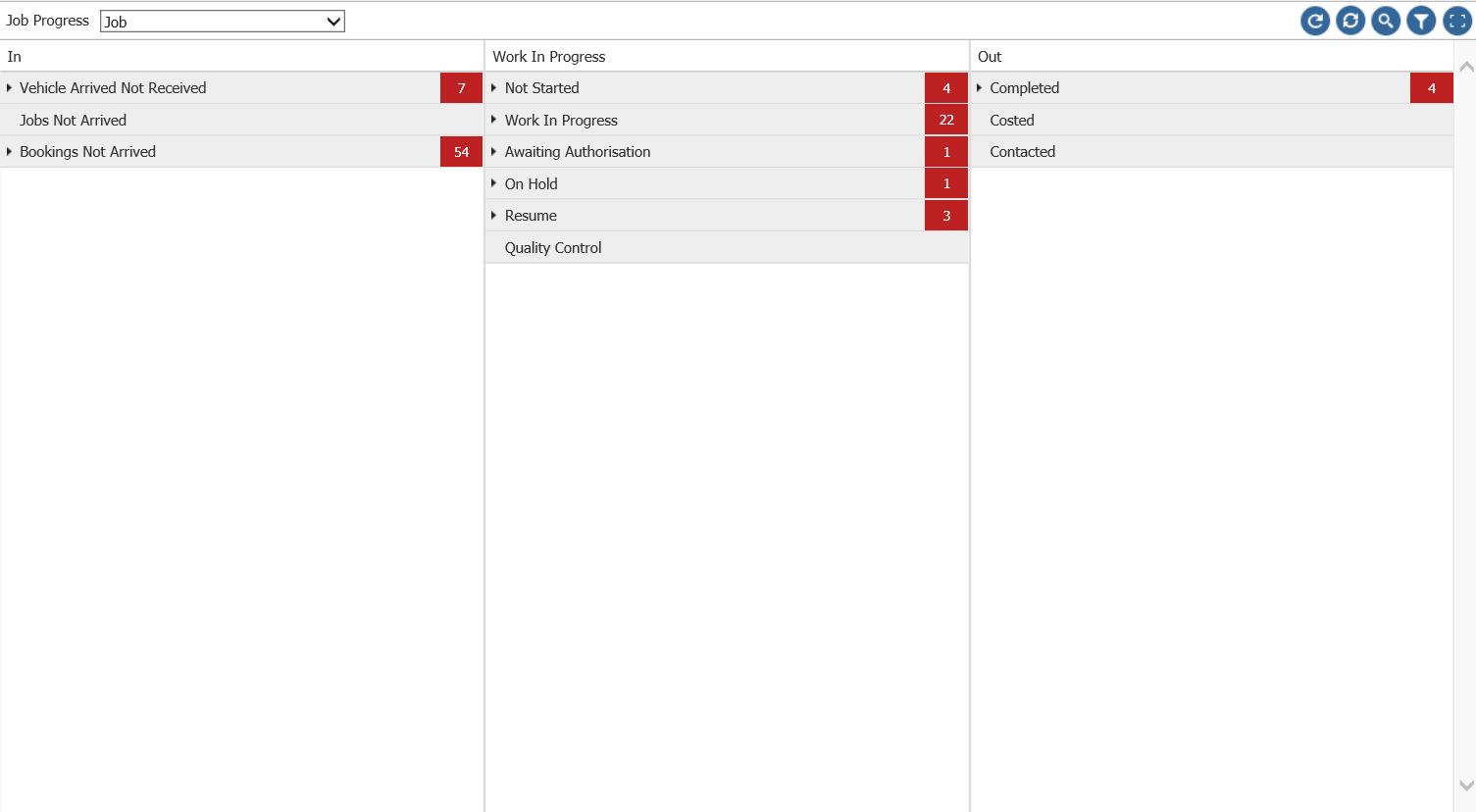
Within Workshop - Job Progress and by clicking on the filter Icon within the Job Progress report, you will see a filtration option called Preparation. Your options to filter by are Included, Excluded and Show Only.

Included means preparation work will remain in the job progress along with other work.
Excluded removes all preparation work from the report.
And Show Only means you will view only preparation work.
This can be used when viewing both Operations and Jobs within the report.