
You are able to print job cards when receiving a booking, when creating a new job, or via amend job when selecting the Accept button.
To print an open job card go to: Workshop > Jobs > Amend Job - Enter the job number.
Once the job card is needed to be printed, press the accept button within the job:

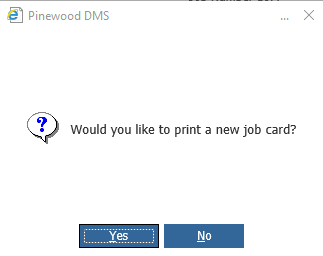
There will then be a pop up asking if you would like to print a new job card, to print click 'yes'
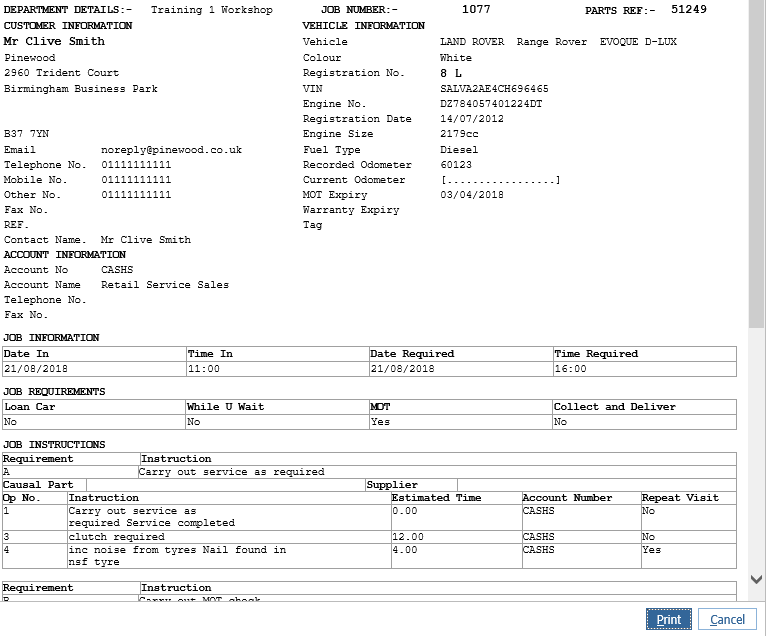
This will bring up the print preview of the job card for you to print to the desired printer by clicking the print button:
 Once a job has been invoiced in full you cannot re-print the job card.
You are unable to print job cards on mass, for example if you want to print one days worth of job cards from the diary.