
Question
How to change the email address against the company, division and branch
Answer
The following outlines how to amend the email addresses that email get sent from either within the Company, Division, Branch or department. An example of something that may be sent from these email addresses is Sales Ledger statements.
Go to Administration > Company Structure
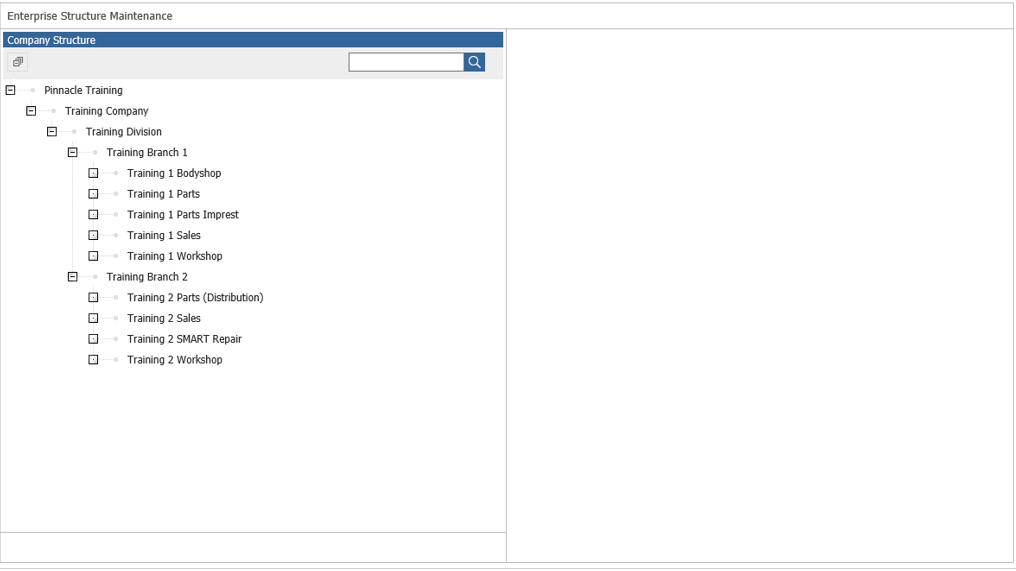
Double Click on the area you would like to amend the email address for.
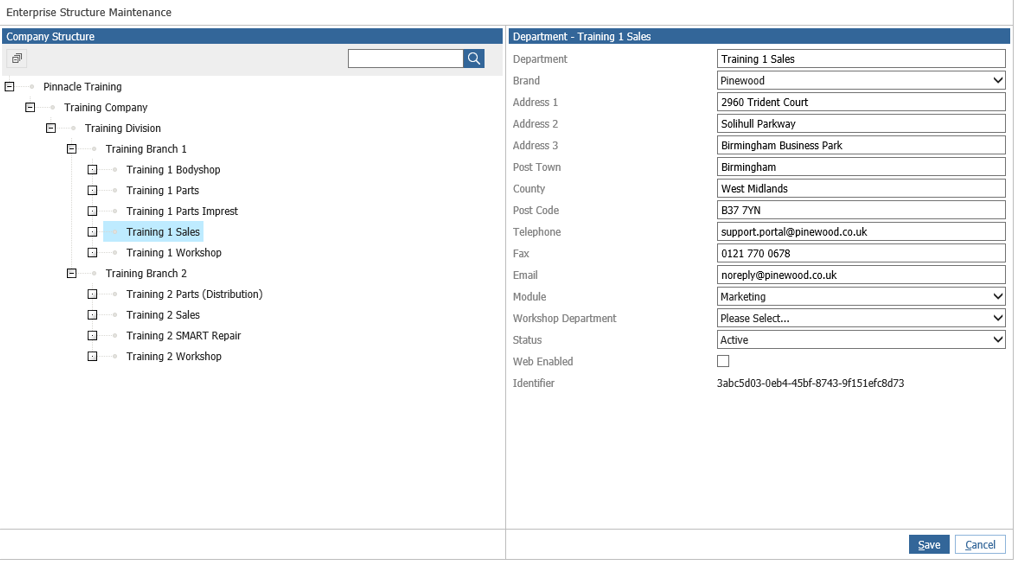
Here the email address can be amended and saved.
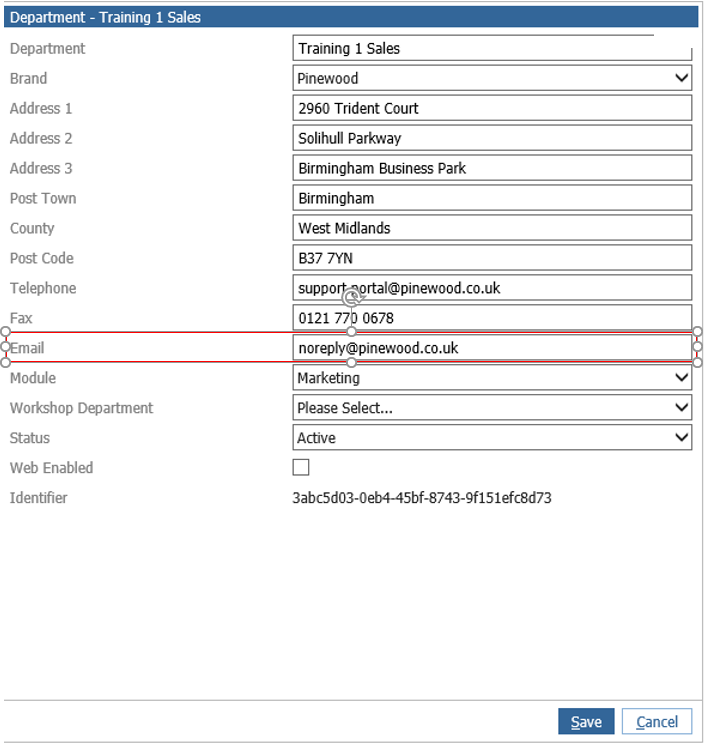
This can be done for Company, Division, Branch and Department levels.