
Question
How do you change a nominal code into a fixed asset code?
Answer
There are two methods to achieve this.
The first method is to go to Accounts > Fixed Assets > Parameters
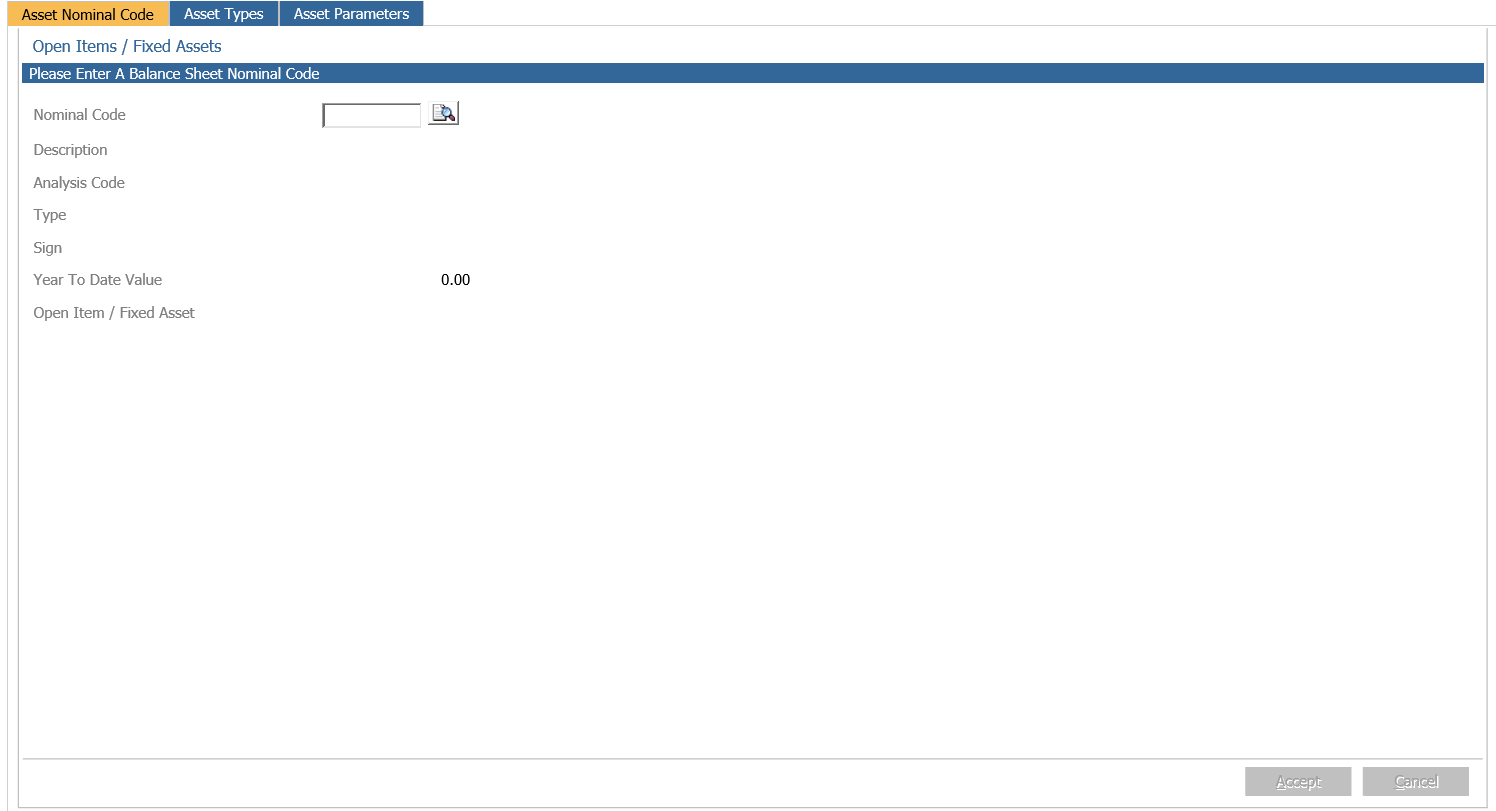
In the Asset Nominal code tab, enter the Nominal Code or click the magnifying glass icon to search by Code, Description and Type.
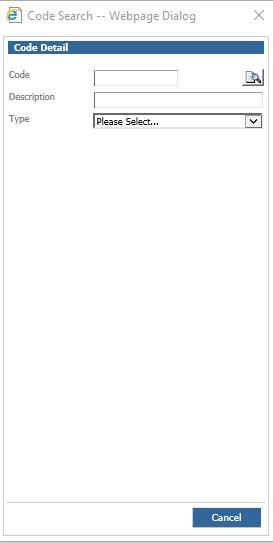
Select the correct code which should populate the details.
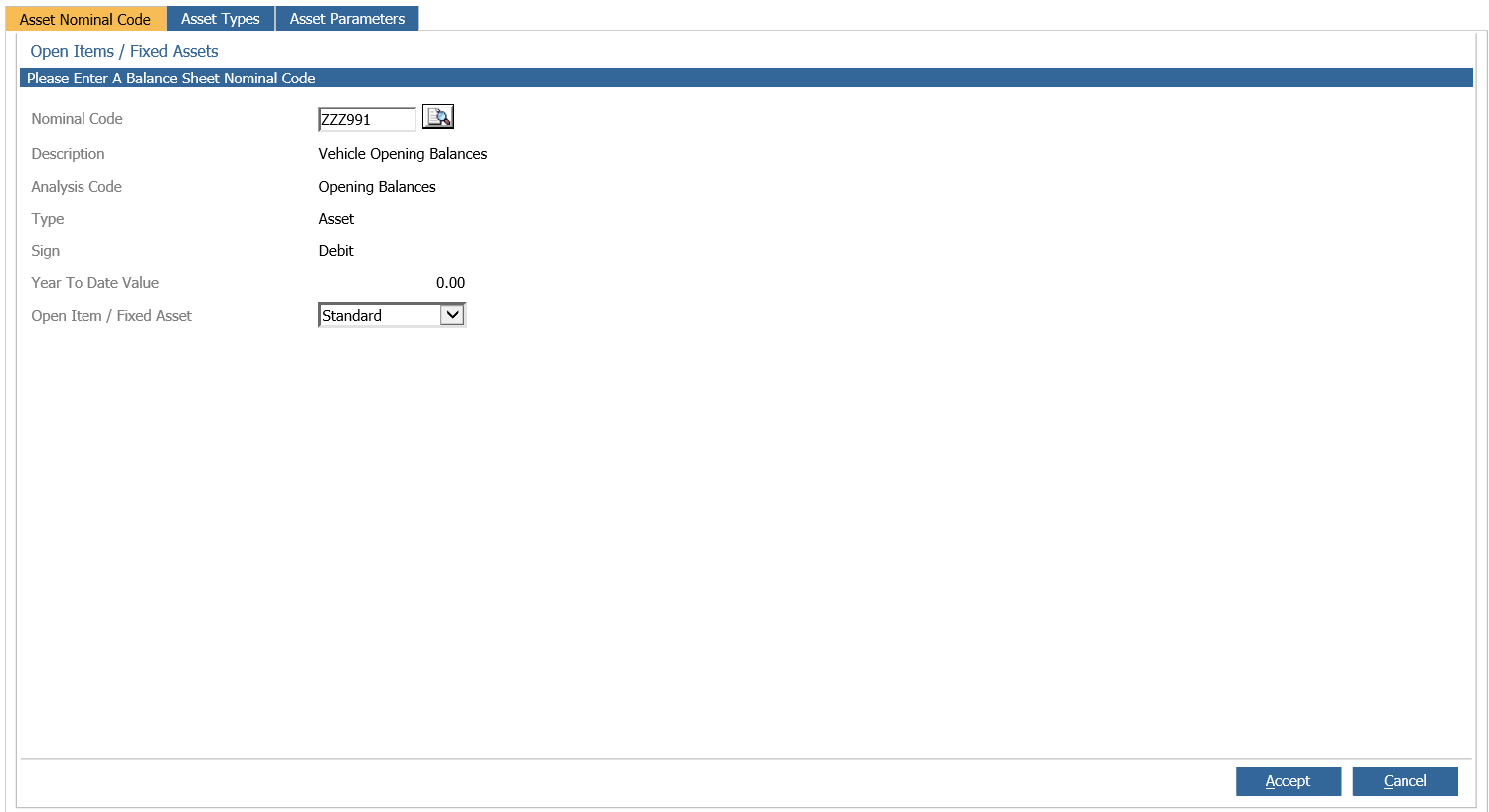
In the Open Item / Fixed Asset drop down box, select Fixed Asset or Open Item
Click Accept to save changes.
The second method is to go to Nominal Ledger > Ledger Parameters
Click into the Open Items / Fixed Assets tab
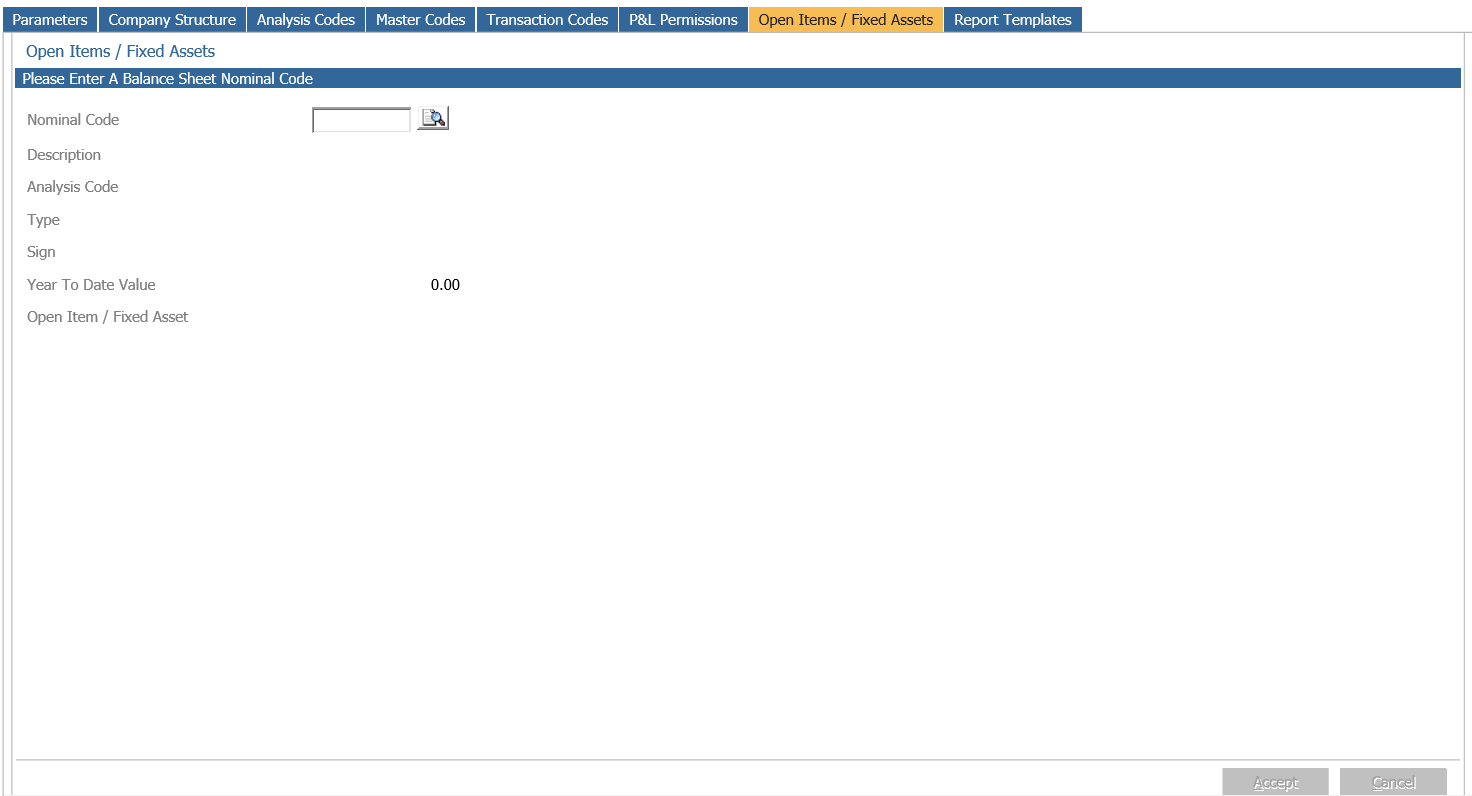
Enter nominal code or search using magnifying glass
Select the nominal code and this should populate the details
Select Open Item or Fixed Asset and click Accept to save changes.