
Question
How would you process a previously logged purchase ledger invoice?
Answer
When a logged invoice has been returned and authorised, select the ‘Post Invoice’ option from the menu.
Select the purchase ledger account against which the invoice or credit note is to be entered.
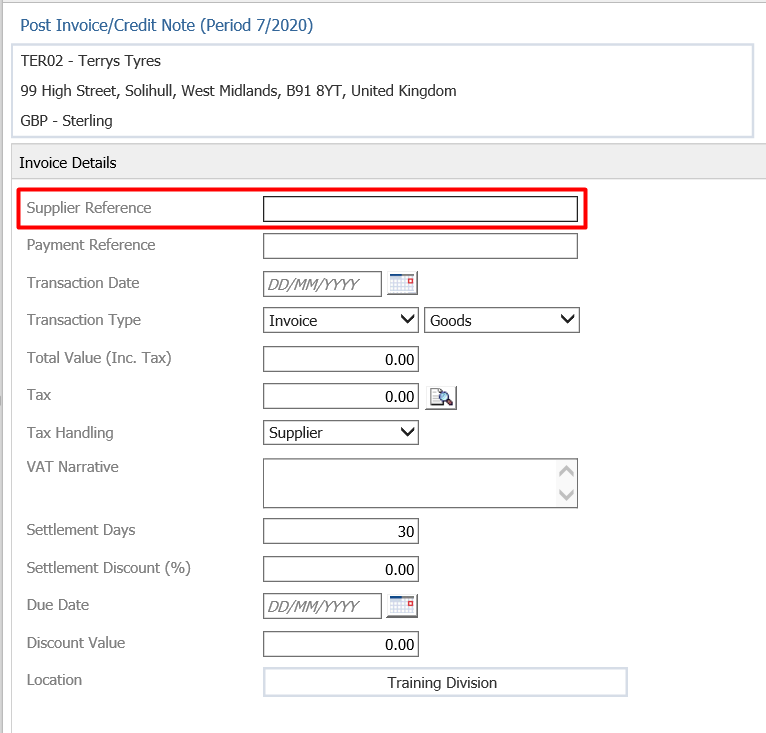
Enter the same supplier reference that was entered on the logged invoice/credit note and the below message will appear:
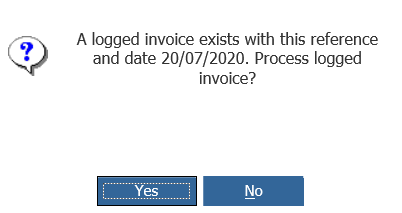
Click Yes to process the logged invoice/credit note, the logged invoice information will then be displayed:
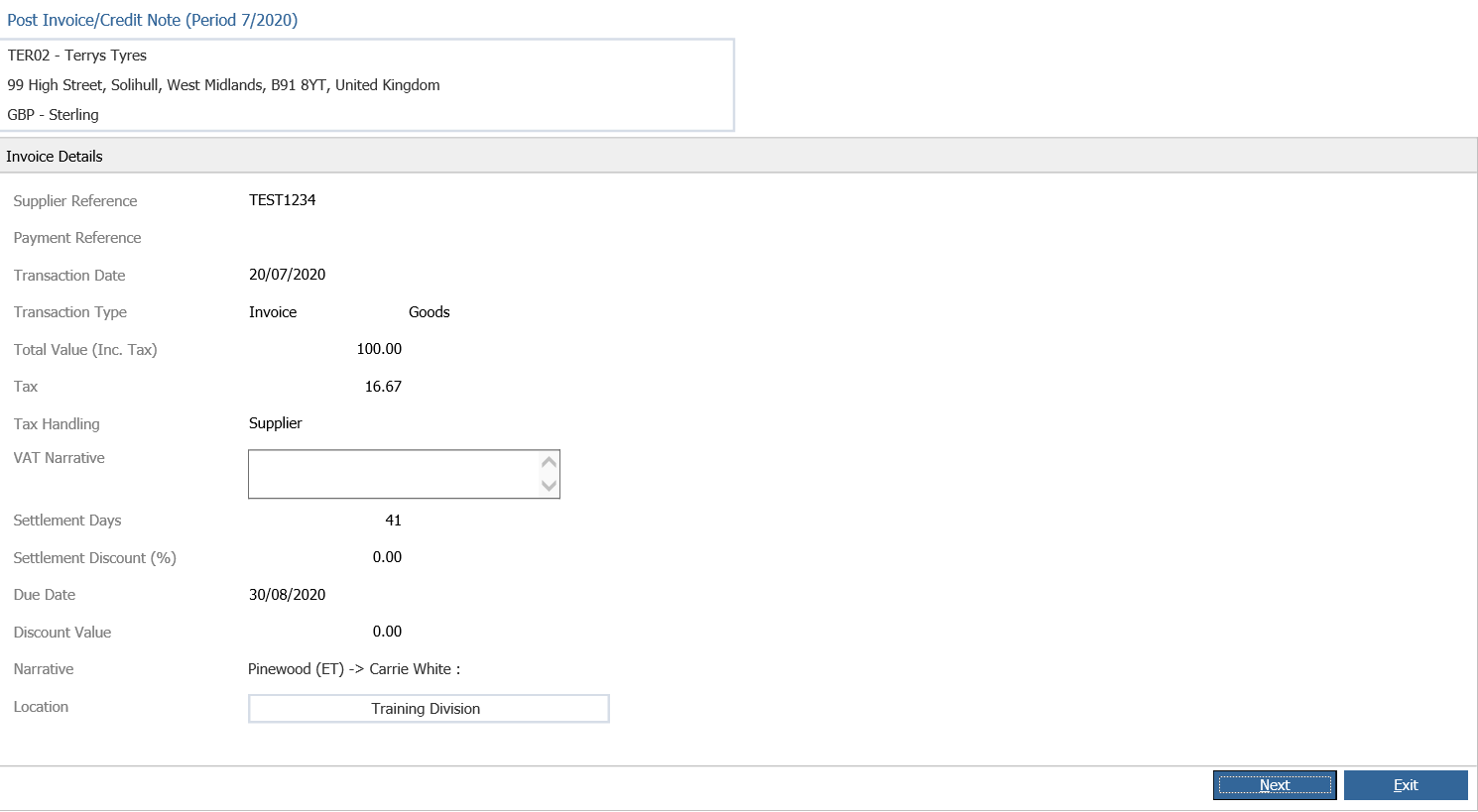
Click Next to process the invoice:
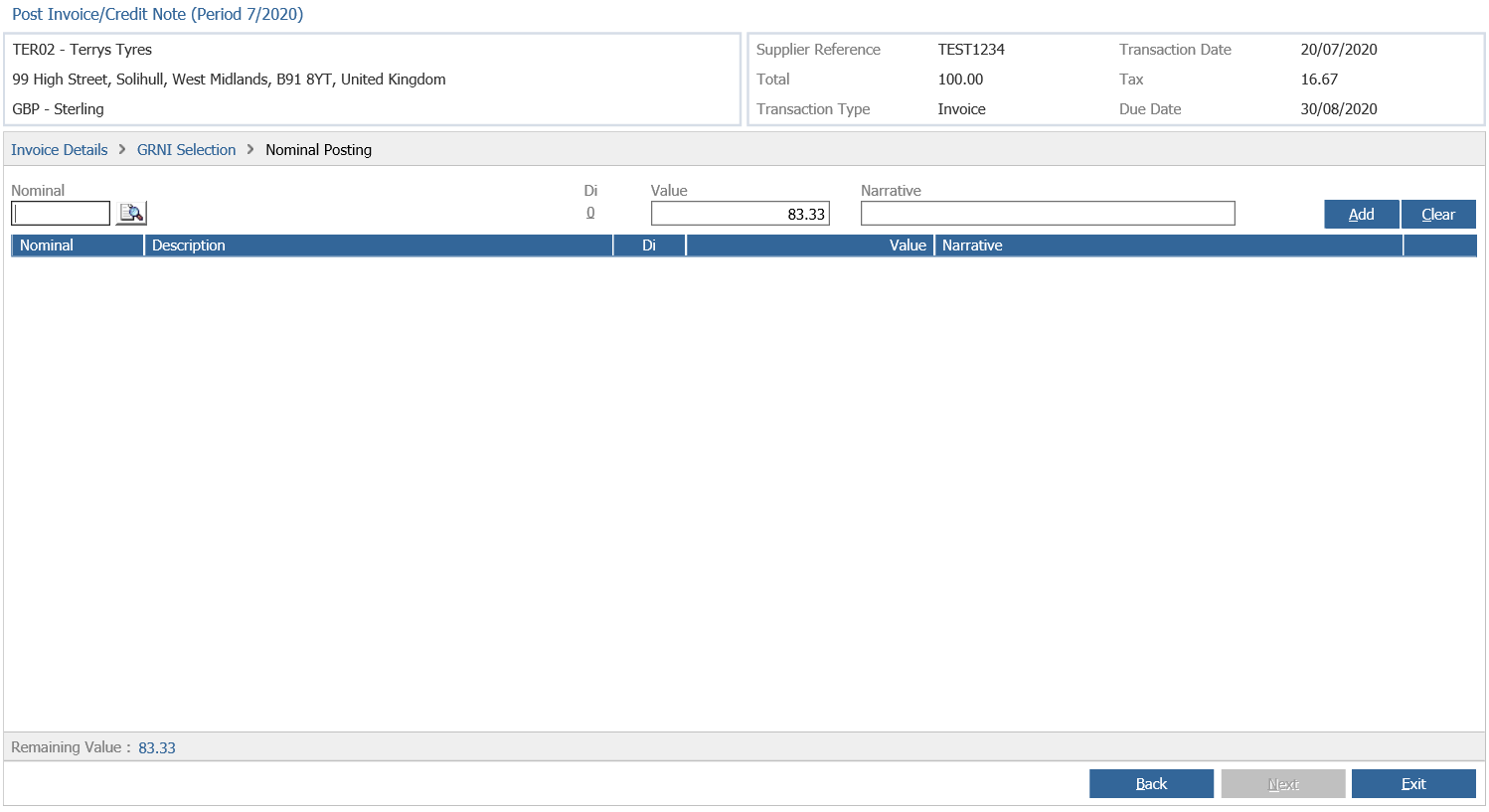
Enter the nominal information into the screen above and then click next and select if the invoice is Approved or Queried, then click complete to finish processing the logged invoice.