
Sales or Purchase Ledger transactions may be imported in bulk using this process.
A .csv file will be created with the transaction details in the following formats:
Sales Ledger

Purchase Ledger

Select the ‘Import Transactions’ option from the main menu.
The upload screen will appear.
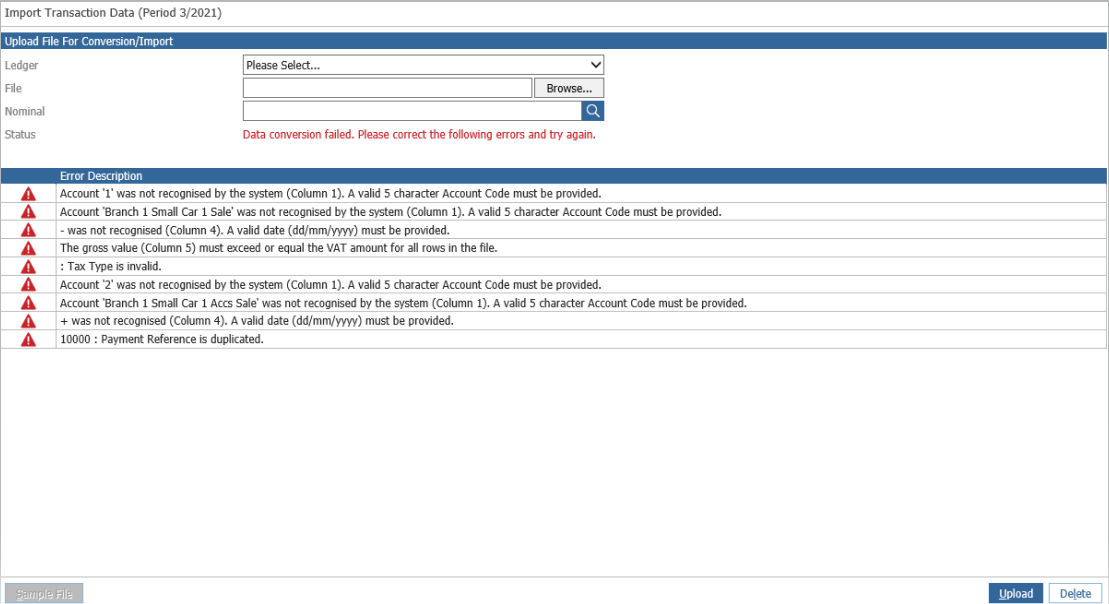
Select the ledger to be uploaded and then click on the 'Browser' button to pick up the .csv file created. Enter a nominal code for the opposite posting to post to and click 'Upload'. Any errors will appear in the bottom half of the screen.
If the import is successful, the status will change to 'Data Conversion Complete'.