
The Update option should be used after a journal or transaction import or to process an automatic journal with a posting date prior to the date it was initially created. It is also advisable to use the update option before starting any month end procedures.
Select the ‘Update’ option from the main menu.
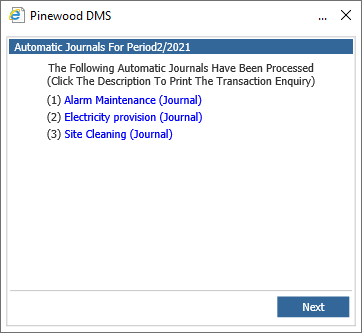
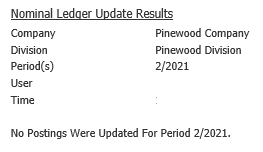
Ensure that the correct period is selected and click ‘Next’ to process the nominal update. Update results will appear showing the number of transactions updated for each period.
Click ‘Continue’ to complete the process.