
Question
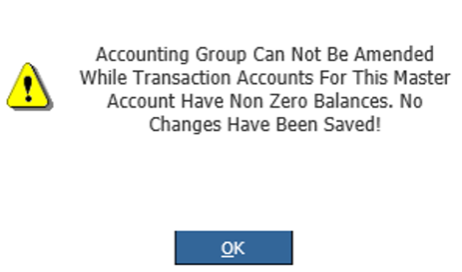
When attempting to change the A/C group on a master account, why is the following message occurring?
Answer
In order for a user to change the account group on a master account the user need to ensure all related/ linked transaction accounts are at 0.00
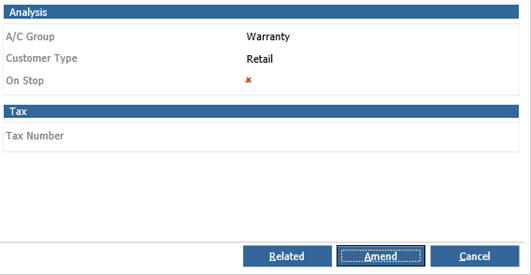
Go into Accounts > Sales Ledger > Master Accounts > Click amend > change account group and try to save, see this can’t be changed - and causes the above error message.
Click on the 'Related' button to view transaction account.
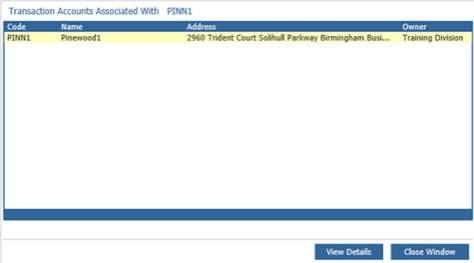
Here there is 1 transaction account but is already at 0
Solution – Master accounts are held at enterprise level and transactions are divisional level - Balance for all related transaction accounts (in all divisions) must be 0
To check account is at 0 go to Accounts > Sales Ledger > Enquiry and search the transaction account that is linked to the master account
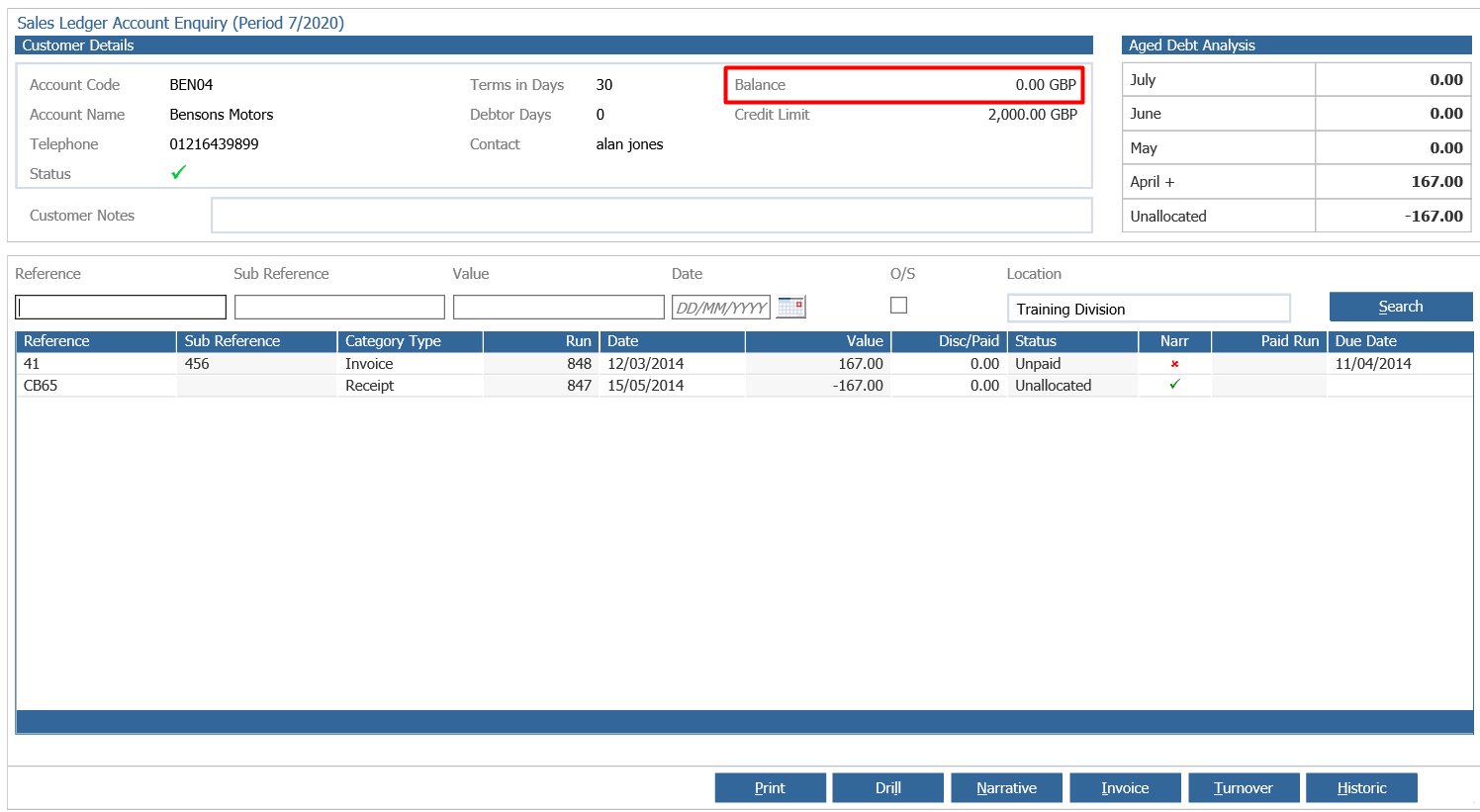
In this case it is at 0
However if the user goes into another division and checks the same master account for any related transaction accounts in one of the divisions they will see the following:
Accounts > Sales Ledger > Master Accounts > search master account > related button
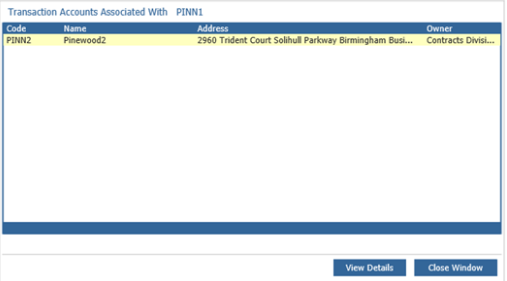
Note – a different transaction account has appeared in the related section.
This account also needs to be at 0 in order for the account group to be changed.
To check this, go to Accounts > Sales Ledger > Enquiry and search for the account
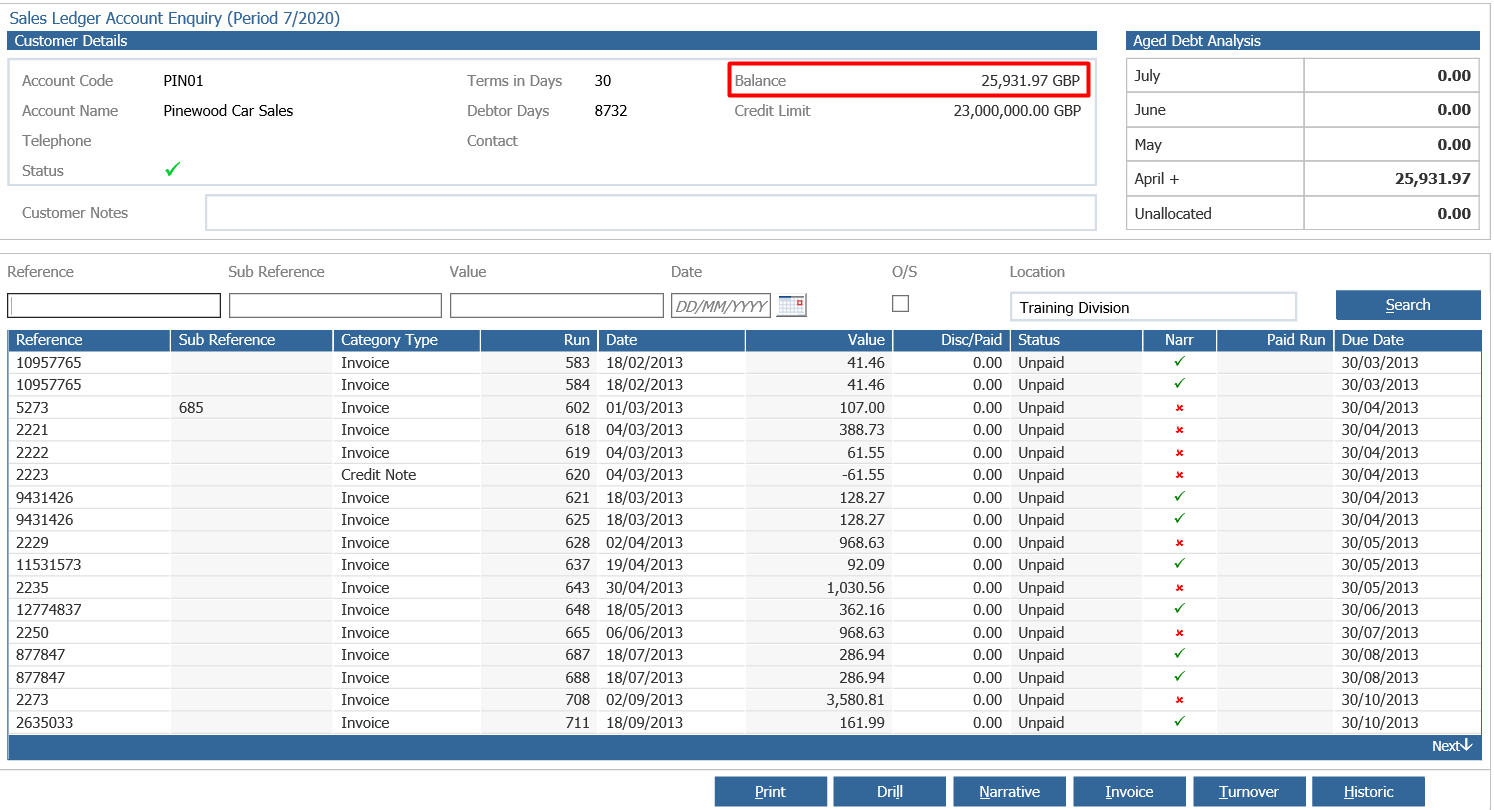
This account has a balance, this needs to be cleared down to 0.00.
Once cleared the user can return to the master account (Accounts > Sales Ledger > Master Accounts) and change the account group.
If you have followed the above information and still find the error occurring, please contact the support team.