Question
How do you change customer details on a cash account when completing a sundry posting?
Answer
Within Accounts > Sales Ledger > Processing > Sundry Posting and when using a Cash Account (set within Transaction Account parameters), you are able to change the customer details for the invoice printout from within this screen.
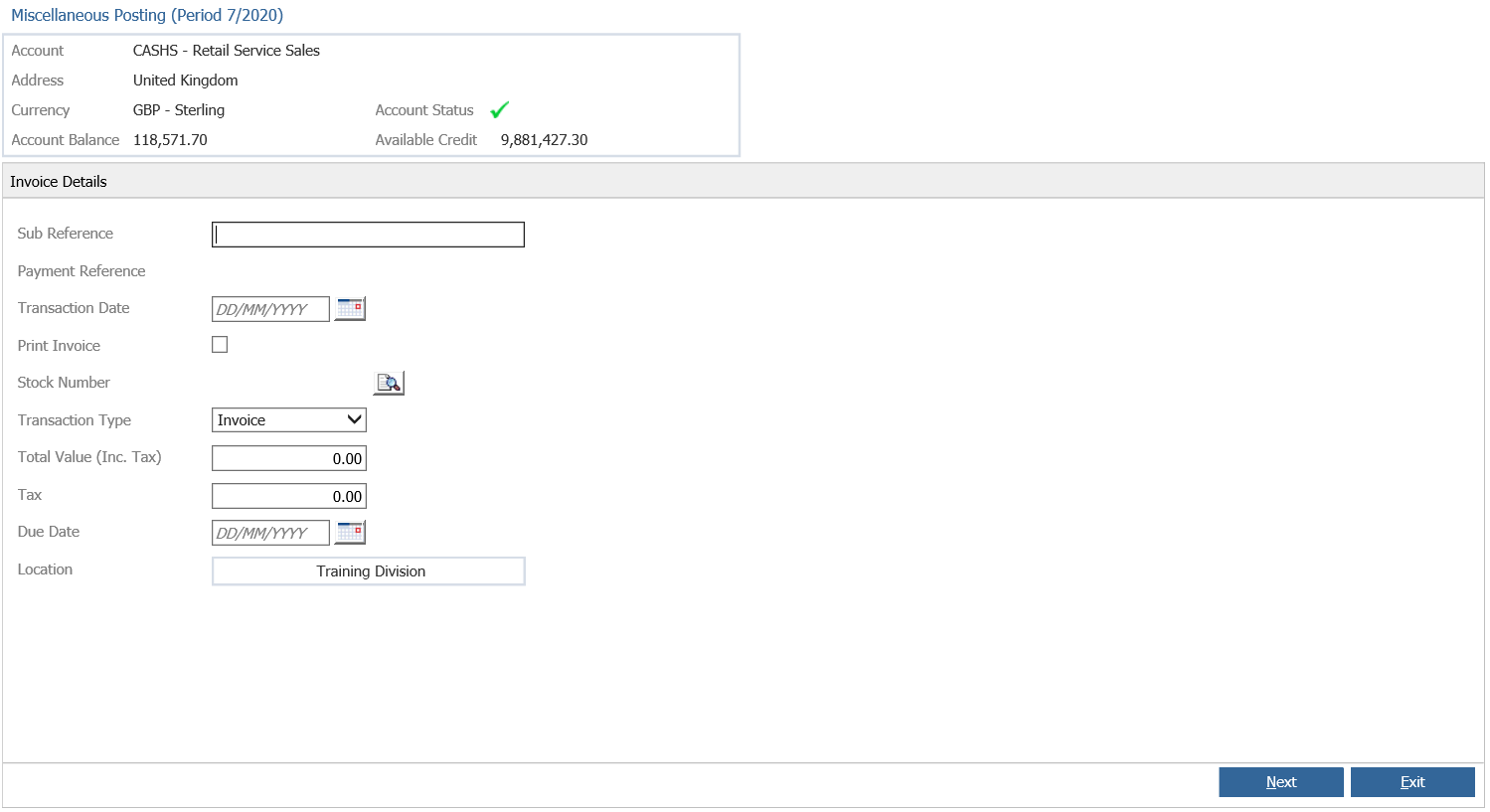
Tick 'Print Invoice'
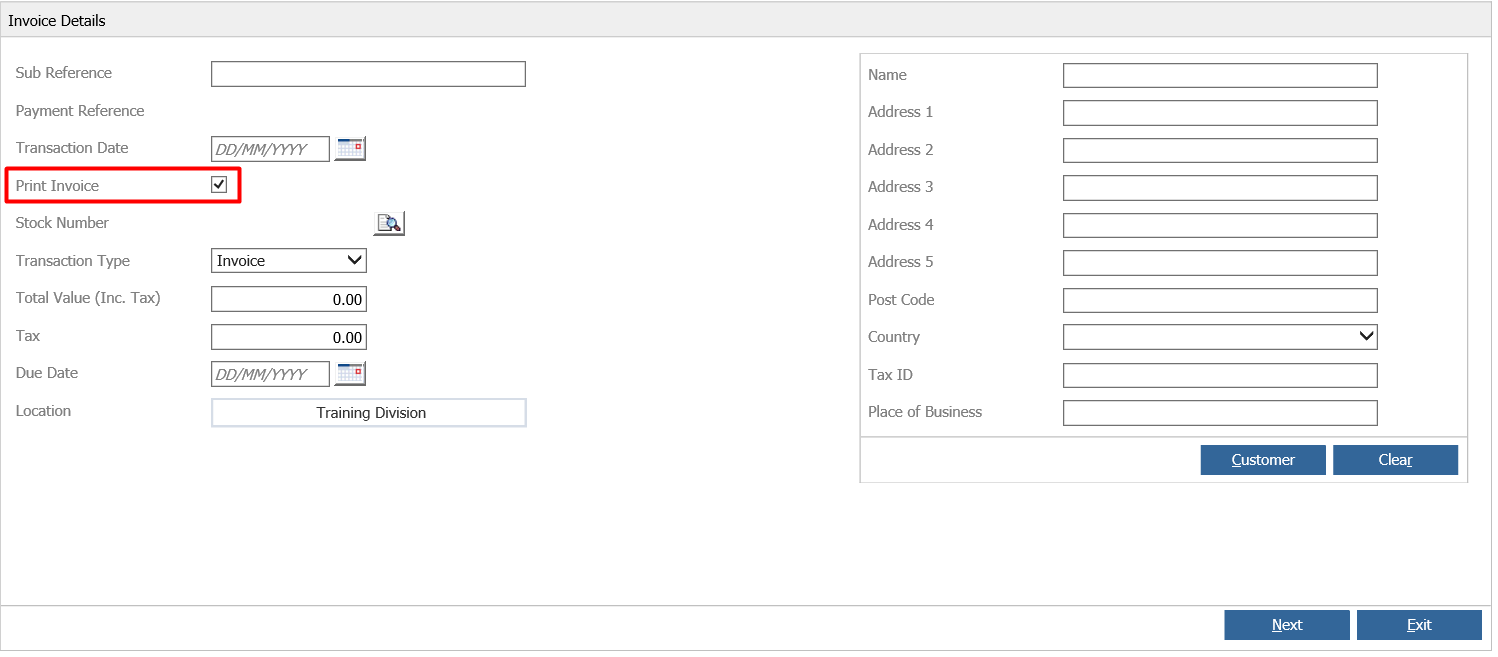
This will then open up a box on the right hand side to manually enter in the details, or a customer record can be searched by clicking the ‘Customer’ button and then selected to populate the details.
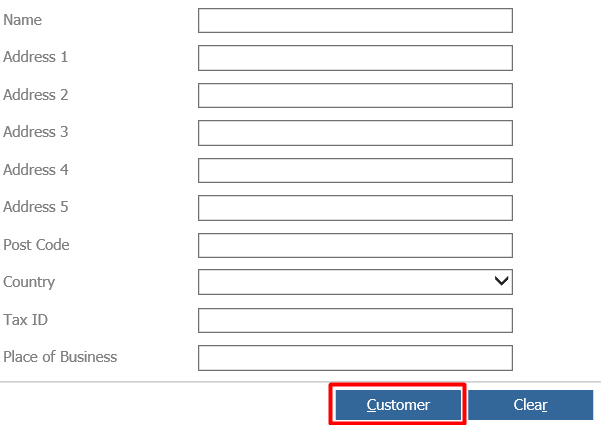
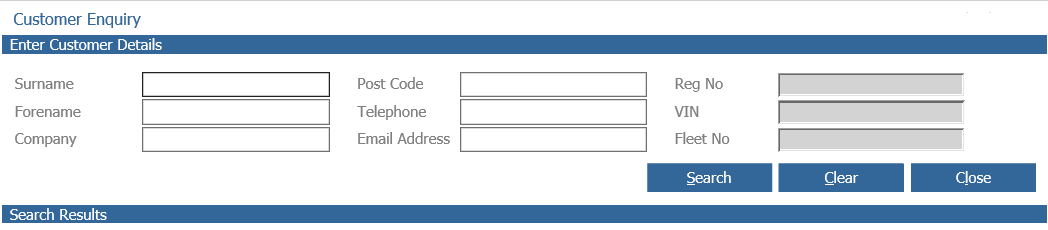
This button will open the below search screen, where you are able to search for any CRM record and select this to add it into the above fields.
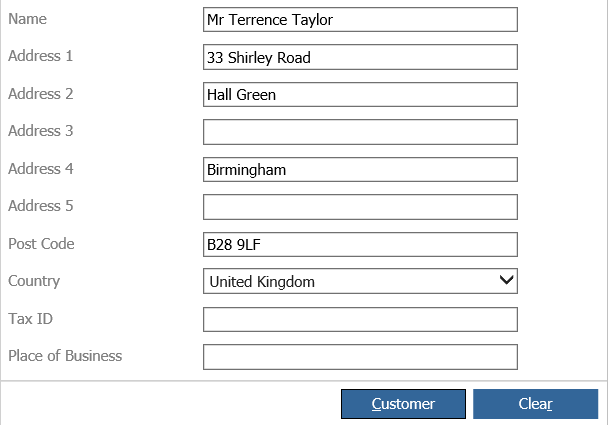
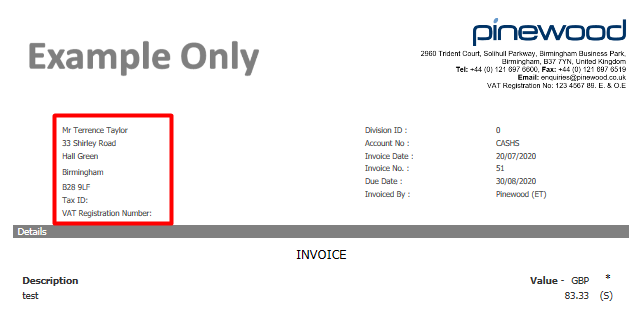
Then upon completing the Sundry posting, an invoice will be printed with the customer details you have selected from the above screen as below: