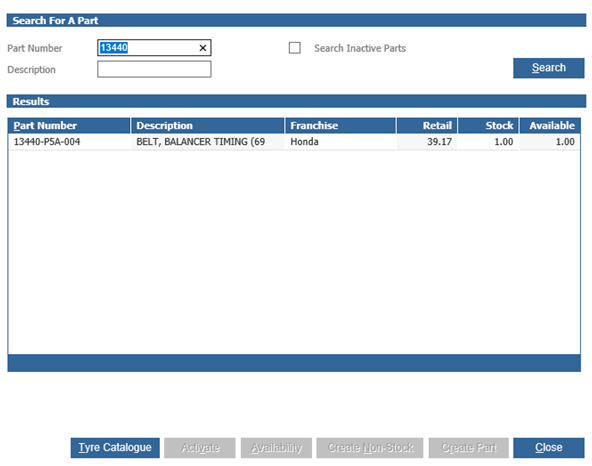
Go to Workshop > Invoicing > Parts Issues
If you are trying to search for a part but it is not appearing for selection, this would be due to the product group of the part. You will need to add this product group into the parameters in the Parts > Parameters > Department Details > Department Details 2.
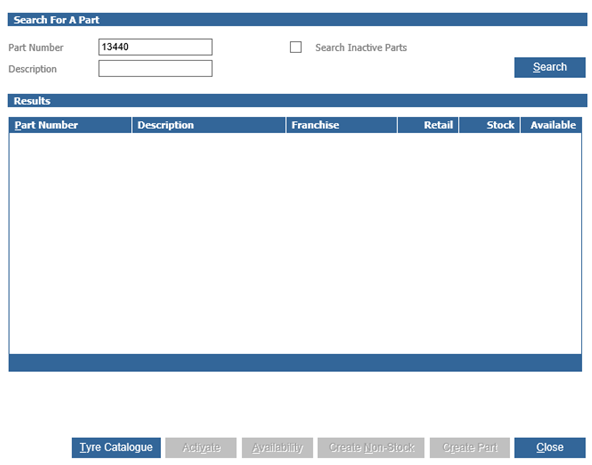
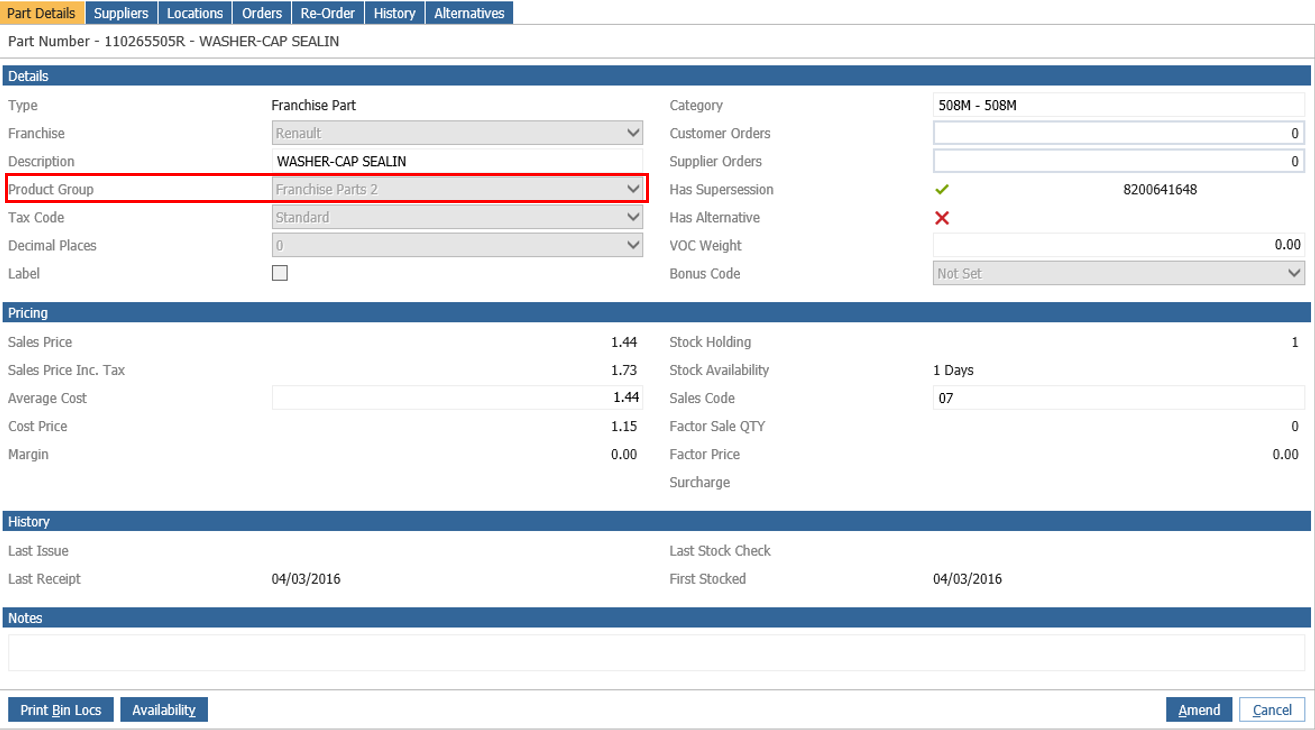
First you will need to find the Product Group of the part which can be found on the Part Card (Parts > Maintenance > Create/Amend).
The parameter is "Fast Fit Product Group" in which you will need to add the product group of the part that you cannot find into this parameter and then the part will pull through into the workshop side of the system.
You can find this parameter in Parts > Parameters > Department Details - Department Details 2.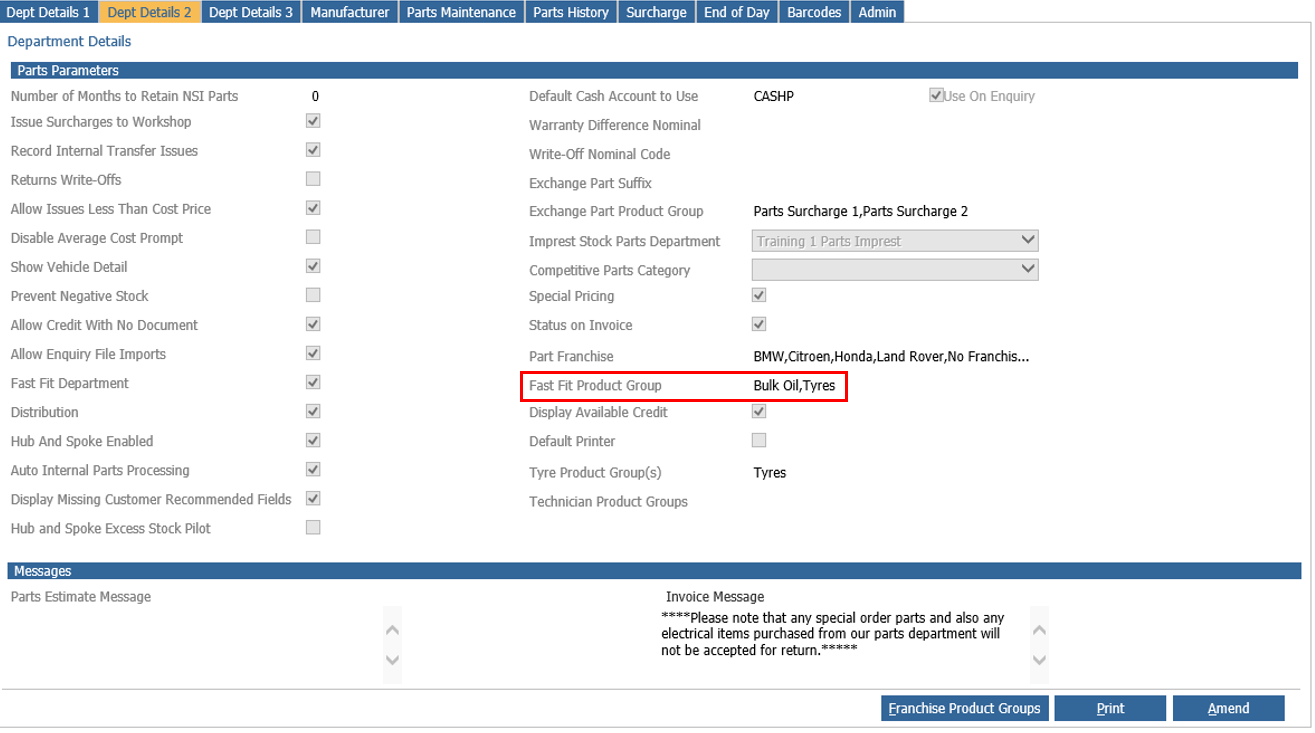
Drill into this parameter.
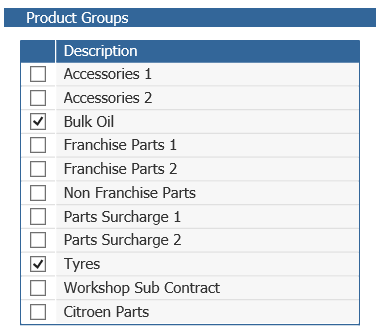
Here you will have to select the product group of the part you cannot find.
Click accept and save.
This part and other parts with the same product group should now pull through on the workshop side of the system.