
Question
I am locked in a Purchase Ledger Account, how can I unlock this?
Answer
A user may get locked within the Purchase Ledger allocation page. This would be caused if the system was closed whilst allocating payments within an account.
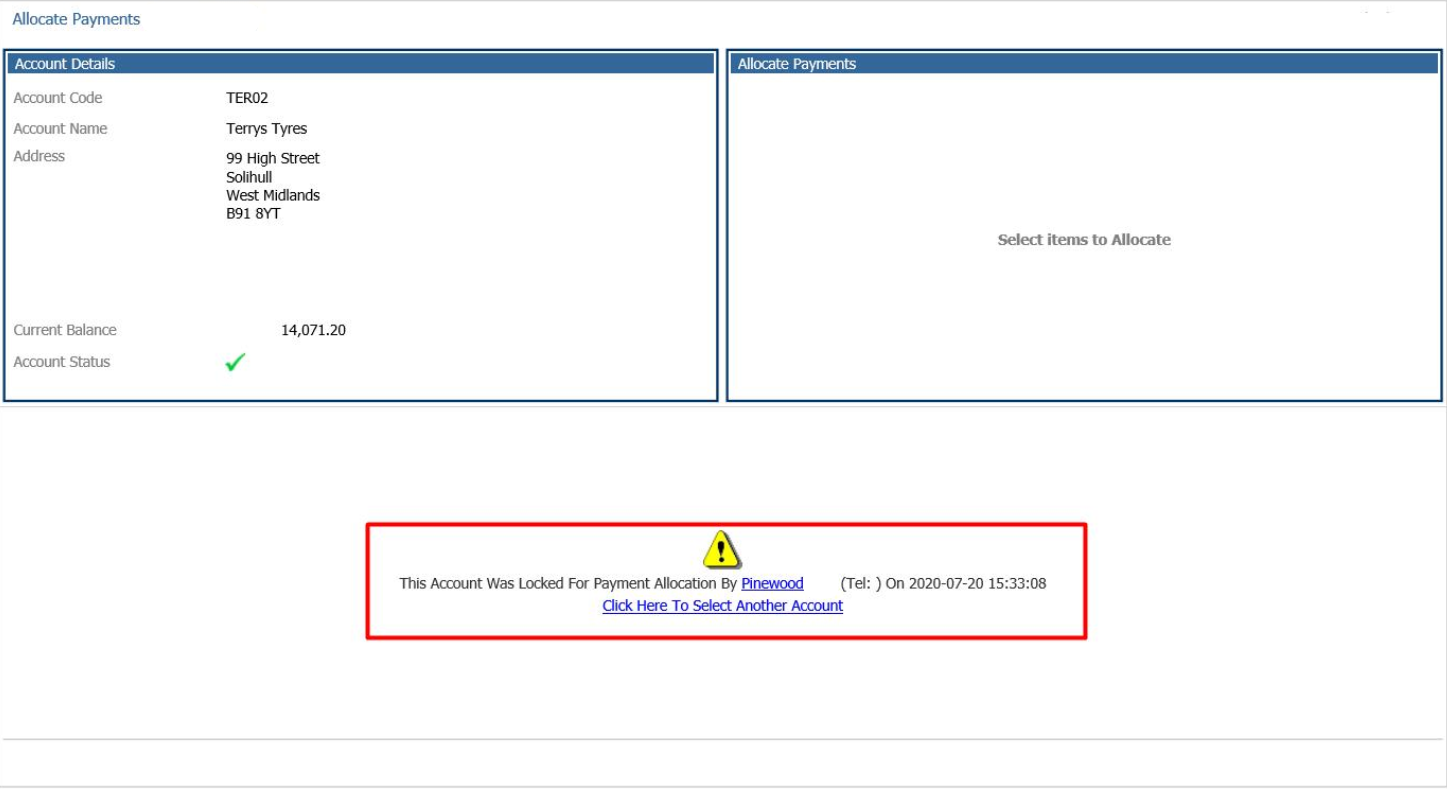
A purchase ledger account can only be unlocked by the user who has locked it. To unlock it, you will need to go to:
Accounts > Purchase Ledger > Processing > Allocate Payments
Enter the Account Name or Account Code and click search
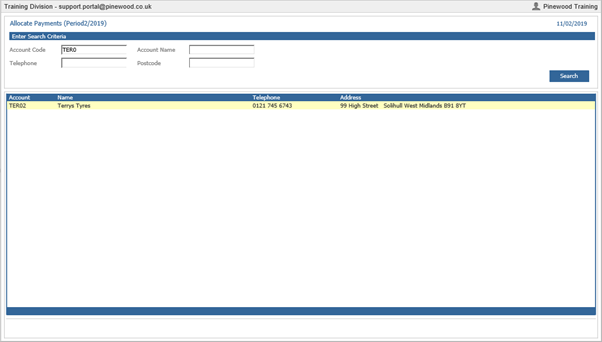
Once found, double click on the account
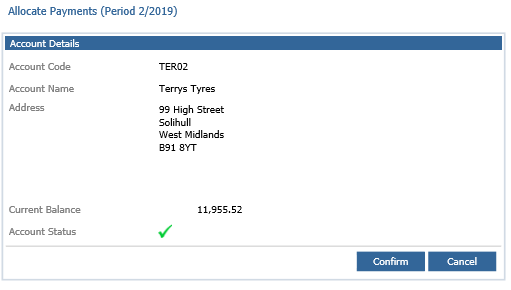
The next screen will be the Account Details. Click Confirm
On the next screen, click cancel at the bottom right
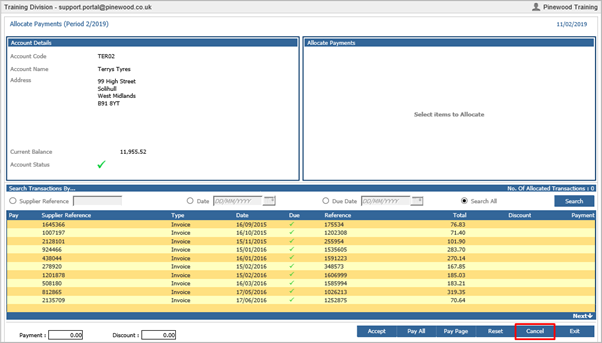
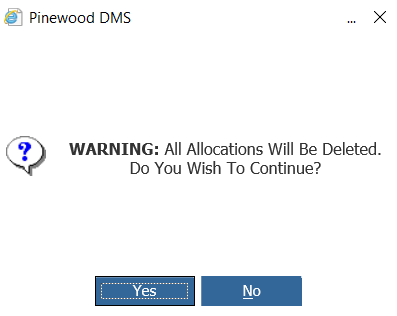
A warning message will appear: All Allocations Will Be Deleted. Do You Wish To Continue? Click Yes
The account will now be unlocked