
Question
How do you add a contra nominal code?
Answer
In order to post a contra journal, you must ensure a nominal code is setup for this.
To enter/amend the nominal code for contra journal entries, you must go to:
Accounts > Nominal Ledger > Ledger Parameters
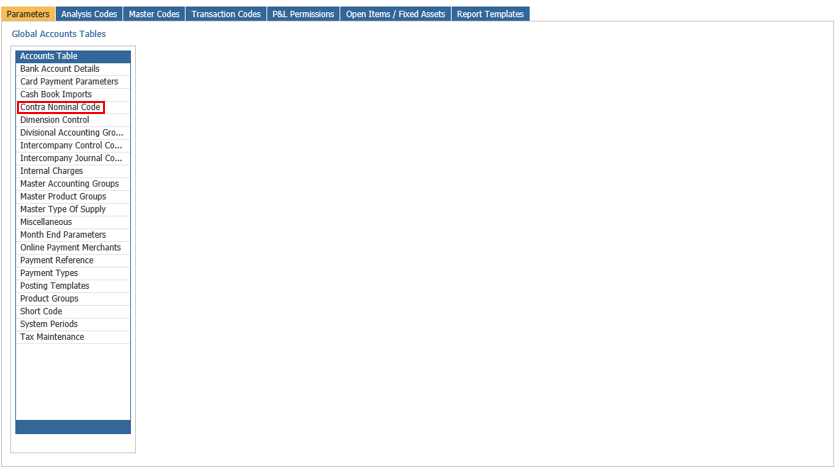
Within the parameters tab, under the Accounts Table, double click on Contra Nominal Code:
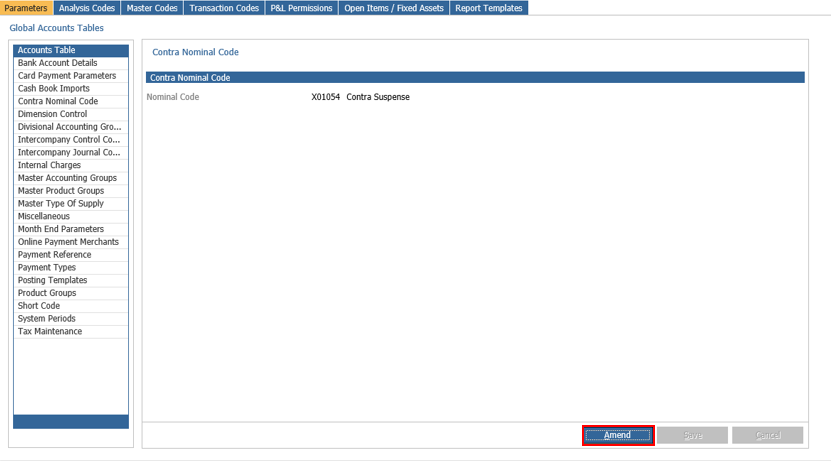
Click Amend:
Enter the desired nominal code or click on the magnifying glass to perform a search:
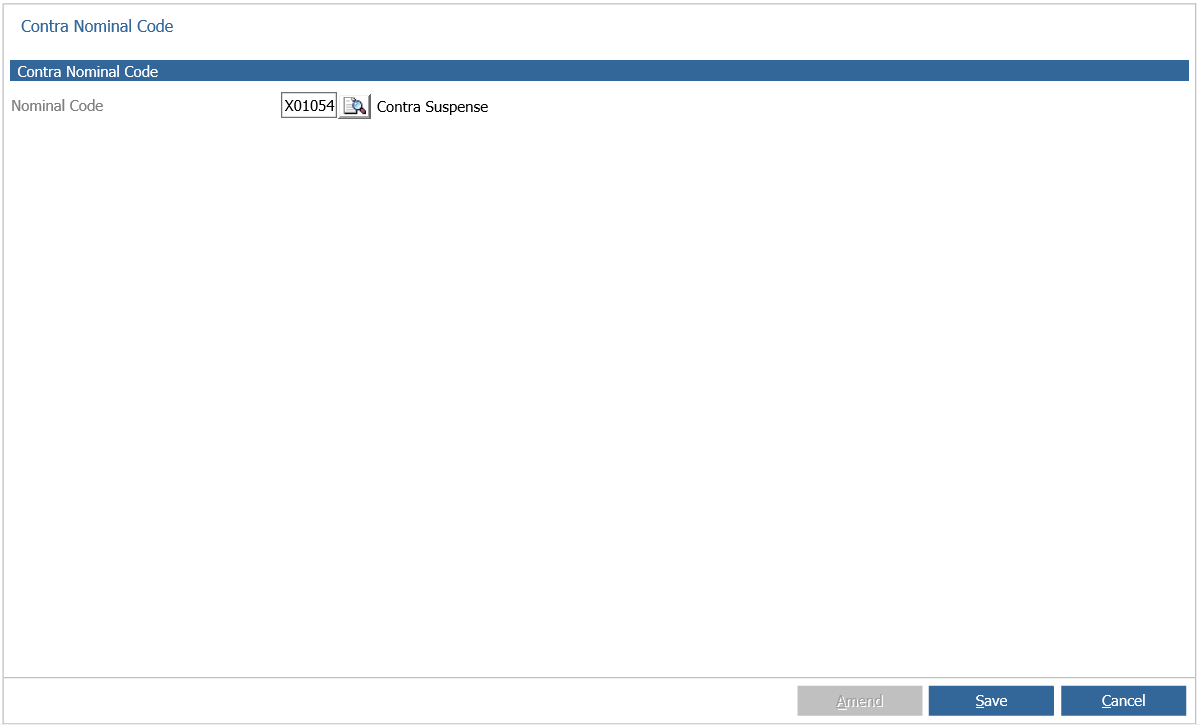
You can search by using part of the nominal code, description of nominal or by selecting a type of nominal.
Once the nominal code has been entered, click save