
Once the vehicle has been checked in using the loan car returns screen, it will populate the
usage report.
In the side menu select: Workshop > Reporting > Loan Car Usage
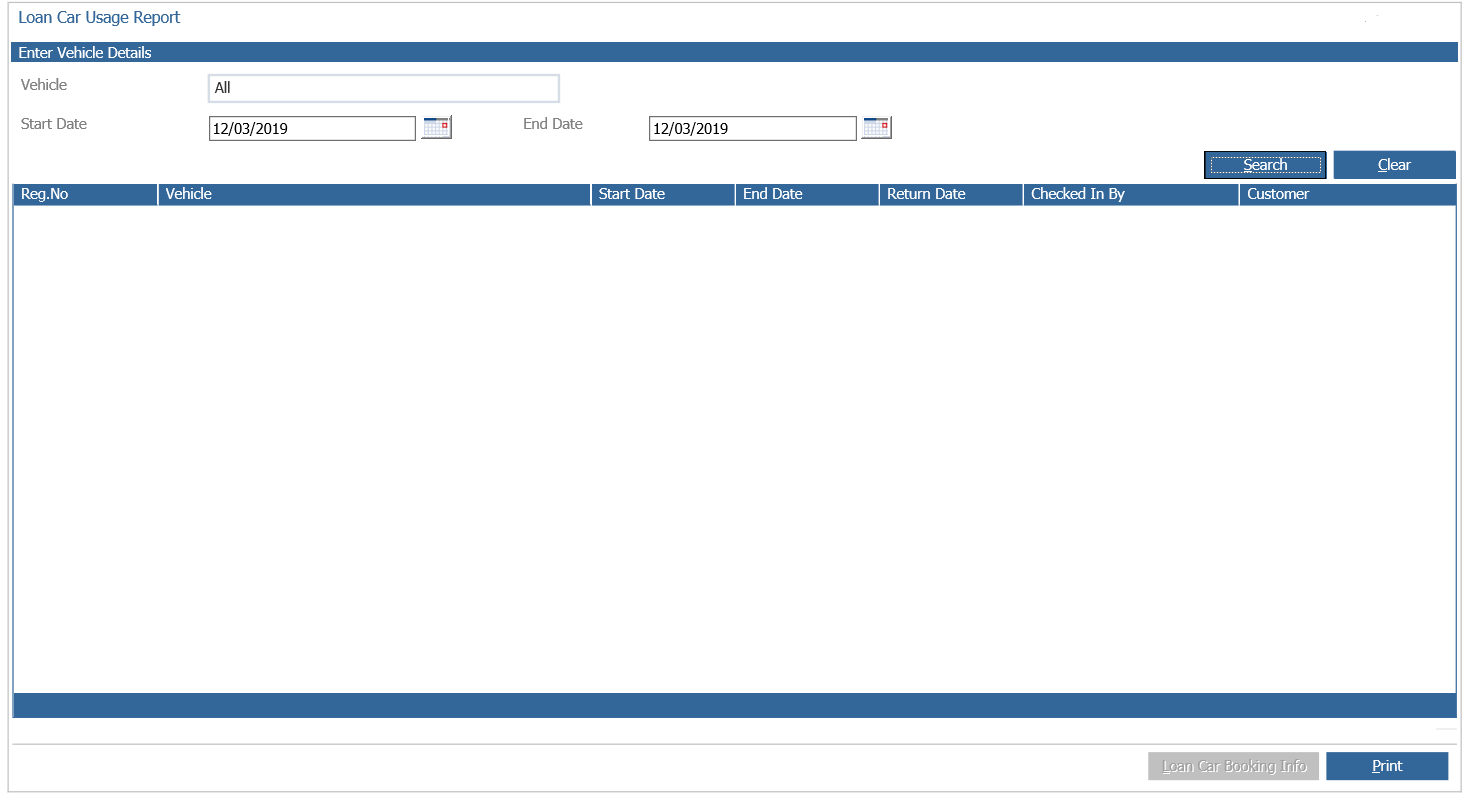
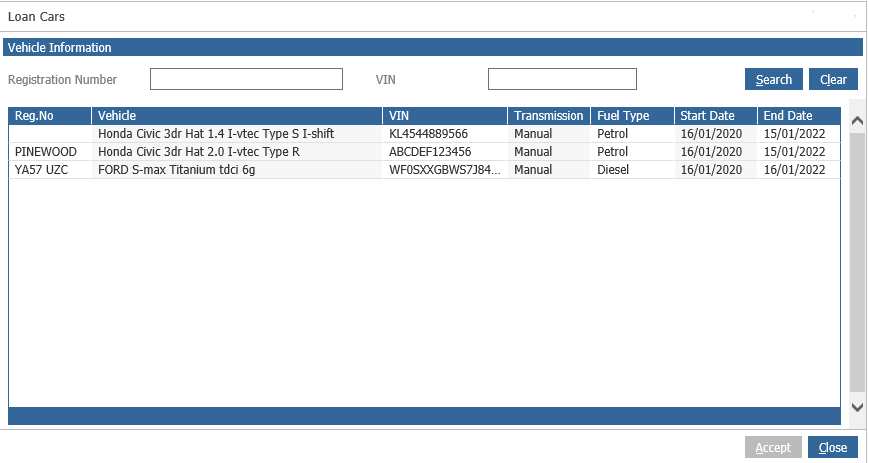
Click the Vehicle field to search for a Loan Car Vehicle:
You can then generate a report based on the vehicle and date range criteria as required, which will then display the loan car as below:
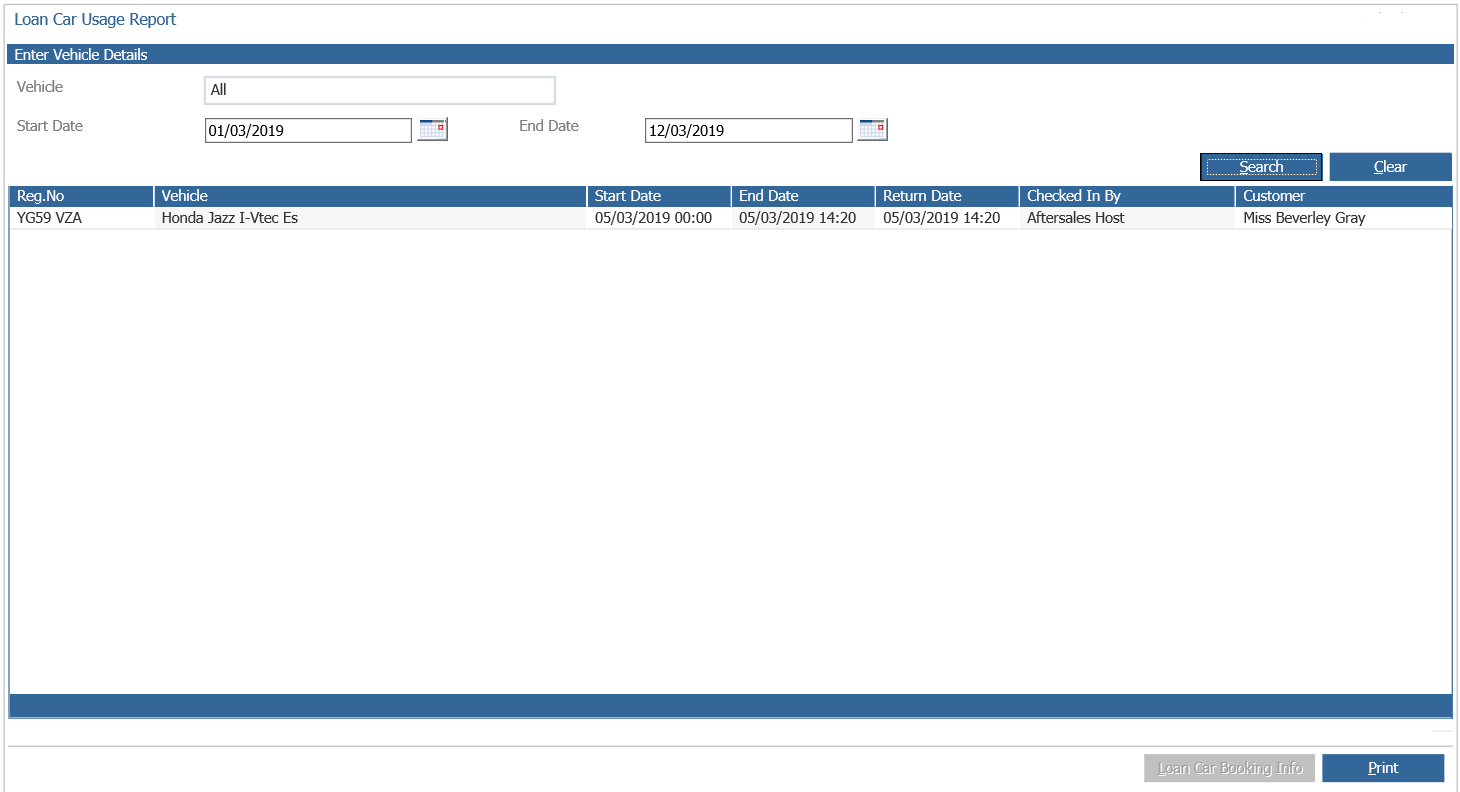
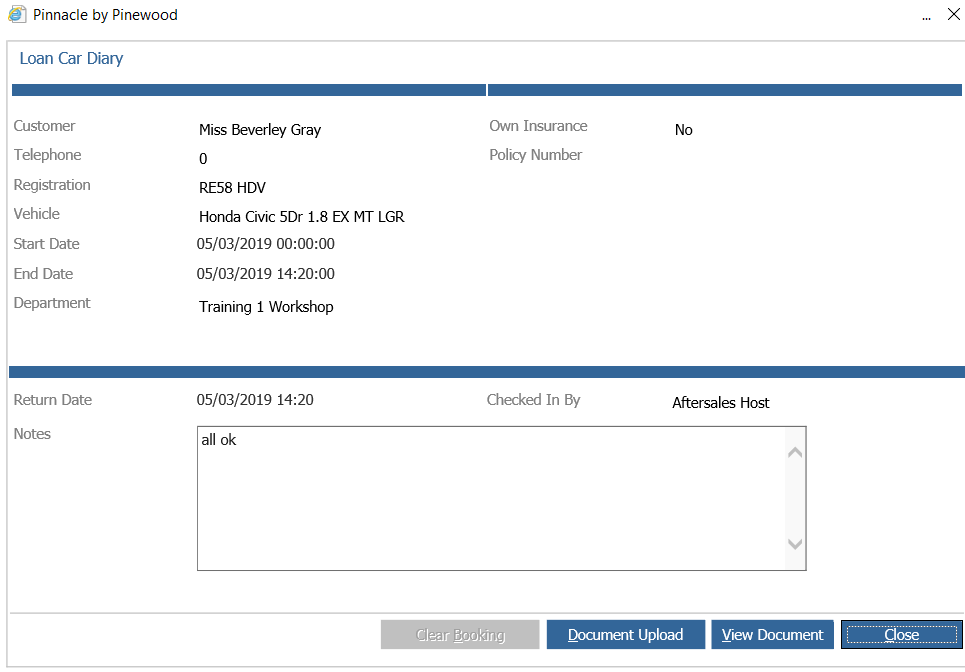
Double-clicking a vehicle will display the customer marketing record. A record per allocation will be displayed in the report. To view the specific detail of the loan car allocation; highlight the record, then select the ‘Loan Car Booking Info’ button.
The following window will show the booking and return details for the loan, and any uploaded
documents can be viewed.
NOTE: Only once the loan vehicle has been checked in, using the loan car returns function
will it populate the usage report.