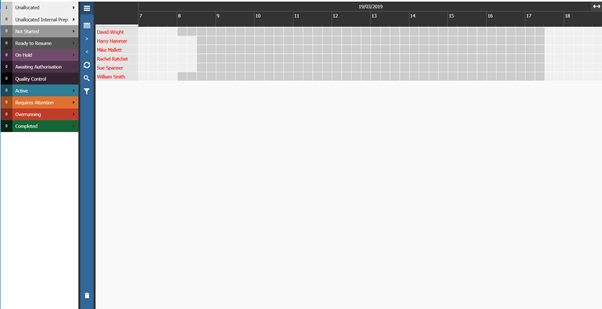
To open the Planner, go to Workshop > Planning > Planner within Pinewood DMS, you will then get the option of selecting a Date to view the Planner on and if you wish to view this over 1, 2 or 3 days:

Once these have been selected, click Launch. This will then open a separate window with the Planner.
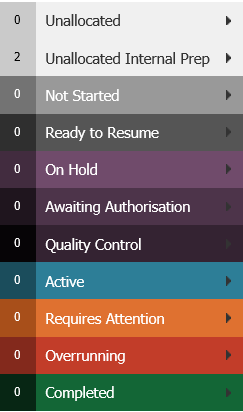
This then gives a full breakdown of the status of each jobs for the time frame selected: