
If you have an abnormal amount of loan car vehicles displaying in the diary compared to what is actually available in the department -
The first thing to check would be how many available loan cars are displaying in Workshop >Parameters > Loan Cars > Vehicle Information:
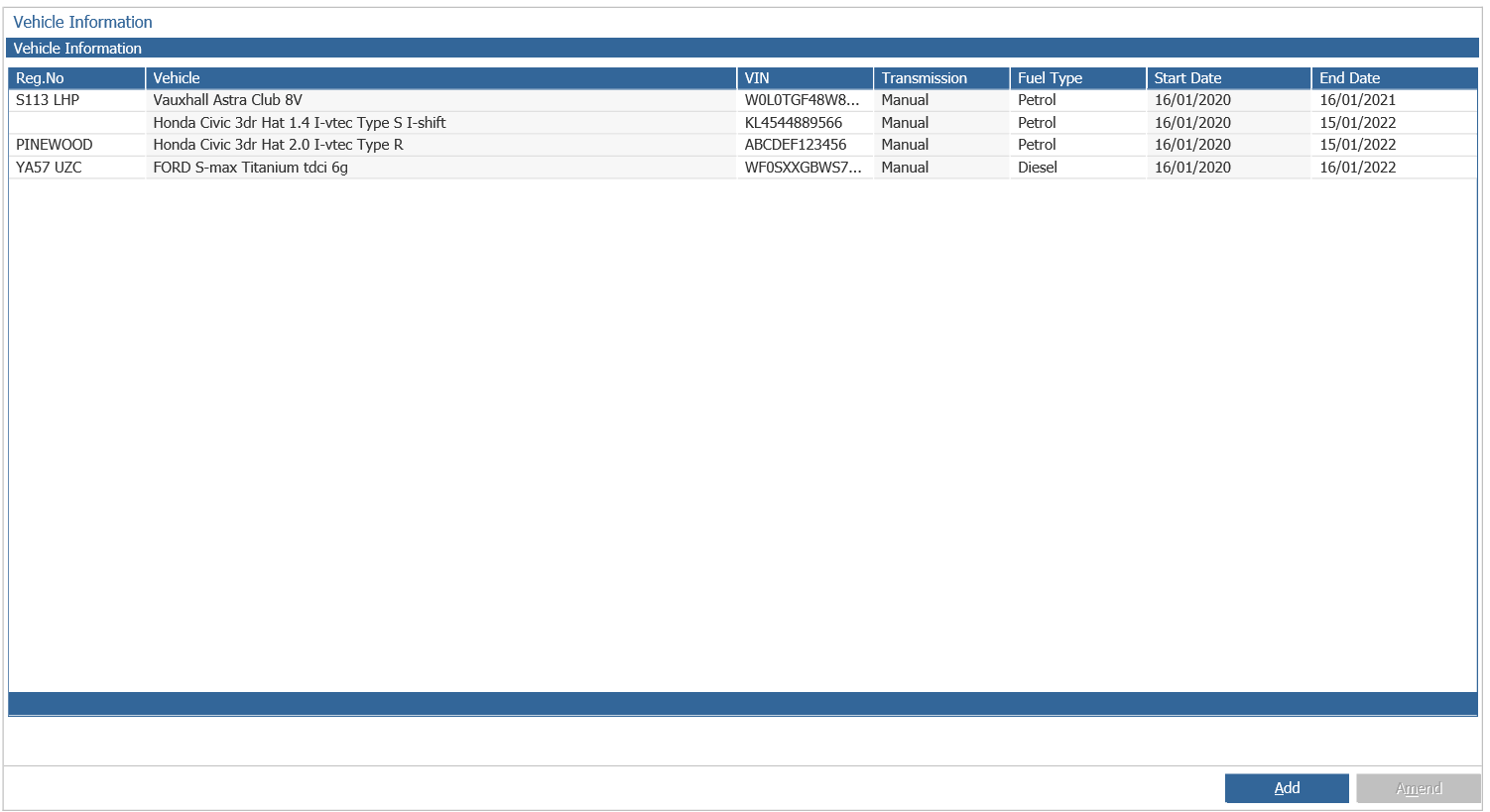
If this does not match the amount in the Loan Car Diary this will be due to the 'Loan Car By Department' parameter not being ticked. To set this up you will need to go to:
Workshop > Parameters > Parameters > General 1 > tick the 'Loan Car By Department' parameter as seen below and select accept:
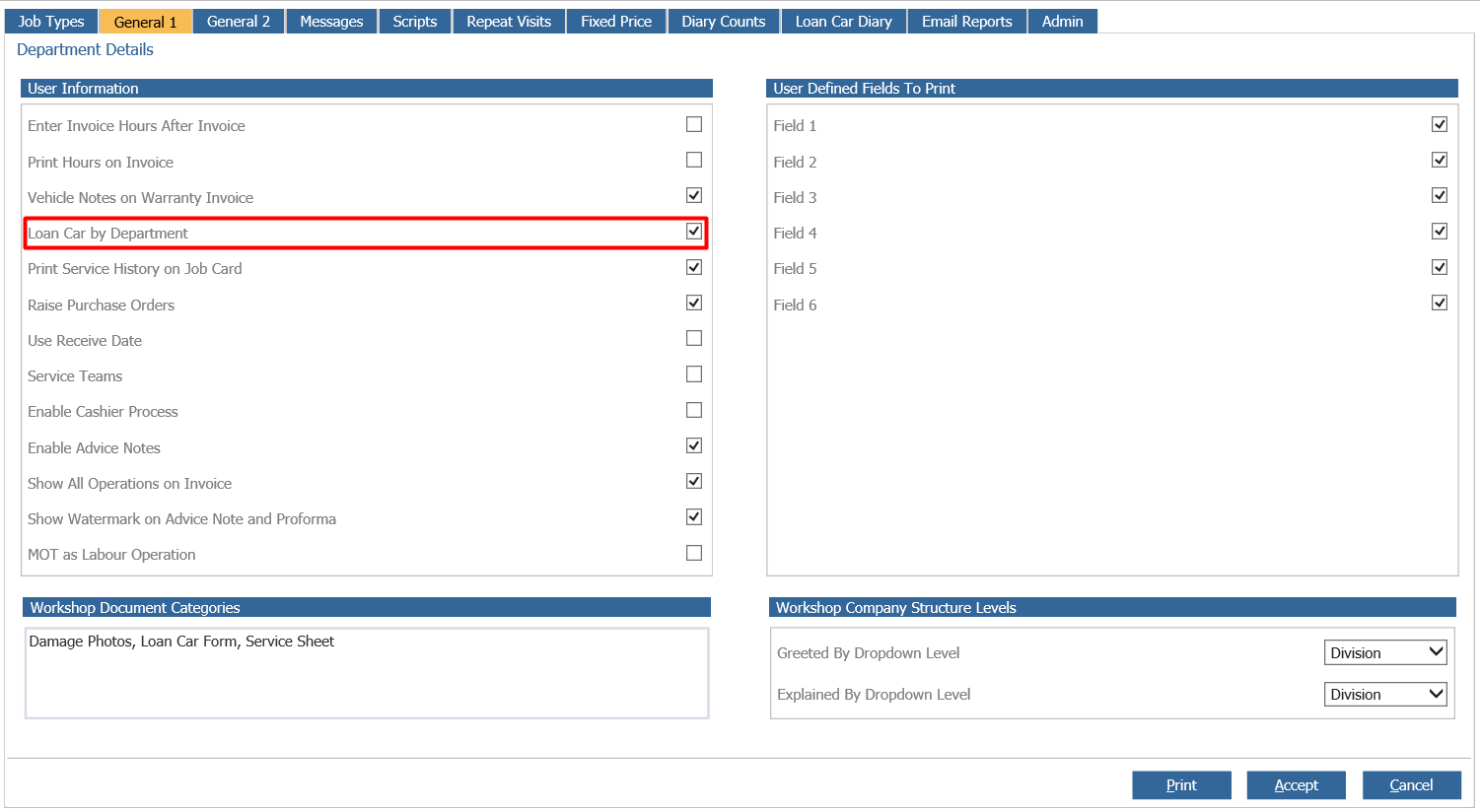
Please Note: This will now mean that only vehicles available in the dealership's department will display in the Loan Car Diary as opposed to the whole branch.