
Question
How do I change the address on a Purchase or Sales Ledger Account?
Answer
In some cases a supplier may change their address/location. In these circumstances it is necessary to change the address for said supplier on Pinewood DMS.
In order to change the address on a purchase or sales ledger account, (same steps apply), the following process needs to be followed:
Accounts > Sales Ledger > Transaction Accounts
From this screen you are required to fill in the details for the account you wish to amend. Partially filling in the account code will display multiple accounts, whereas inputting the full account code will automatically drill into the account.
Upon selecting the desired account, the 'transaction account details' are displayed. From here you are able to amend a variety of details including the address assigned to the account.
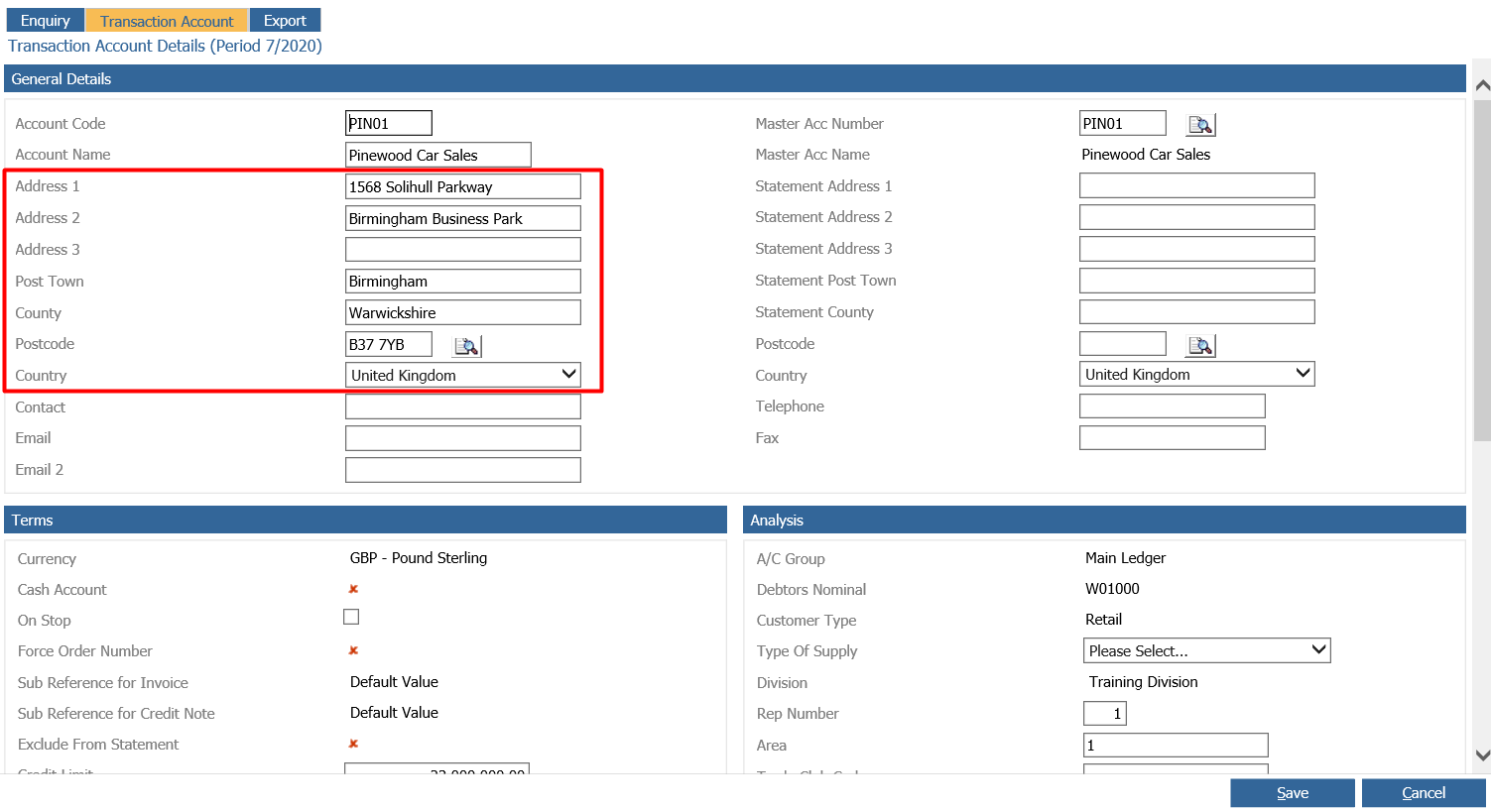
From this page, you are able to amend the address to the new, changed address.
Note: The same process needs to be followed in order to change the address on the Purchase Ledger Account.