
Question
Why can I not Amend Nominal ledger Analysis codes?
Answer
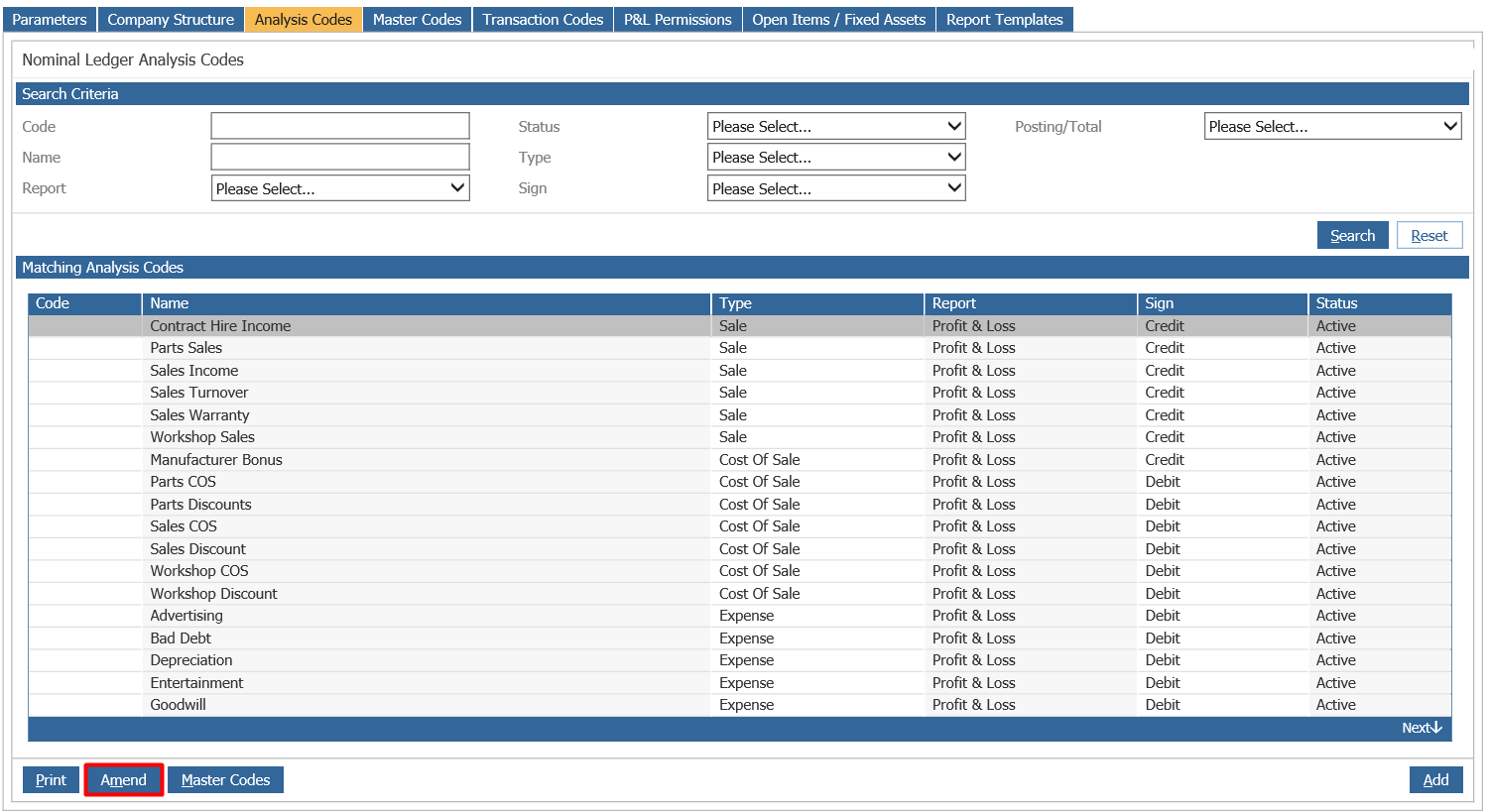
First, to amend the Nominal Ledger analysis codes go to:
Accounts > Nominal Ledger > Ledger Parameters > Analysis Code Tab
If you want to do a direct search for the Analysis codes, you can use the fields below to search:

Once you have found the required Analysis codes you are able to amend it, by clicking on the code, then the ‘Amend’ button.
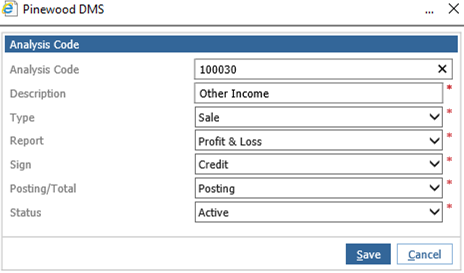
Analysis codes which do not have a balance posted to it you are able to change all of the fields in the pop-up box.
However, if you have a Balance which is in an Analysis code you are unable to amend anything apart from the description and code as the fields are greyed out.
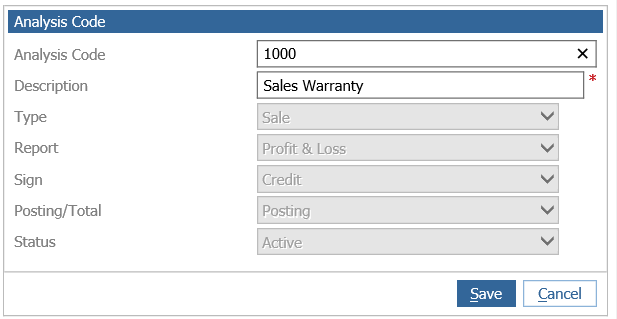
For example, if you have an Analysis code with Nominal codes grouped to it, once you make a posting to one of the Nominal codes within the group, this will affect all Nominal codes in the Analysis code making it unable to amend. Therefore, in order to amend the Analysis code, you will have to clear down all Nominal codes mapped to it.