Question
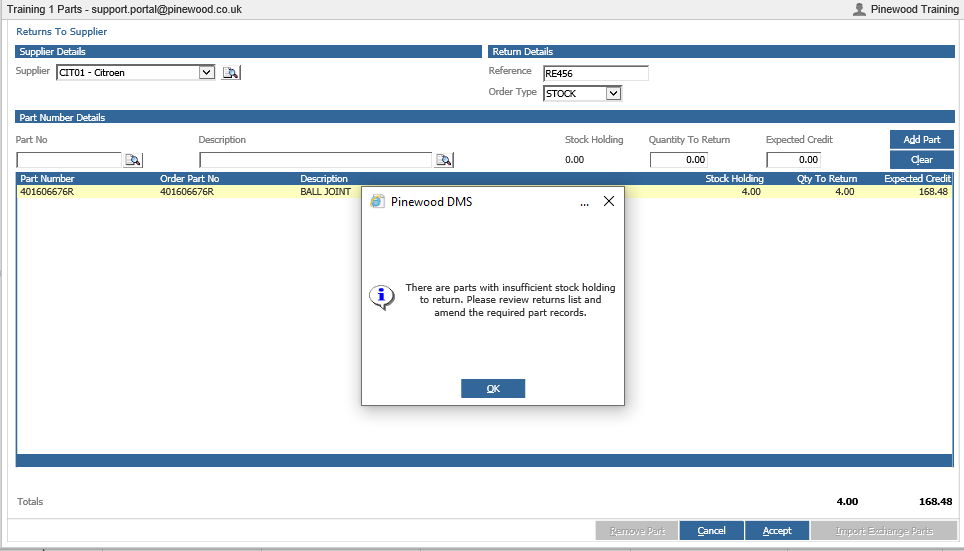
When trying to return a part to the supplier, a message pops up which says insufficient number in stock holdings but the stock holdings count is saying there is some in stock. How can I resolve this?
Answer
This will most likely be because this part has been reserved for a customer order.
You can see this by looking in Parts > Maintenance > Create/Amend search the part number.
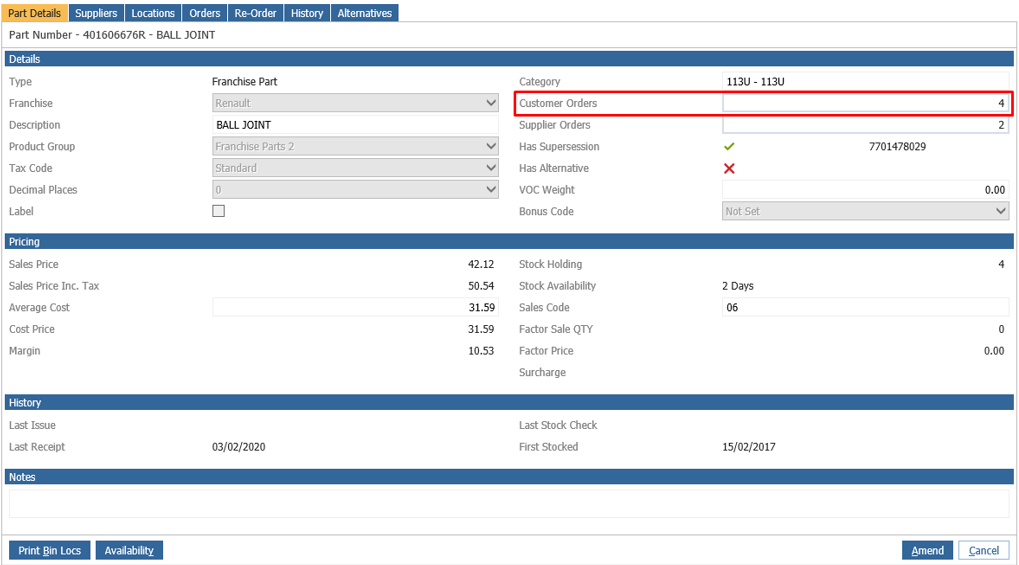
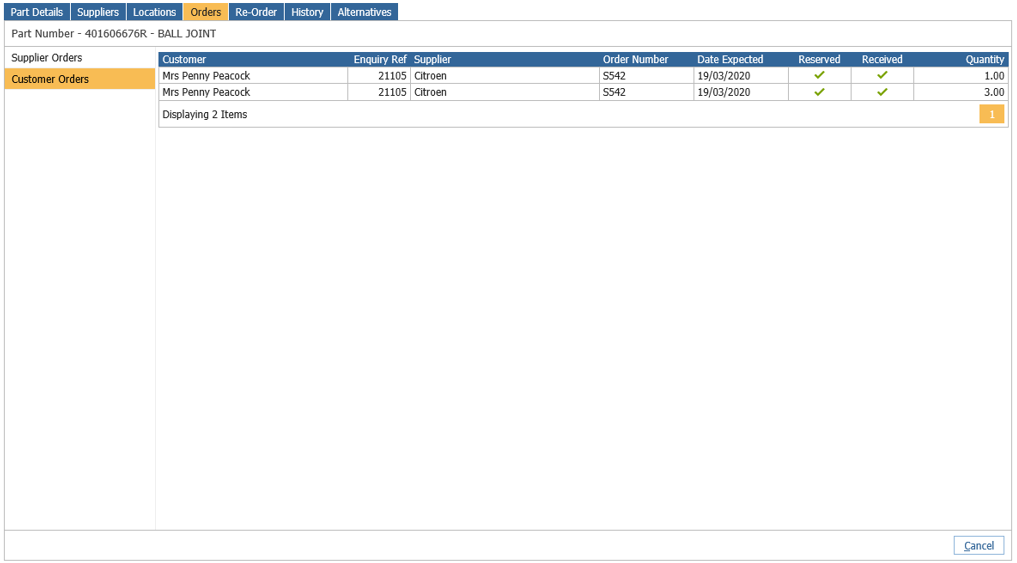
Look at the field called customer order and you can see there is a customer order for this part number. Click on this box and you can see who this part is reserved for. If this part is no longer needed on this order simply cancel the customer order within Customer Orders > Customer Orders > Outstanding.