
You may find that you have accidentally enlarged the text on your Pinewood DMS. This can cause problems with viewing information and hiding buttons from the user.
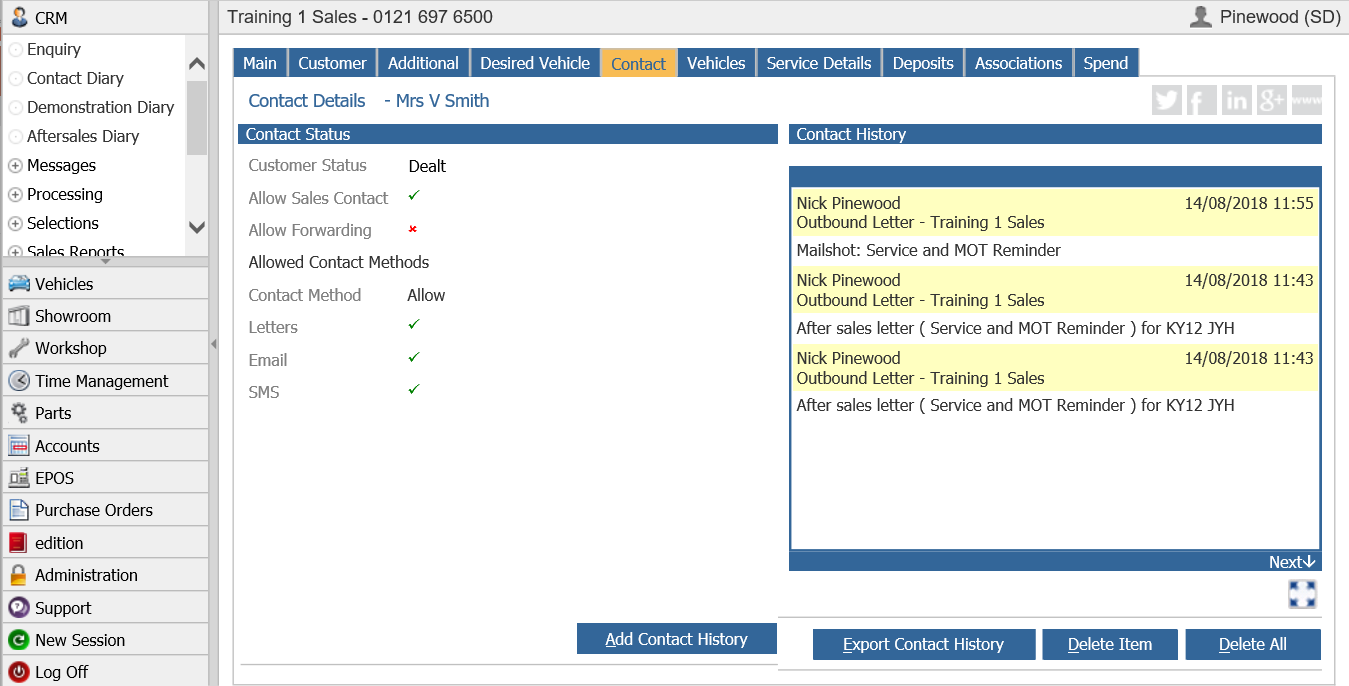
If your text displays too big like the below, the first thing to do would be to set your Internet Explorer zoom level to 100%. A shortcut to do this would be to simultaneously press 'Ctrl' and '0' on your keyboard. Failing this you can hold down 'Ctrl' and zoom up and down on your mouse scroll wheel.
If you have attempted the above and still find the text is too big, please contact your IT Department or consult our customer support team.