
Our support team use a programme called TeamViewer that allows us to remote onto your PC to fix basic Pinewood DMS issues and view potential processing issues.
There are two ways to download TeamViewer:
- Enter the following into your address bar: https://www.teamviewer.com/en/ and downloading for personal use - once downloaded this will give you an ID and Password to provide to the consultant remoting onto your PC - this will download the programme permanently onto your machine
- Enter the follow into your address bar: get.teamviewer.com/pinewood - this will download a temporary Pinewood TeamViewer version that gives the consultant access to start session with you.
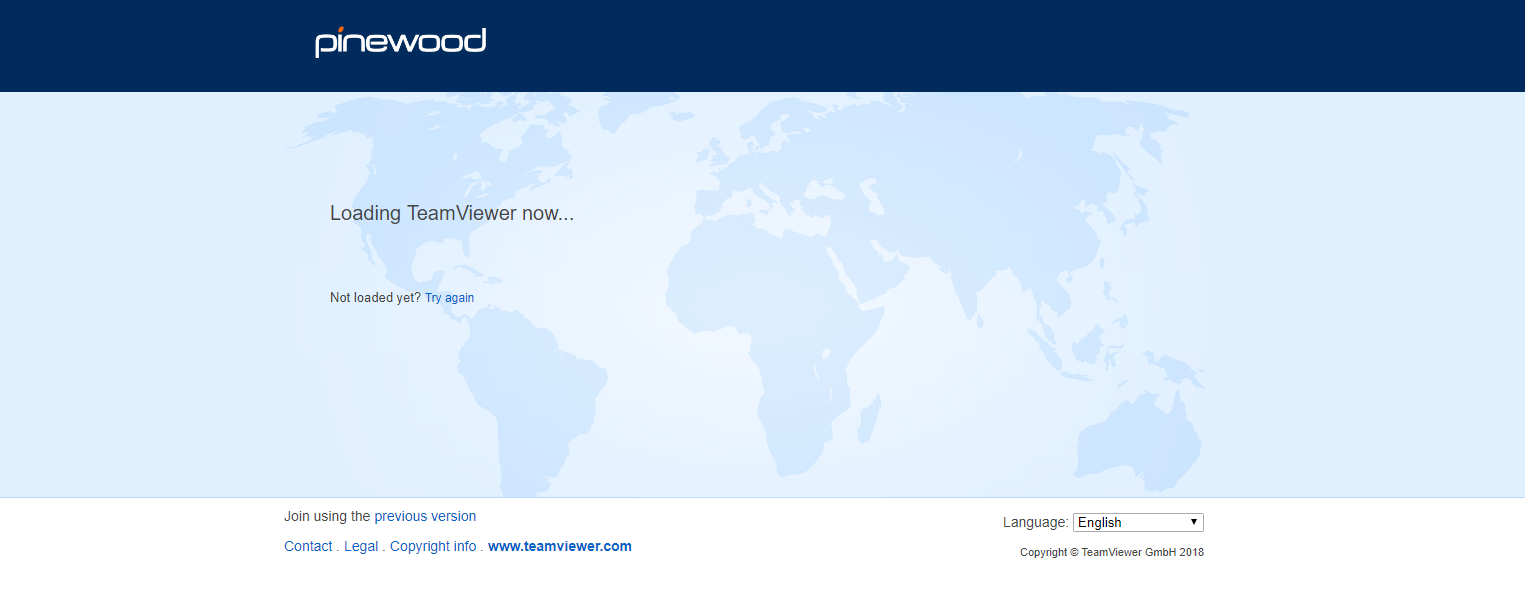 The screen below should appear when loading the website. Once loaded a box as below appears at the base of the screen - double click this- if it asks you to Run or Save, please click Run.
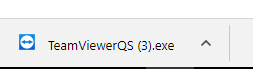
Once downloaded the consultant will be able to remote onto your PC.