
Question
Why am I unable to complete a stock take?
Answer
Whenever a Stock Take cannot be completed/finished because the system does not move you onto the Variance Report page to check your financial summary and finish the process, always check to see if any pages of the Stock Take have been locked.
In order to do this you can go to Parts > Maintenance > Stock Take > Variance Report.
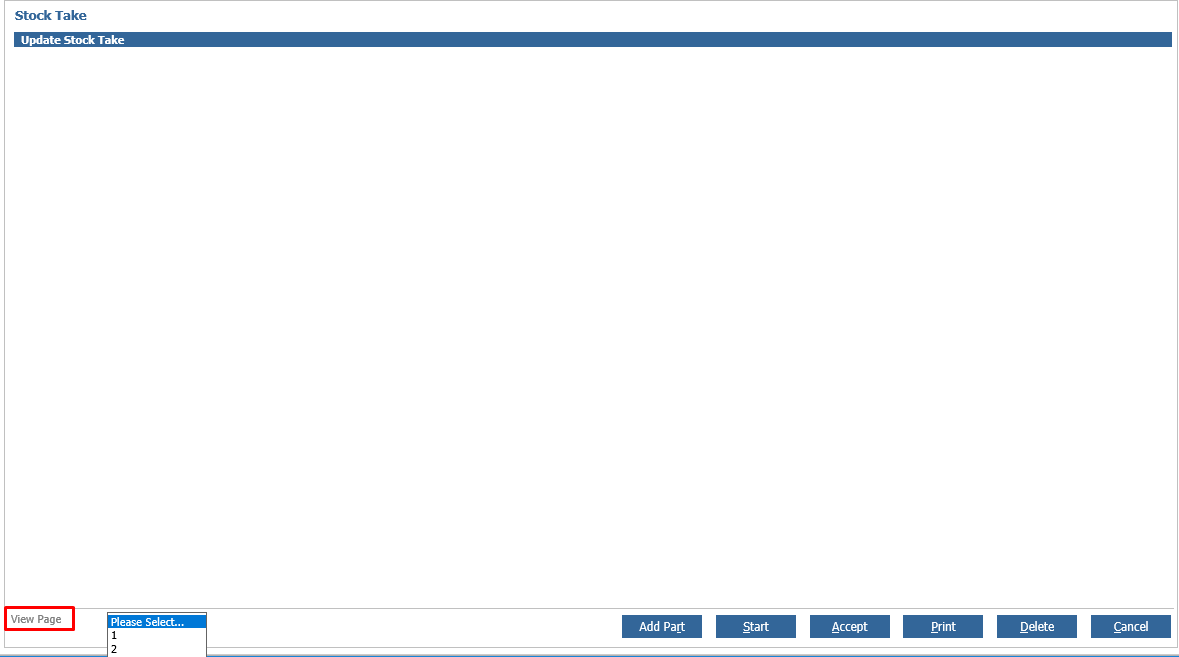
If you have ran a Stock Take and are unable to select anymore pages to view (highlighted), then this would suggest that there are no more pages left to update, in which case you would click 'Accept' and the Variance Report page should appear (as shown below) where you would 'Finish' the Stock take.
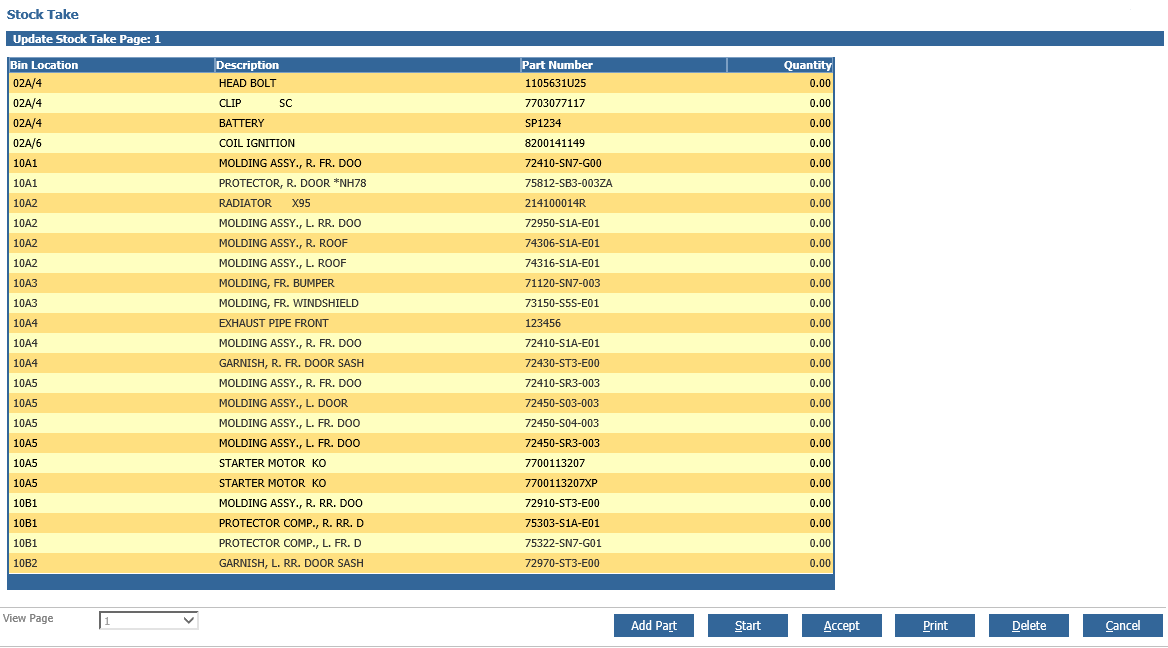
However, if by chance you receive a message informing you that 'There is no data to process' when you click 'Accept' that means that not all of the pages within your Stock Take have been completed. Despite the fact that there are no more pages left to update from the drop down. This means that there is a page(s) still locked.
In order to unlock this page navigate to the Variance Report page (as shown below) and simply 'Unlock' the remaining page.
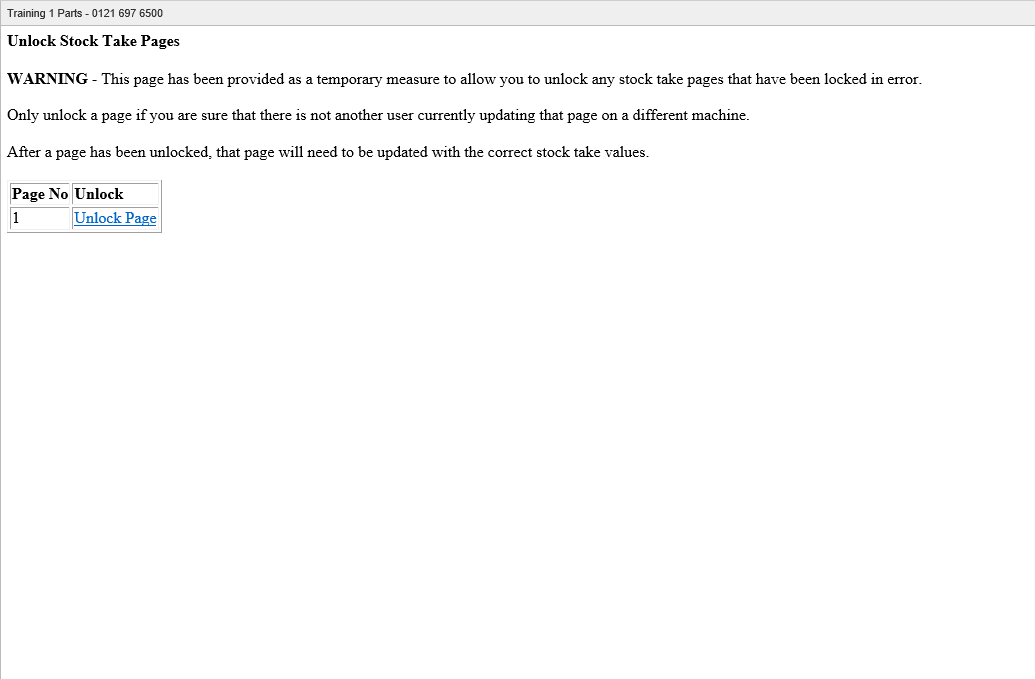
Once you have done this, you can then go back to the Stock Take page and click 'Accept'. The Variance Report page should appear for you to be able to Finish your Stock Take. This will make all the Parts on the system active again.