
Question
How do I Receipt Parts in Supplier Orders?
Answer
Parts > Purchase > Process Orders
Within process orders use the criteria to see either supplier orders that are still being processed or orders that have been confirmed and are waiting to be receipted into stock.
With the type set to order, select a supplier, the order number and the order type can be entered if required, and press ‘Search’.
Just selecting a supplier and pressing ‘Search’ will show all orders.
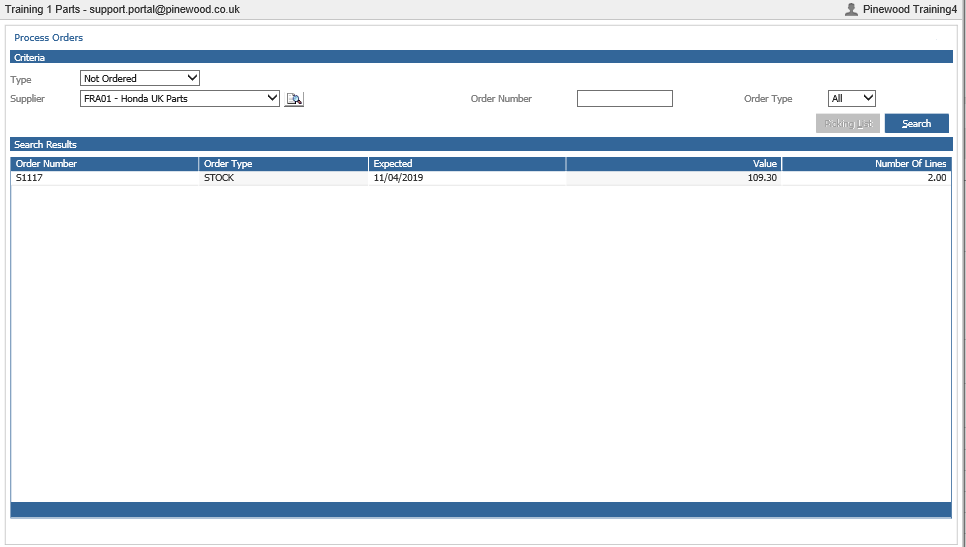
Single clicking the order and pressing ‘Print’ will print the supplier order.
Double clicking the order will open the order in supplier orders where amendments can be made. Please refer to Supplier Orders.
With the type set to receipt select a supplier, the order number and the order type can be entered if required and press ‘Search’.
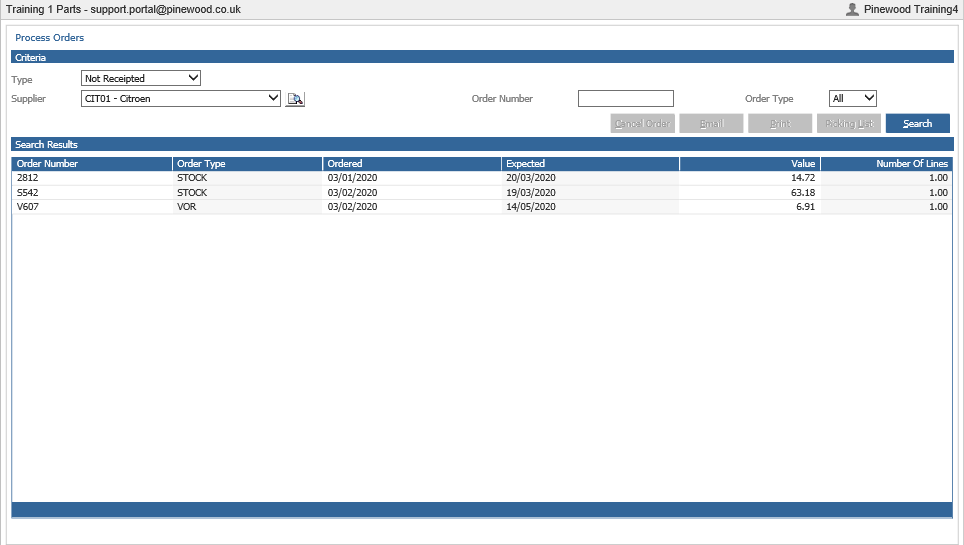
Single clicking the order and pressing ‘Print’ will print the order. This can be used for checking the parts in at goods inwards.
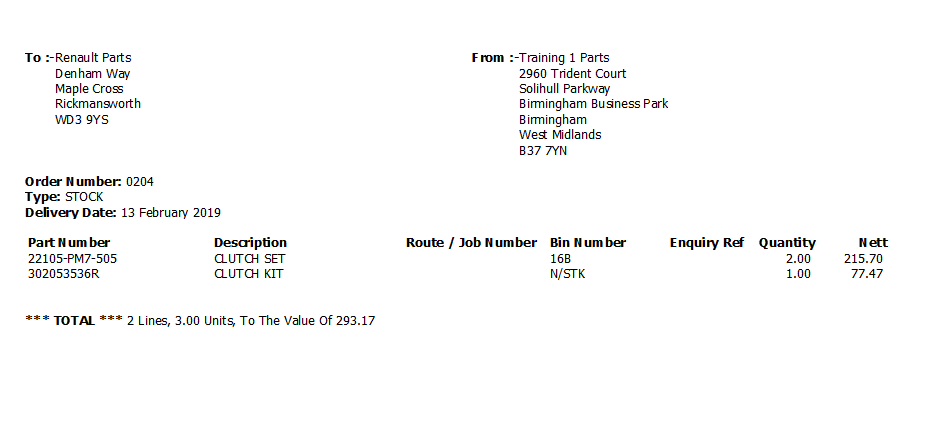
When parts to be received are linked to a customer order, the van route / job number, enquiry number, name and telephone number information is printed.
Double clicking the order will open the order up in receive ordered parts where amendments can be made and receipted into stock. Please refer to Receive Ordered Parts.