Question
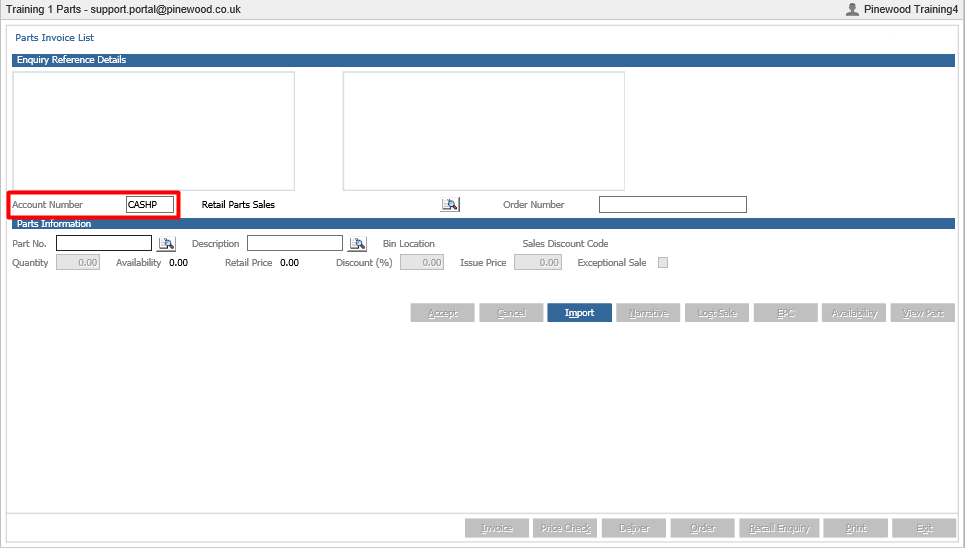
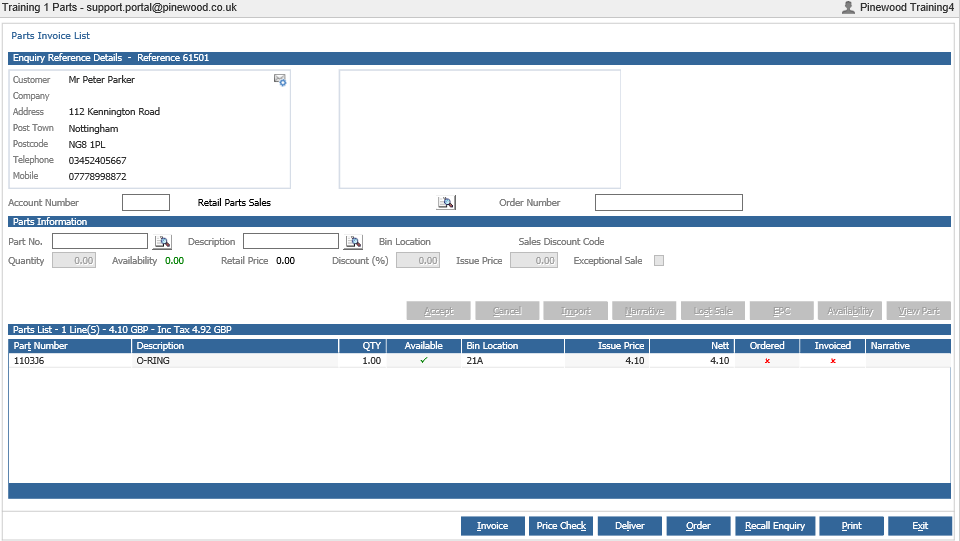
When producing an invoice in parts, why is the account number field blank, as shown below?
Answer
This would be due to a parameter setting. Therefore the account number has to be added in parameters to appear in this field
You would need to go to Parts > Parameters > Department Details>Department Details 2
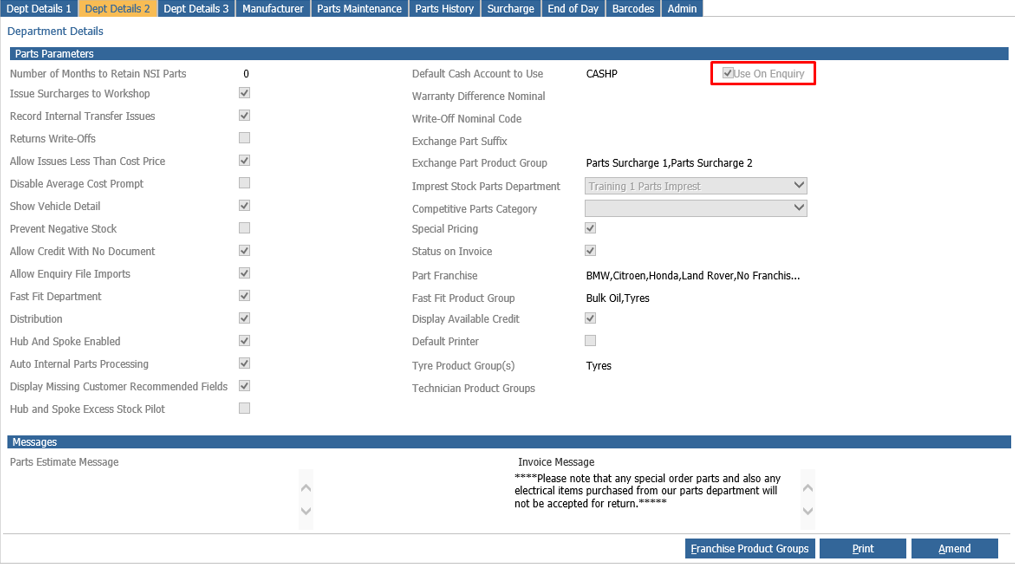
Once you have clicked into Department Details 2, you will find the default cash account heading on the right hand side. If the tick box is un-ticked as shown below it will not default on the invoice.
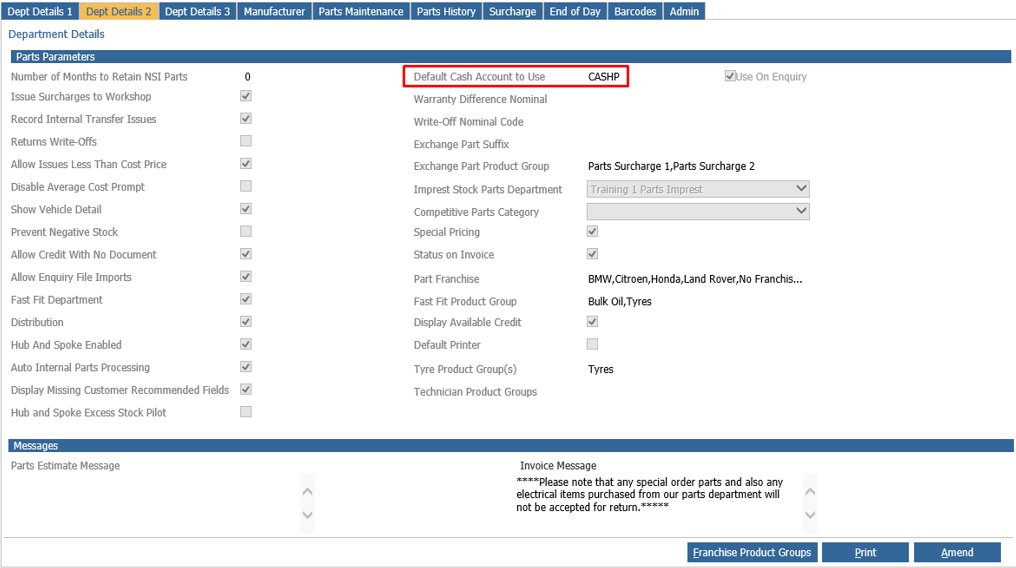
As shown below after clicking amend at the bottom of the page, click close and now the details can be amended.
As shown below the box is now ticked therefore the account field will not be blank.