
Question
Unable to use delete Bin Locations function because the screen highlights and you cannot select anything - how can I resolve this?
Answer
If you are using an earlier version of windows, then windows 7 you may experience an issue with trying to delete Bin Locations. When you try and select a Bin Location it will highlight them all and not allow you to move them to the Select Bin Locations box.
To get around this you will need to minimise the side menu by clicking the below:
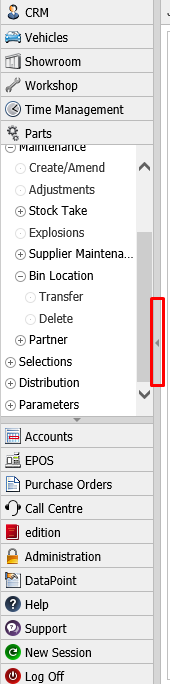
After this has been done it will only show the icons for the different modules and nothing else.
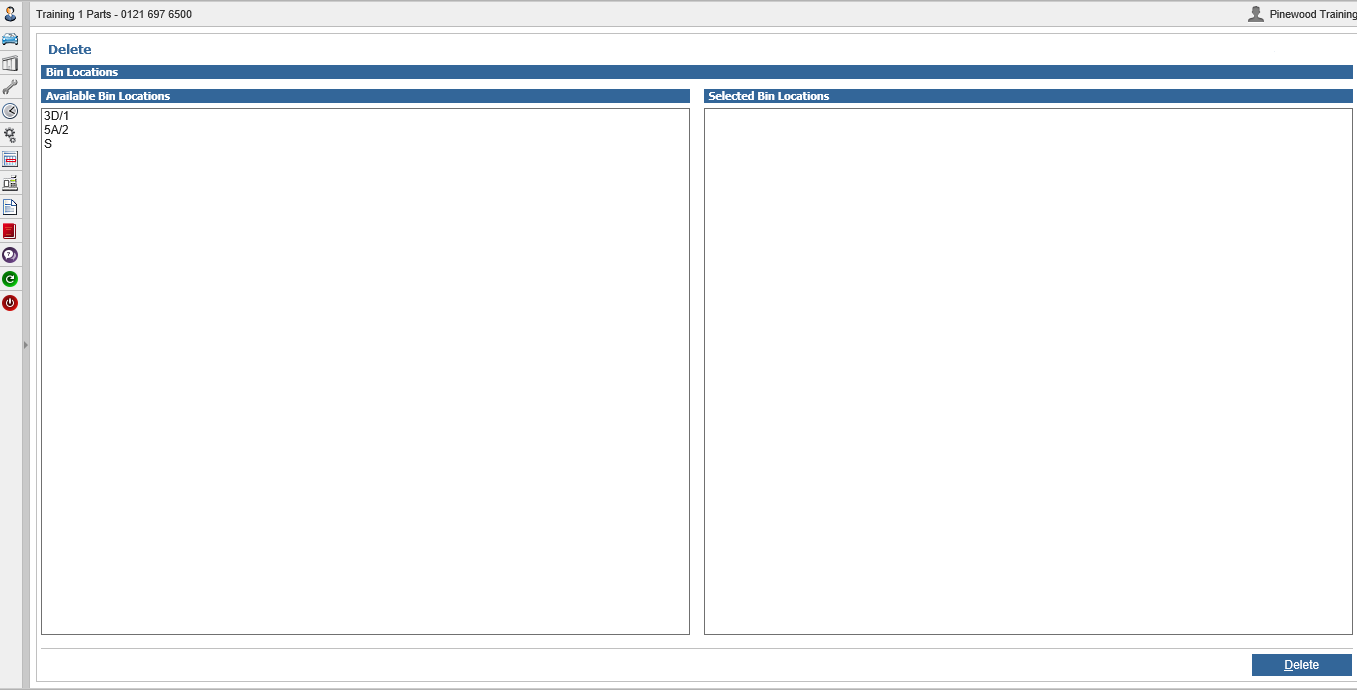
Now if you click back into Parts > Maintenance > Bin Location > Delete it will allow you to select one or multiple bin locations and you can then delete them.