
Question
When a part needs to be returned to the supplier, how can I do this on the system?
Answer
Go to: Parts > Purchase > Receipts > Returns
Select the relevant supplier from the supplier field and the order type must be chosen, along with a reference number. Click Next and the below screen will be displayed:
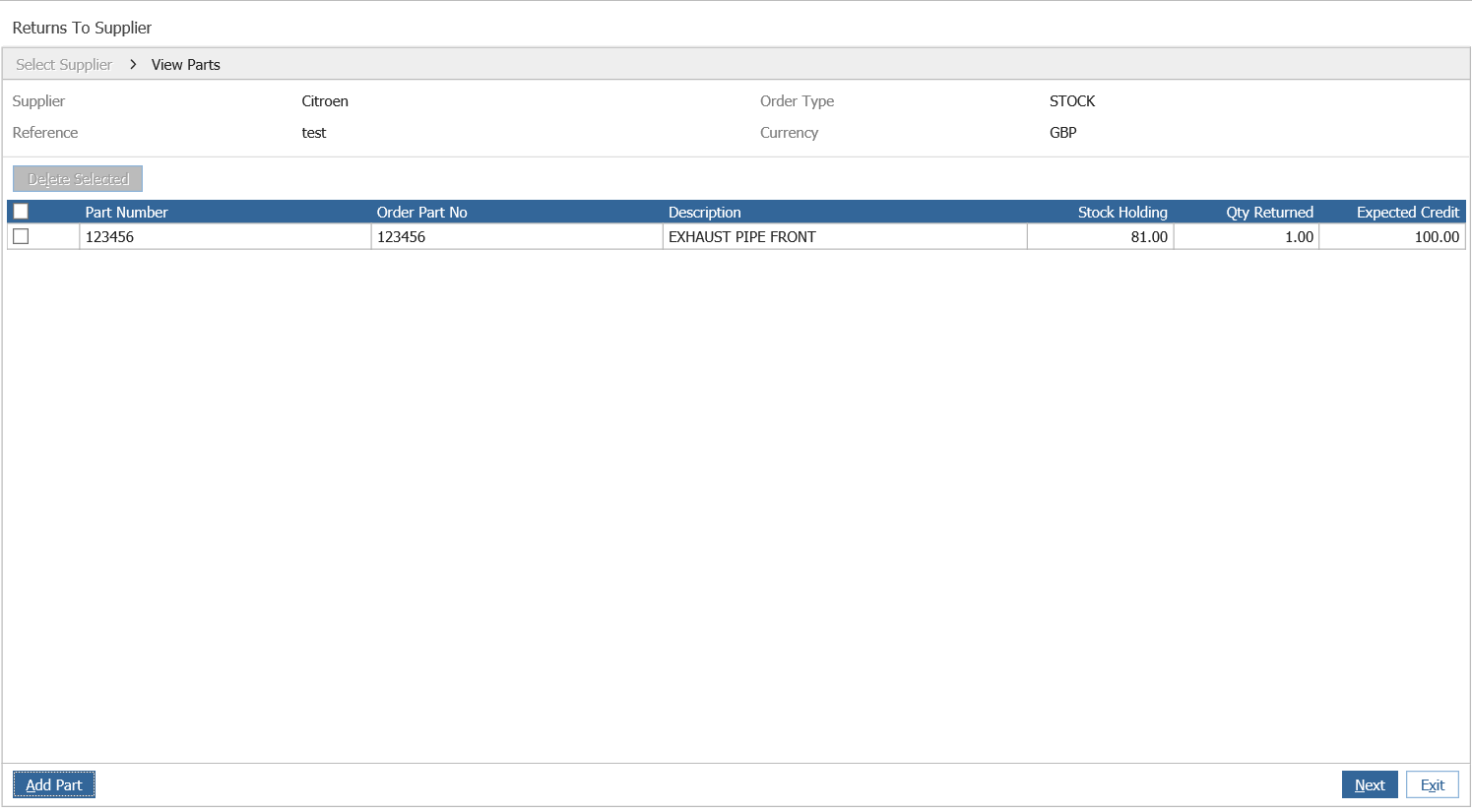
Then add your part number with the quantity to return. The expected credit will default to a cost price based on the order type chosen, but can be over typed.
Click ‘Add Part’ to add this to the list.
Once the return is complete select ‘Next’. The option to print a returns note is available:
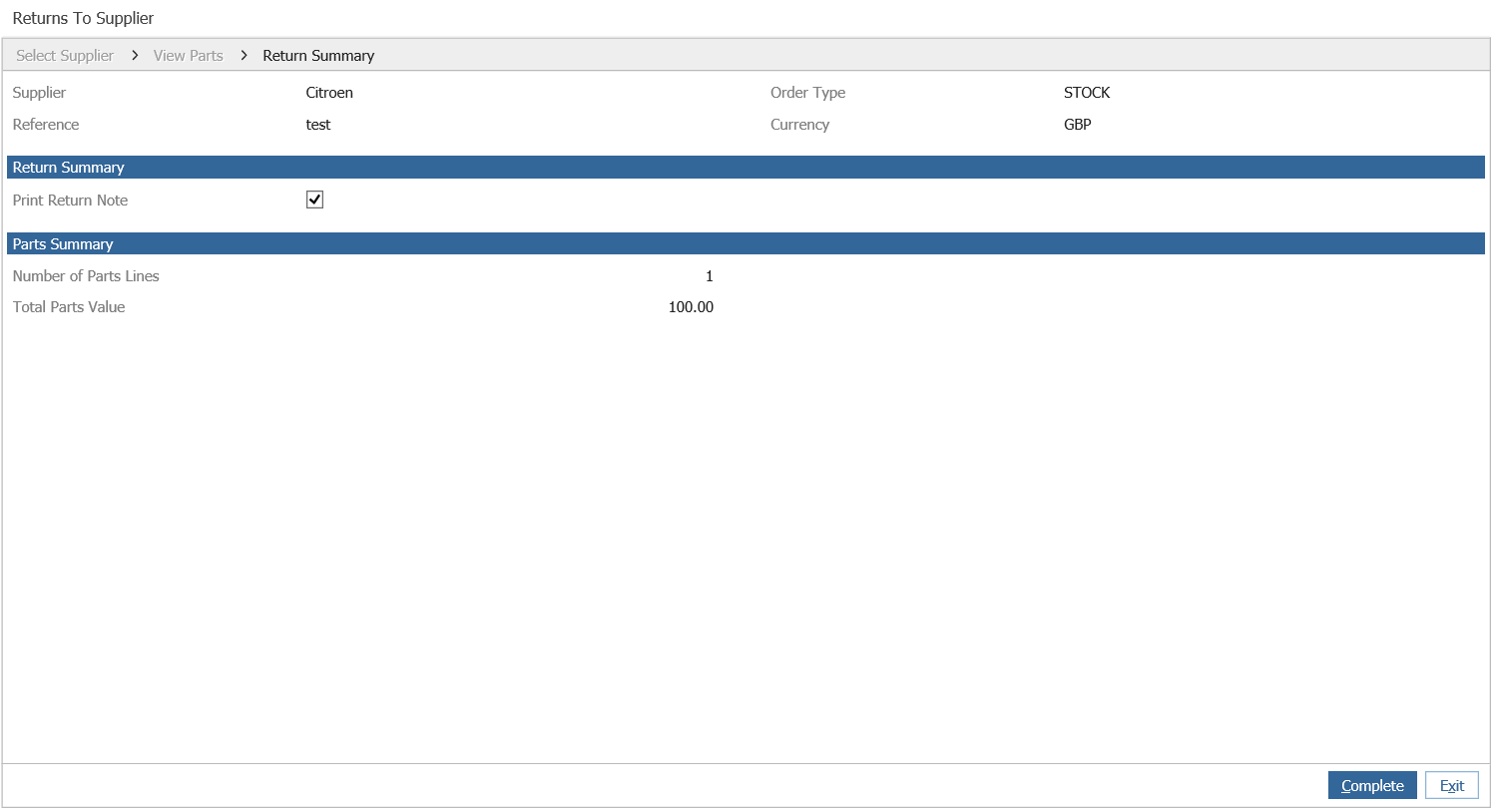
Click Complete to finish the return of the part.