
Question
How do I run a Parts Price Update on the system?
Answer
Go to: Parts > Maintenance > Partner > Price Update
You will see a list of all the franchises you are able to run the update for. Single click on the franchise and select the ‘Run Update’ button on the bottom right.
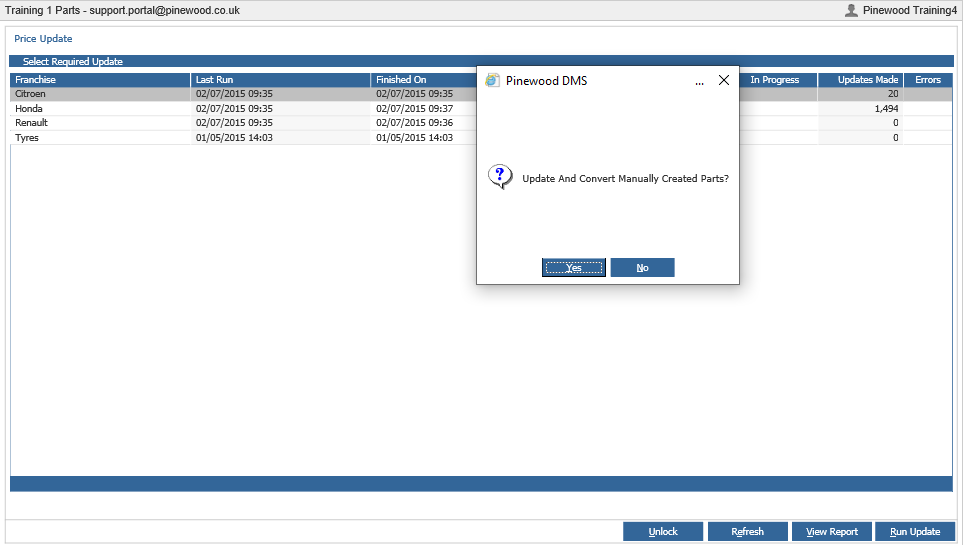
Depending on the franchise you will get a series of questions which you will need to answer Yes or No in order to process the update or the update can be cancelled by selecting the (X) on any of the questions.
The questions that can be asked are as follows:
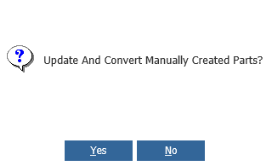
Update & Convert Manually Created Parts? – Selecting ‘Yes’ will update the parts that have been manually created, with the information now in the price file if available.
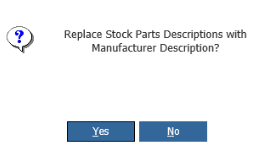
Replace Stock Parts Descriptions with Manufacturer Descriptions – Selecting ‘Yes’ will replace any amended parts descriptions with the manufacturer description on the price file.
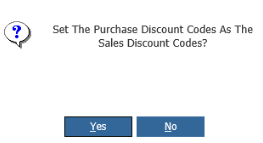
Set the Purchase Discount code As The Sale Discount Code – Selecting ‘Yes’ will copy the purchase discount code into the sales discount code box
Once all the questions have been answered the system will advise you ‘Price Update Started’
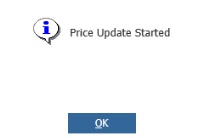
Click ‘OK’ & Once the Price update has been completed the system will state the date and time it was finished on along with how many updates were made.
