
Question
What is the process for invoicing a part with alternatives attached?
Answer
When invoicing a part you have the option to have alternative part records that will show at the point of invoicing. This gives the user the option to offer the customer an alternative in availability, price or genuine franchise parts.
You can link alternative parts to a part record by going to Parts > Maintenance > Create/Amend and search for your first part record. Once in the part card you can then amend and drill into the alternatives field:
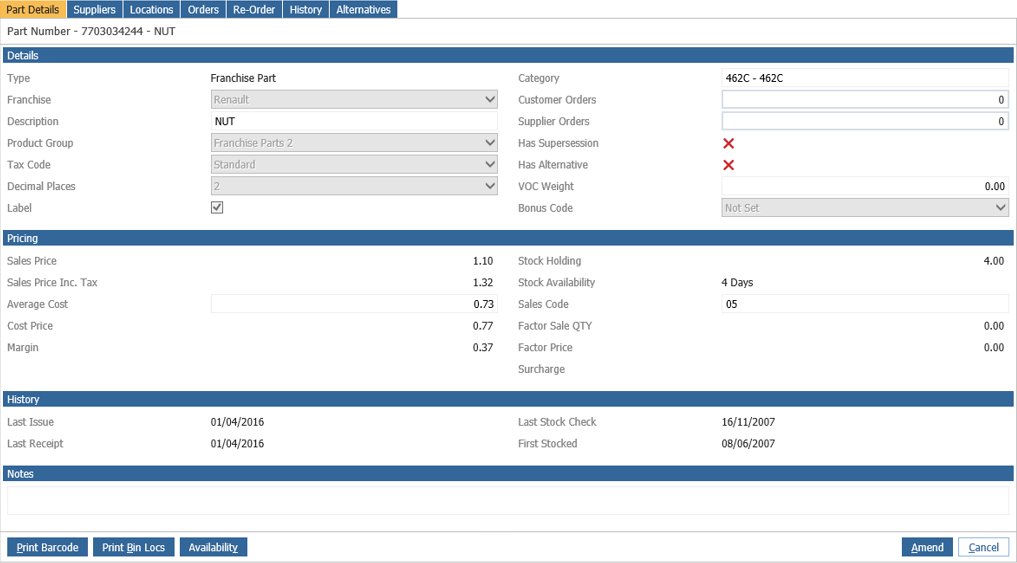
When you drill into this field you can then add your alternative parts from the search menu in the pop and double click to add these. You must ensure that at least one is set as default.
When you then go to invoice the original part you will then be presented with a pop up that will show the main part and all of the invoices selected so that they can make choices from here:
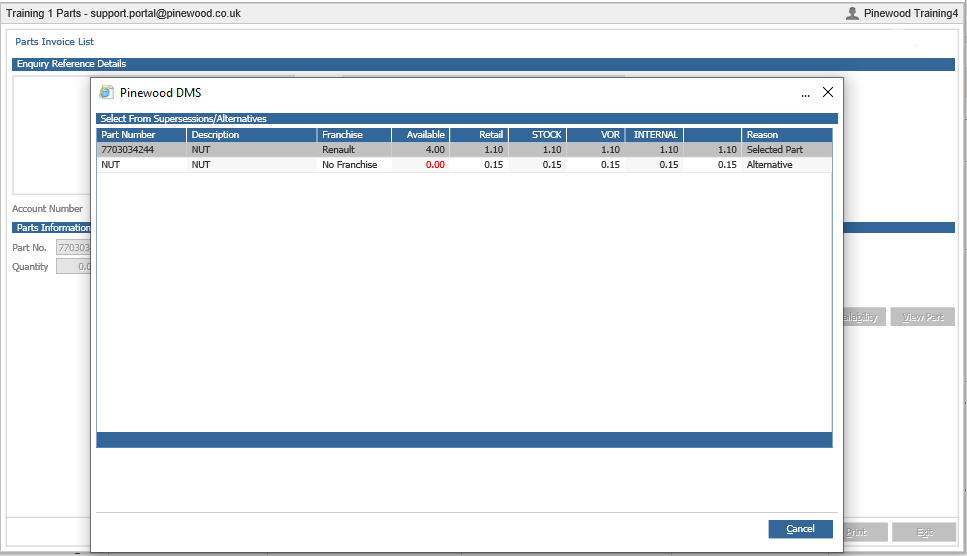
It will show all linked parts regardless of availability but those without availability will be highlighted in red as the image above.