
Question
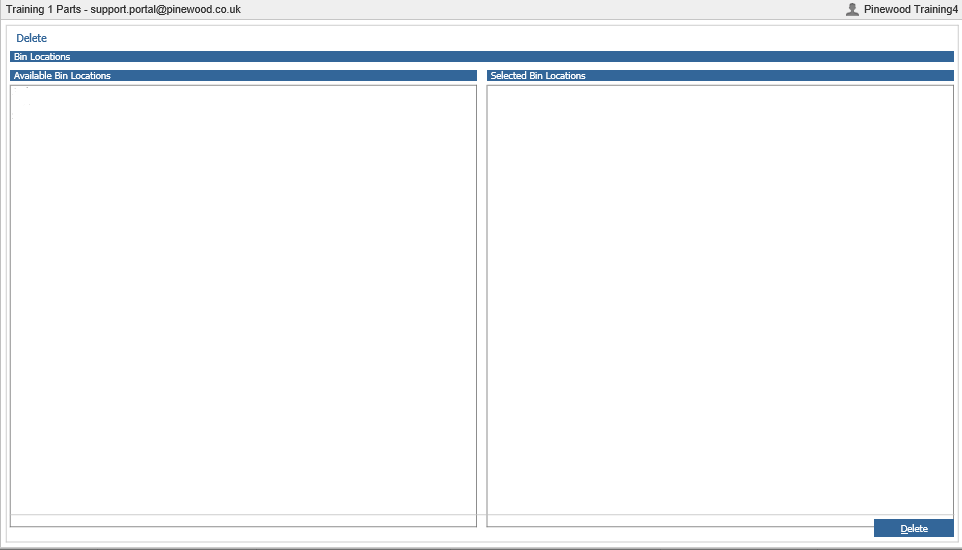
When going to delete a Bin Location from Parts > Maintenance > Bin Location > Delete; why are no bin locations showing?
Answer
The reason for this is that the bin location that is looking to be deleted has a part(s) allocated to it.
If you wish to delete bin location ‘S’; the part(s) which have ‘S’ set as a bin location, need to be allocated to another bin location in order for bin location ‘S’ to be deleted.
To find out which part(s) have ‘S’ set as a bin location, go to Parts > Selections > Search
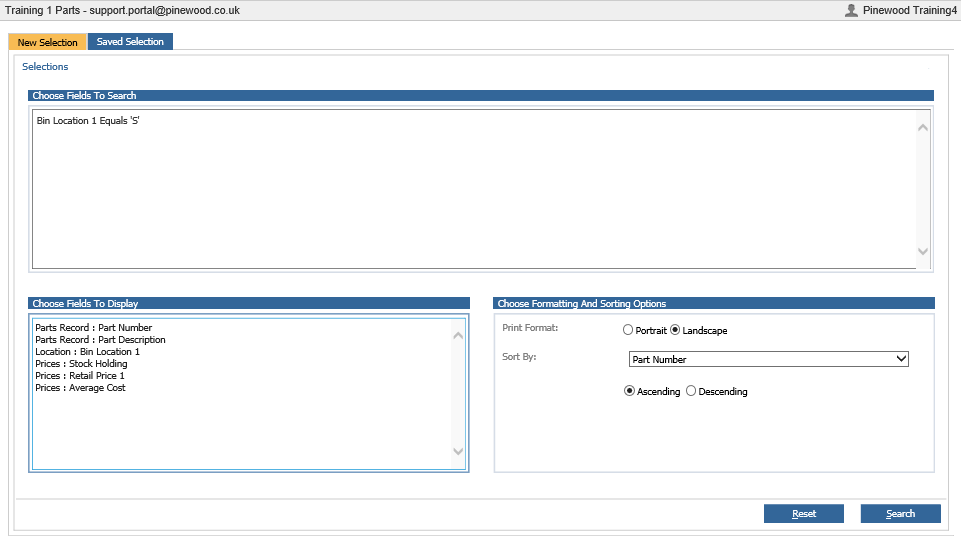
Within this screen, create a selection for ‘Bin Location 1 equals to S’ and click search
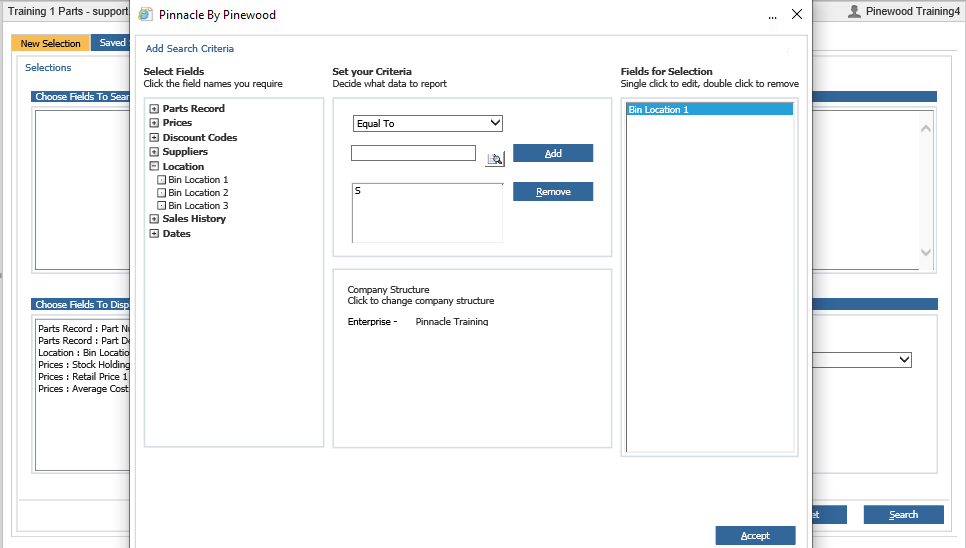
Within this screen, you can see which part number has ‘S’ set as a bin location so part 1103J3 needs to have a different bin location in order for bin location ‘S’ to be deleted.
To amend the bin location for this part, go to Parts > Maintenance > Create/Amend and type in 1103J3 and click search.
Within the part card, click on amend and double click into bin location ‘S’
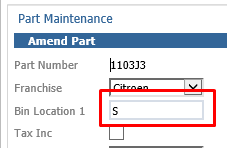
Now double click on the bin location you wish to have this part allocated to and click on save.
Now that bin location ‘S’ does not have a part allocated against it, the bin location is now visible within Parts > Maintenance > Bin Location > Delete and you can delete this bin location by simply double clicking on it and selecting delete.