Question
How to remove a specific part from a Parts Price Update?
Answer
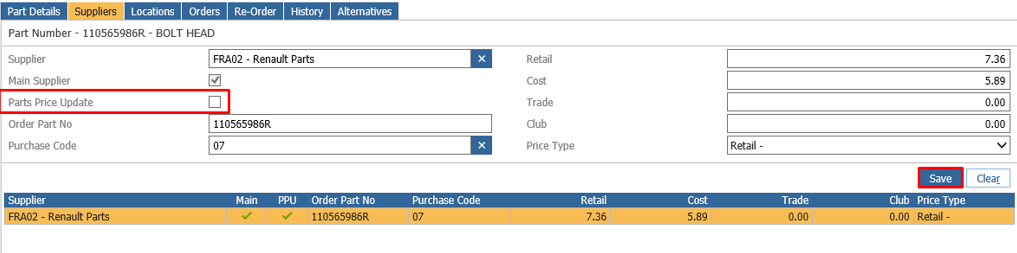
If you have got specific settings for that part, that you don't want to be changed by a PPU, e.g. price, name, costs, etc. You can manually remove the option to automatically run the part in the Parts Price Update.
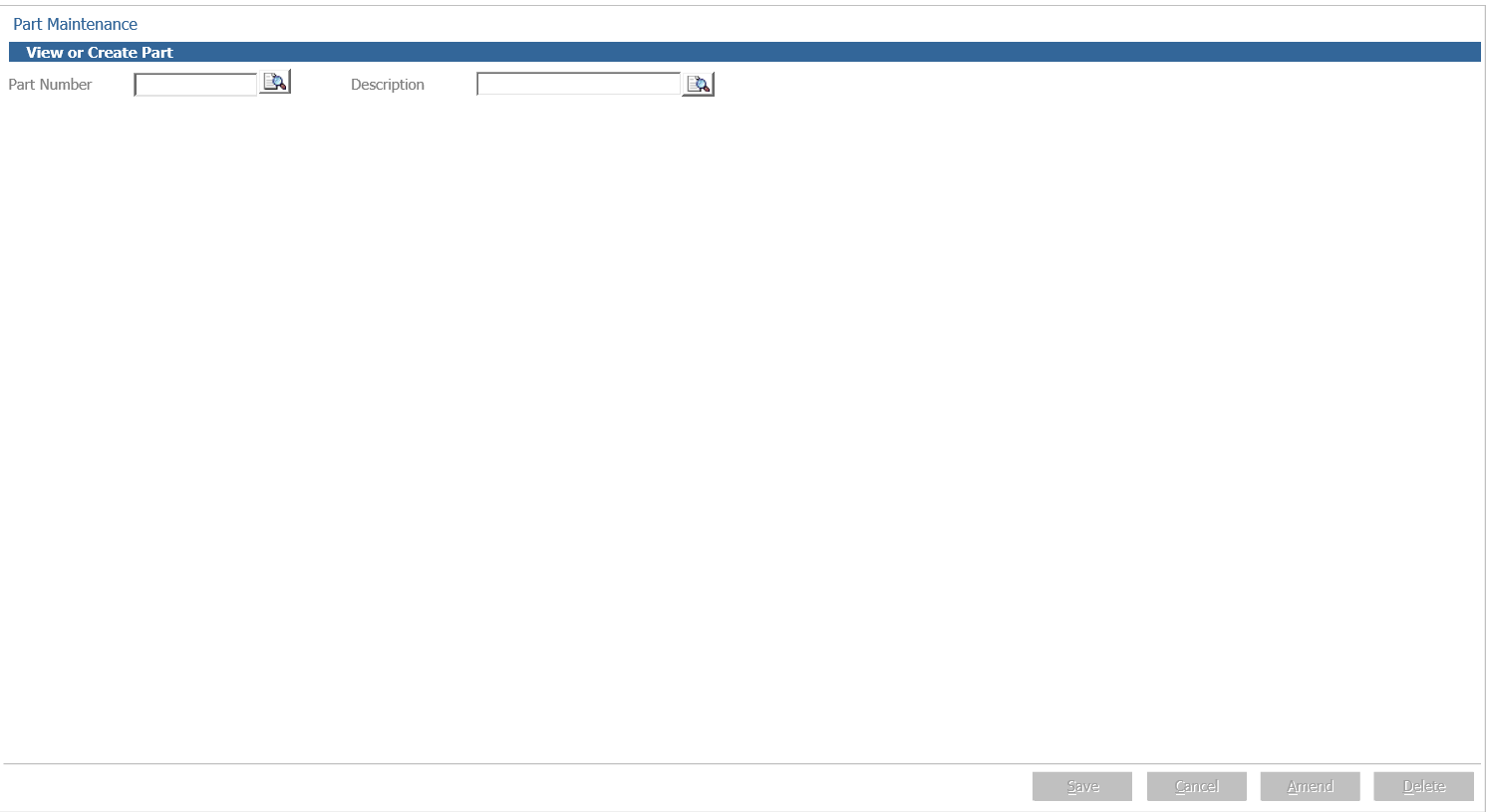
To remove a specific part from the parts price update you will need to go to Parts > Maintenance > Create/Amend.
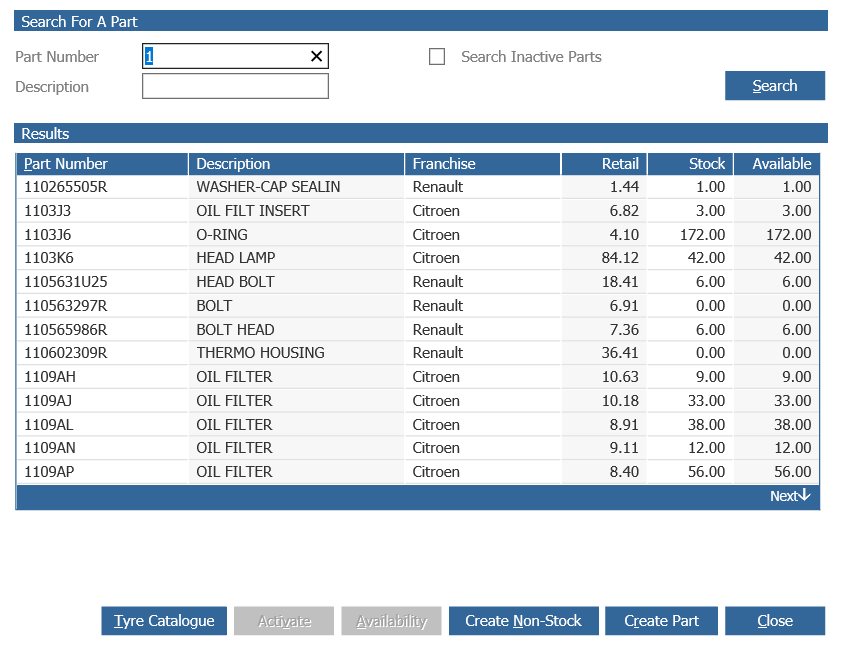
You can search a part via Description or Part Number.
You are able to select the relevant part upon searching.
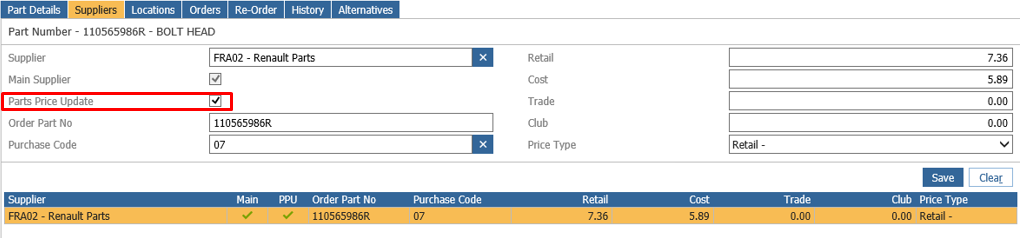
Double click on the supplier line
If the below option is ticked this part will be included in the PPU automatically.
Once you untick the box you can click save which will update the part details and remove the part from automatically updating.