Question
On a parts invoice, why when applying discount and changing part to order type 'VOR', why does the price change?
Answer
In this instance where the order type is changed from Stock to VOR within a parts invoice:
Parts > Sales > Invoice
Once the relevant customer and necessary part have been added and then you have selected 'order', you will notice you are able to change the order type:
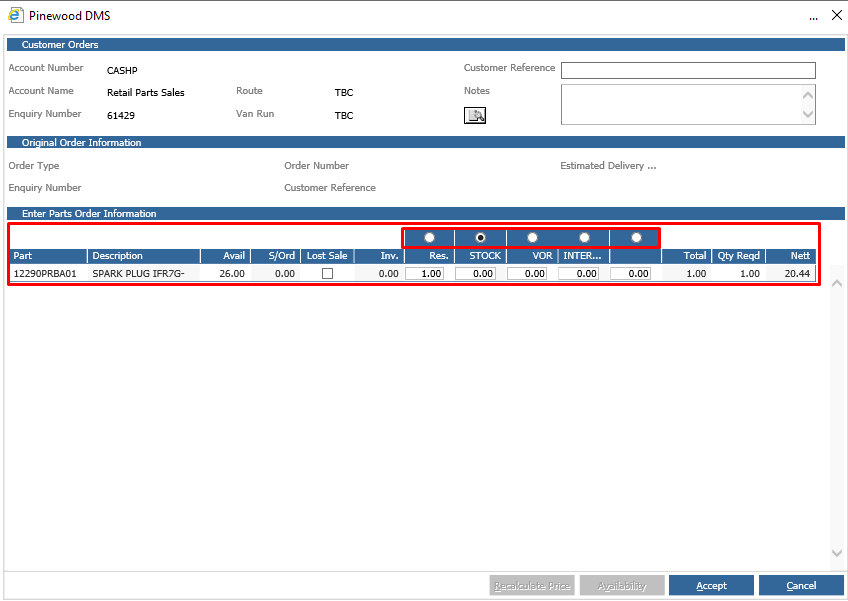
Upon changing the order type from Stock to VOR this will re-calculate the prices automatically, regardless of any discounts set up. This is hard-coded within the system.
This process similarly occurs when you raise a customer order, change the price and then change the order type:
Parts > Customer Orders > Customer Orders > Allocate
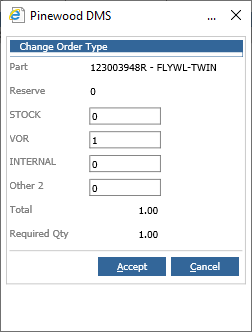
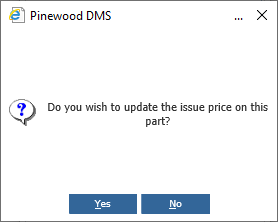
However, completing this process will give you the option to update the issue price on the part, as opposed to automatically disregarding any discounts.