Question
Why does the Recommended Order not show any parts for a selected Supplier?
Answer
Upon picking a supplier and selecting to produce a Recommended Order in Parts > Purchase > Recommended Order , the order may have no parts listed (see screenshot). This may be because the parts against the supplier do not have any movement codes set against them.
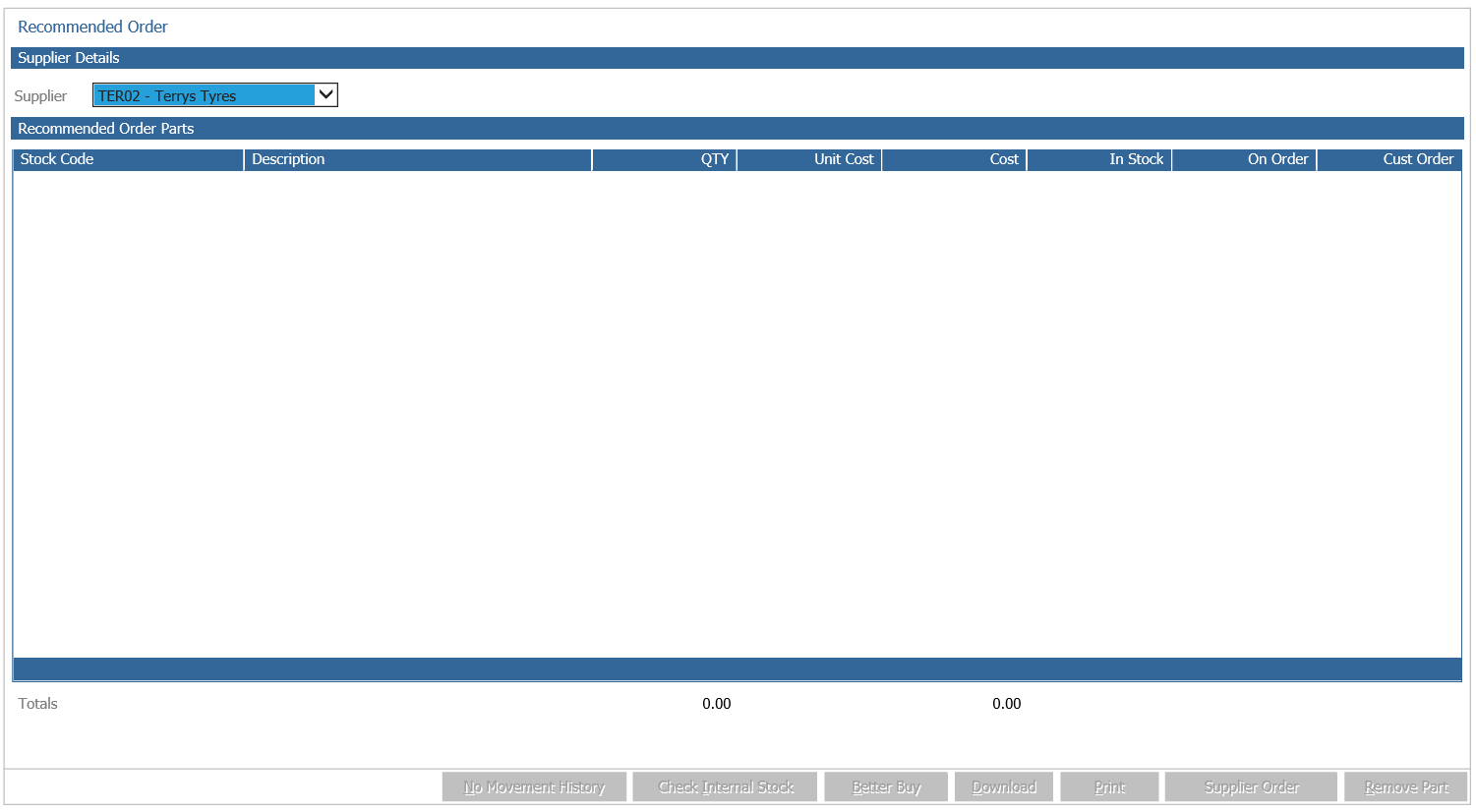
To set a movement code against an item, you will be required to go to:
Parts > Maintenance > Create/Amend
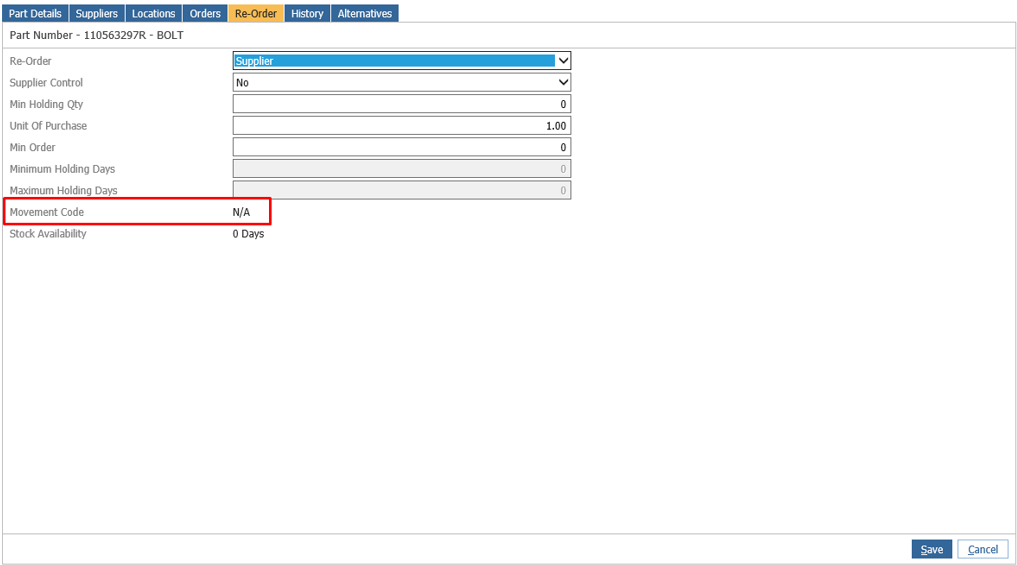
By clicking on the field it allows you to change the movement code, but if it appears as ‘N/A’ or you are unable to select any, this means that the supplier for the part hasn’t got any movement code set for their parts.
To set movement codes for a supplier, go to:
Parts > Maintenance > Supplier Maintenance > Suppliers
Search for the desired supplier, then select ‘Amend’.
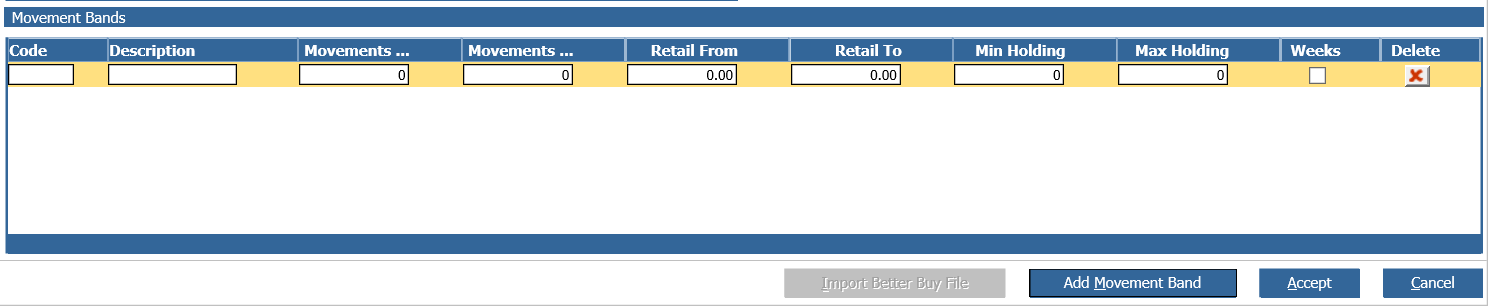
New movement codes can be added to the supplier by selecting ‘Add Movement bands.
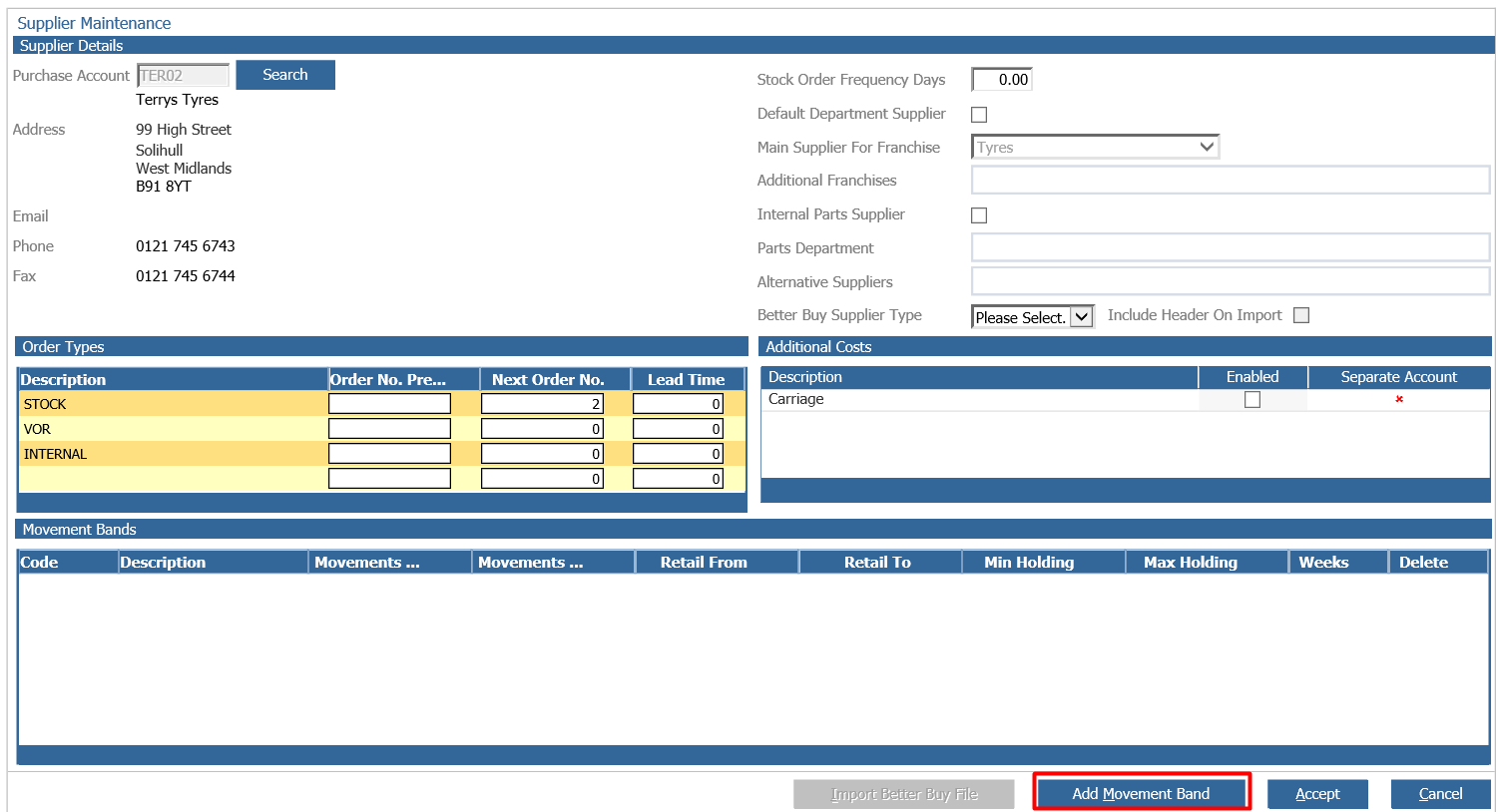
You are able to make movement bands as required.