
Question
How to switch on the ability to a stock number from the sales ledger?
Answer
You can post to a finalised or archived stock card directly from the sales ledger if you need to add late costs.
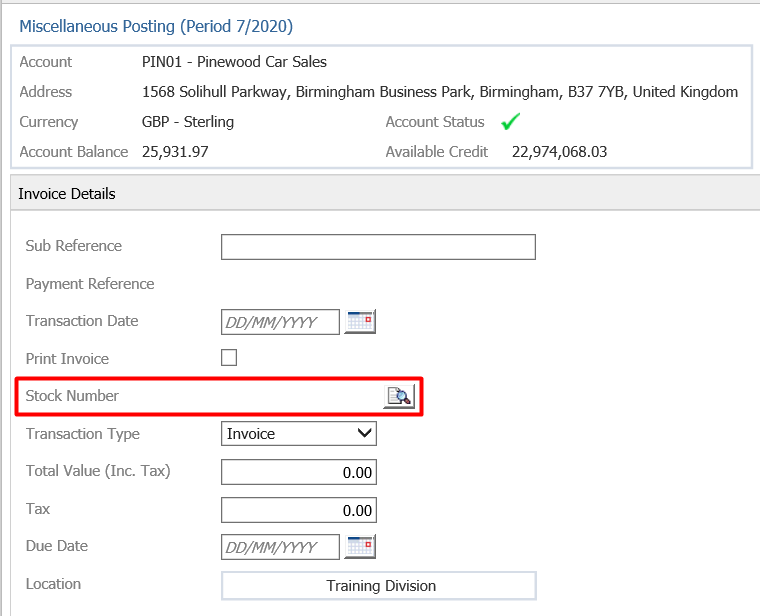
If this option does not show up it needs to be switched on in:
Accounts - Nominal Ledger - Ledger Parameters
Once in here go into the internal charges
Drill down the company structure and go into either the service department or the parts department
Choose any internal charge and double click into it
Then tick the Mandatory Vehicle selection Parameter and save the changes
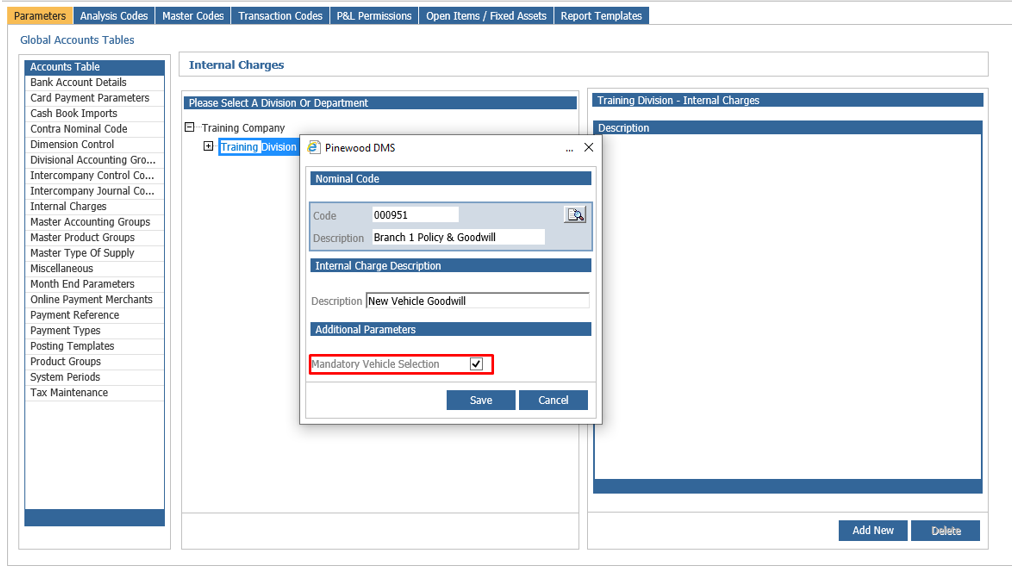
This will then pull through the stock number field for all Sales Ledger accounts so that these can be posted to the desired stock number.