
The Lapsed Vehicle Filter under:
CRM > Parameters > Aftersales Parameters > General
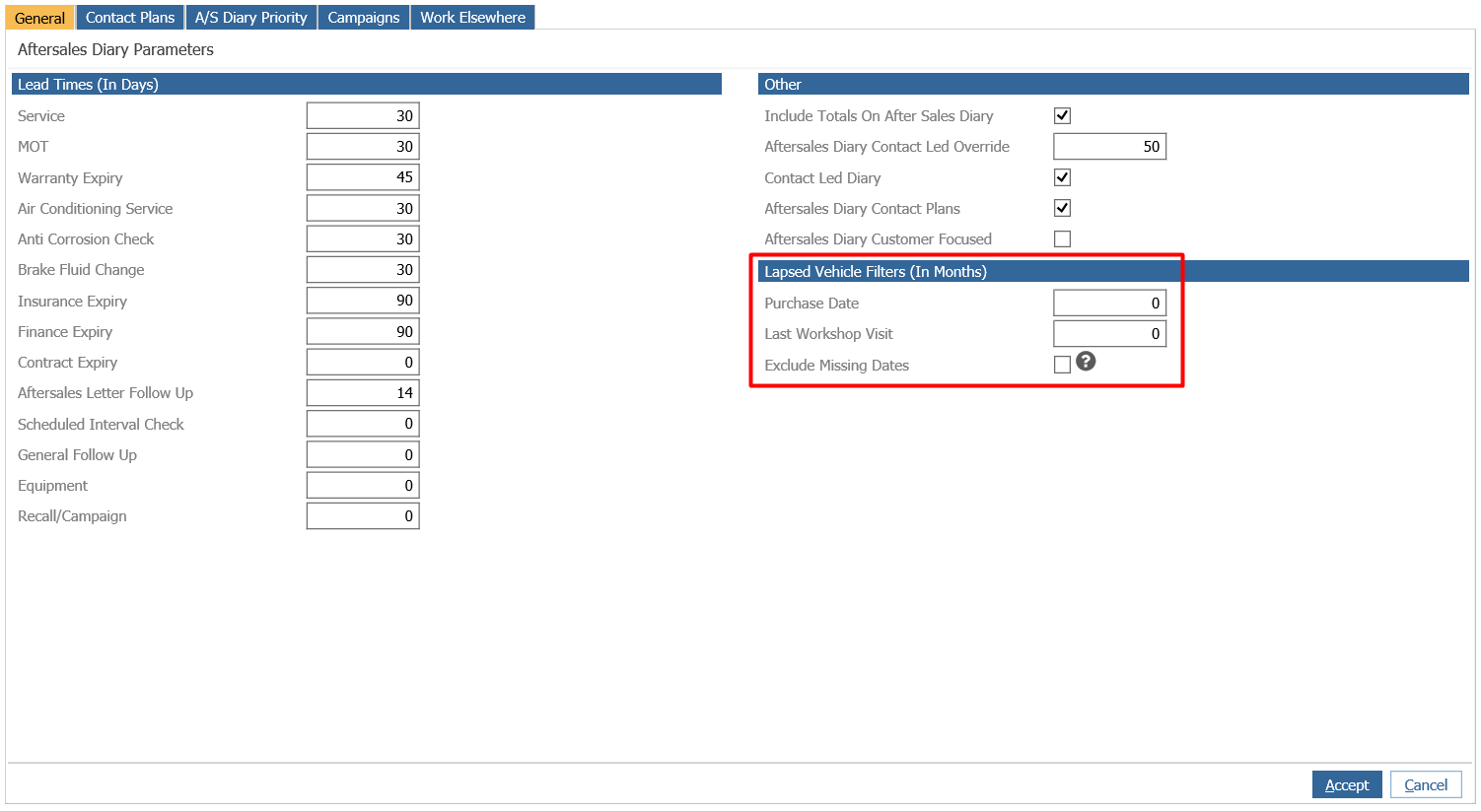
This parameter provides the ability to filter out, from the Aftersales Diary, vehicles you have not seen recently in the Dealership. Therefore, allowing the focus to be on customers you deal with regularly.
The filters you can set are; Number of Months since the Last Workshop Visit (Visit Date) and the Number of Months since the Vehicle was sold (Customer Purchase Date).
If the exclude option is not ticked then these parameters will only include vehicles on the ASD that have either been purchased within the last 36 months OR have been in the workshop within the last 12 months.
***Add example and change "include" to something else
The Exclude option, if ticked, will exclude all vehicles that do not have a Purchase Date or Last Workshop Visit date that falls within the parameters set. For example, if the Vehicle Purchase date is greater than 36 months AND the last workshop visit is greater than 12 months from the current date, then the records will not be displayed in the Aftersales Diary.
Vehicles removed by this process will not be sent any Contact plans if enabled.