
Vehicle Progress
Vehicles - Parameters - Parameters - Parameters tab - Vehicle progress and filters
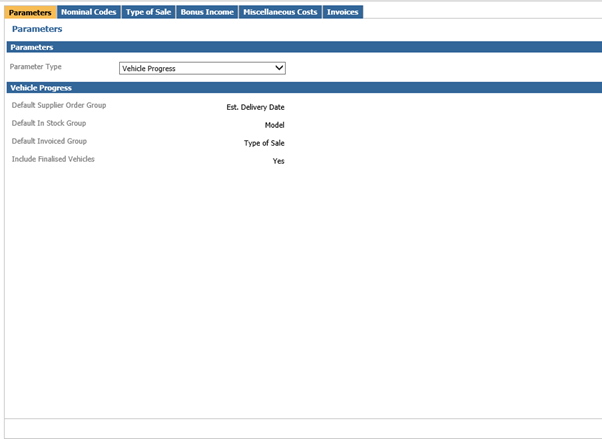
The following will control how the vehicle progress report is displayed. You can choose a default supplier order group, in stock group and invoiced group. These will be your columns on your vehicle progress report. These however can be changed whilst in the vehicle progress screen.
You can also choose from here whether to include finalised vehicles or not.
Vehicle Progress Filters
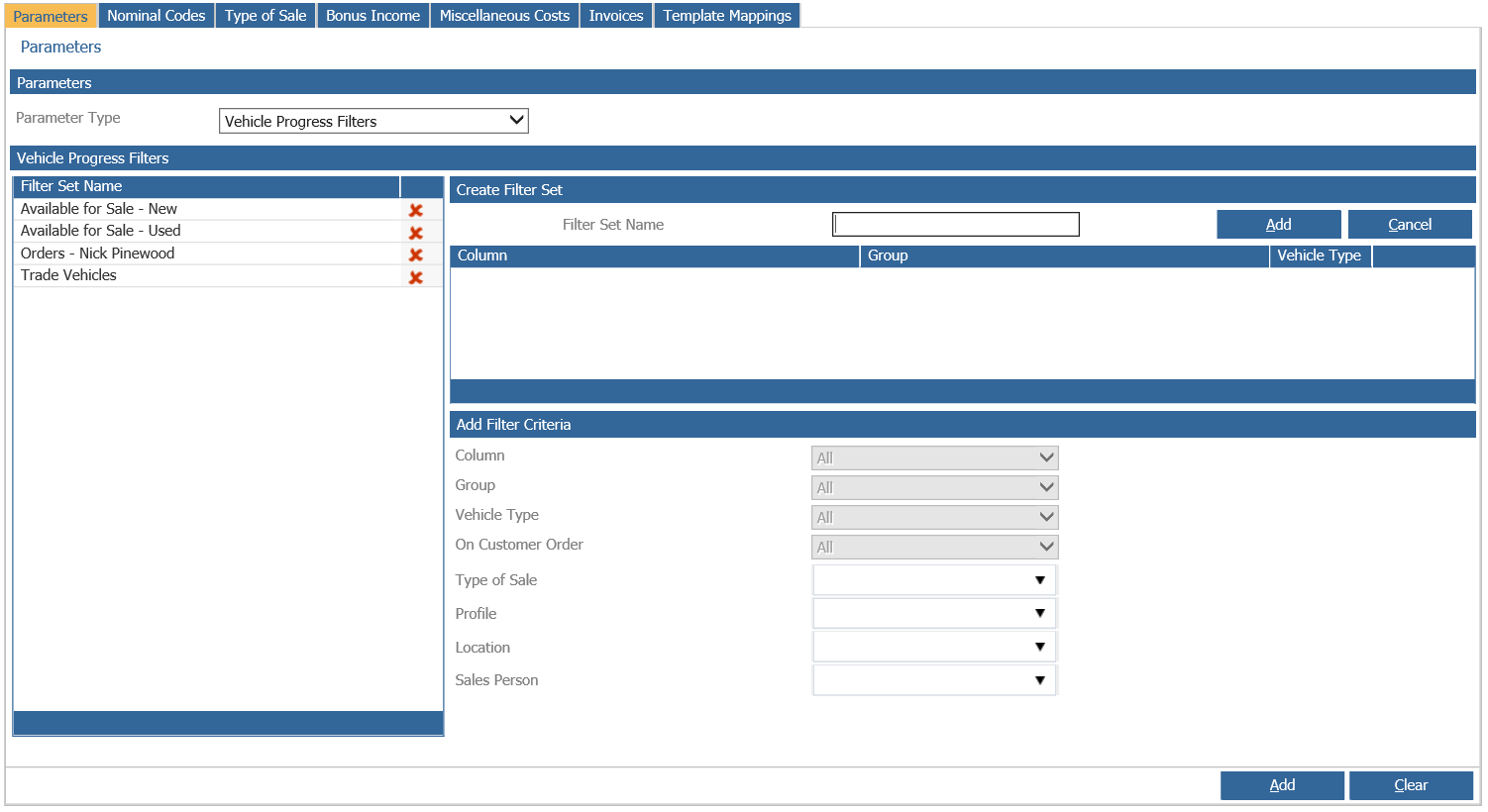
This page can be used to create filter sets which will appear at the top of the vehicle progress screen. The vehicle progress screen will by default show all vehicles but you can apply any of your custom filters.
If you add a filter set name then press add this will move to the left hand side. You can delete any by using the red X. At the bottom you can set what you wish to filter by in the column, group, vehicle type, on customer order, type of sale, profile, location and sales person fields. Then press add at the bottom to assign this to your filter set name.