
To enhance the CRM Enquiry Search, users can search with a User Defined Heading.
Within:
CRM > Parameters > Dealer Parameters > General
You can select the parameter for Customer User Definable Headings.
You can create the headings within here:
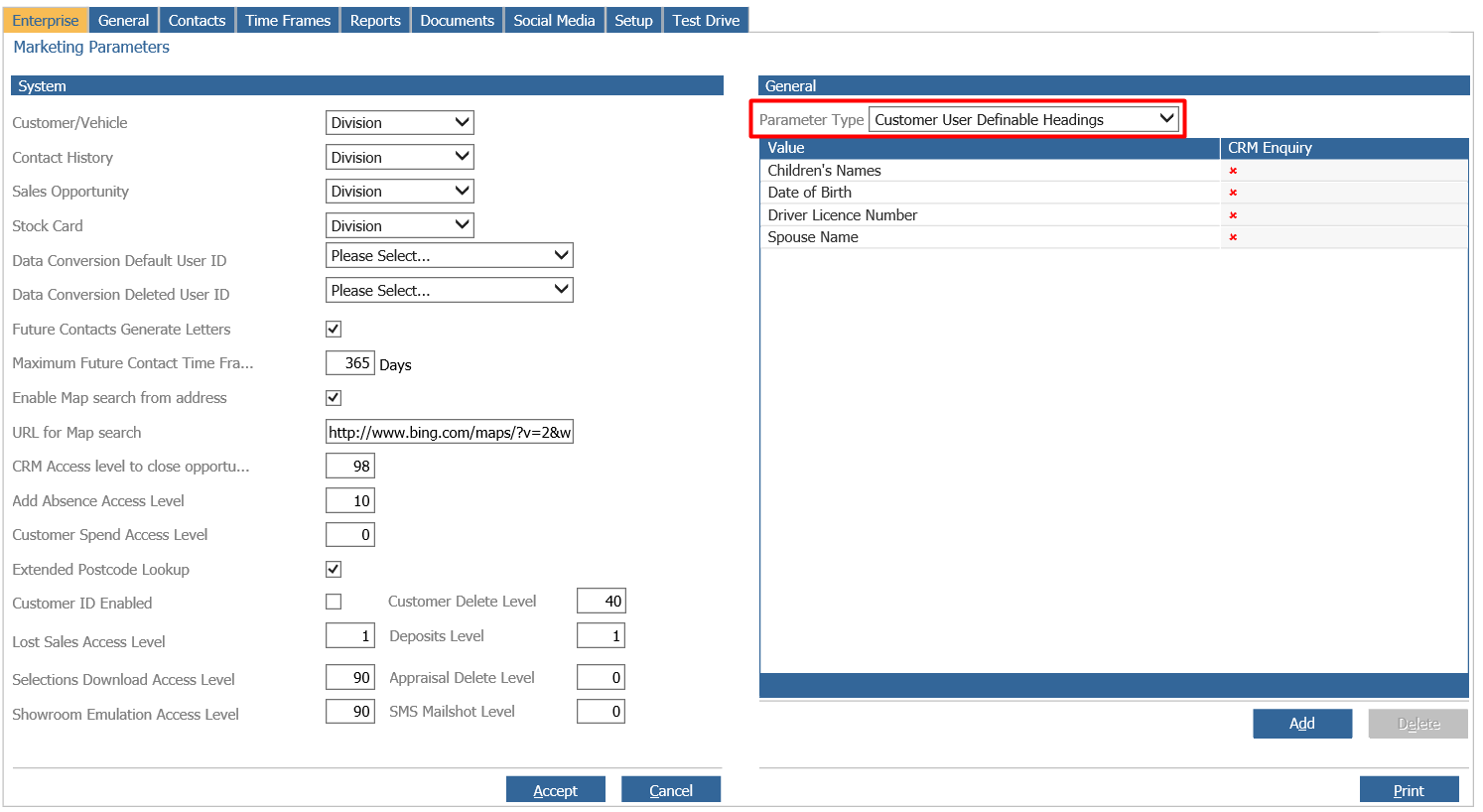
Once created you can select if this will appear within the CRM Enquiry screen as a searchable field:
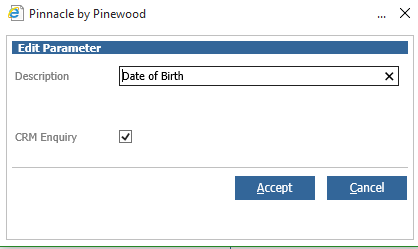
Only one of these can be active as a search field.
Once this has been set as active, it will appear as an additional search field within the the CRM Enquiry Screen:
