
Question
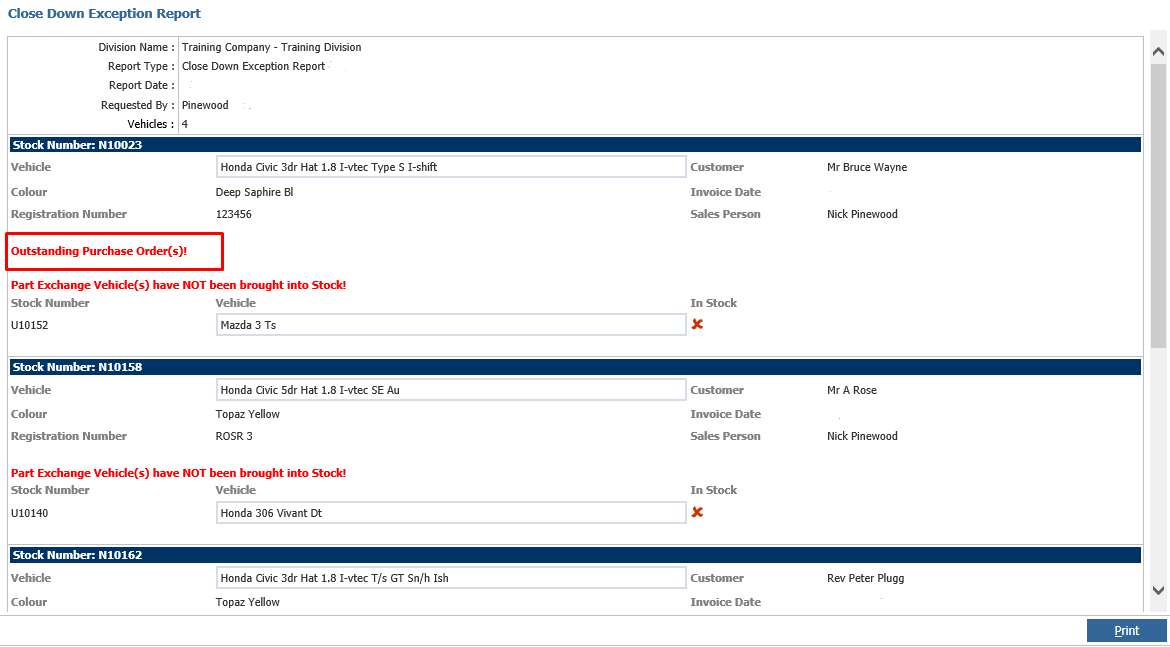
How do I clear Outstanding Purchase Orders showing on the exceptions report?
Answer
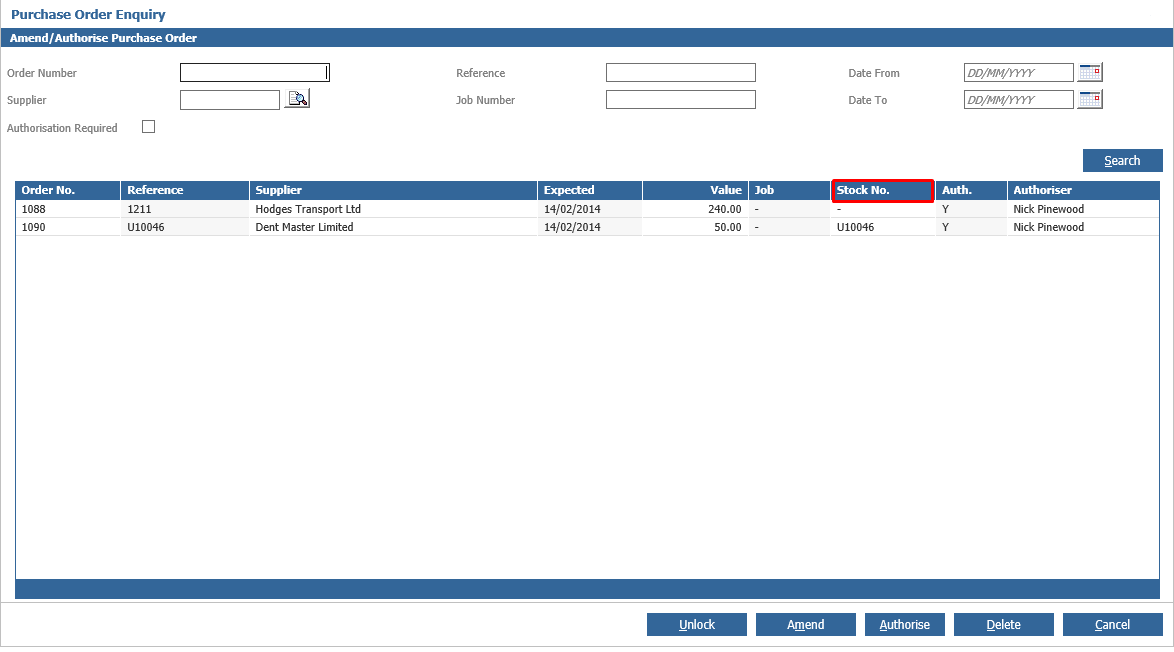
If there is an outstanding Purchase Order on the exceptions report the easiest way to track this down is to go to Purchase Orders - Amend/Authorise.
Order by the stock number (twice so the stock numbers are at the top) and you should find this fairly quickly - the user just needs to receive in the order.
The exception should then be cleared from the report.