
Question
How do I amend the service interval miles on the price list?
Answer
This article will show you how you can amend the service interval mileage on the Vehicle price list for new vehicles.
Within Vehicles > Price List > New there will then be a list of the franchises for your site, from here select the one you want to set the millage for.
Once Selected it will show a list of all the models available for that franchise.
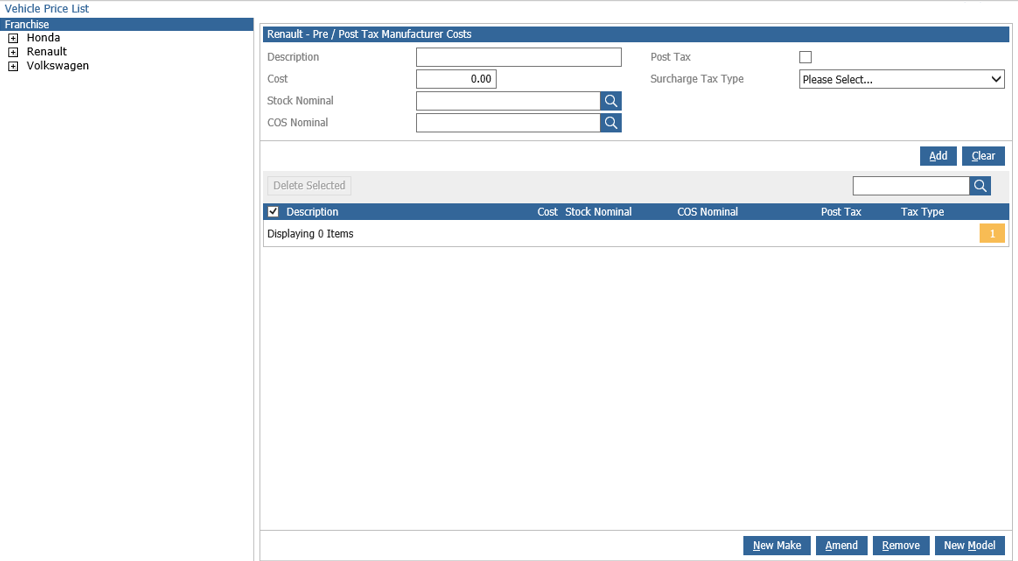
If you press the "Amend" button on the bottom right.
You will then be able to input the Service Interval Miles here for this franchise.
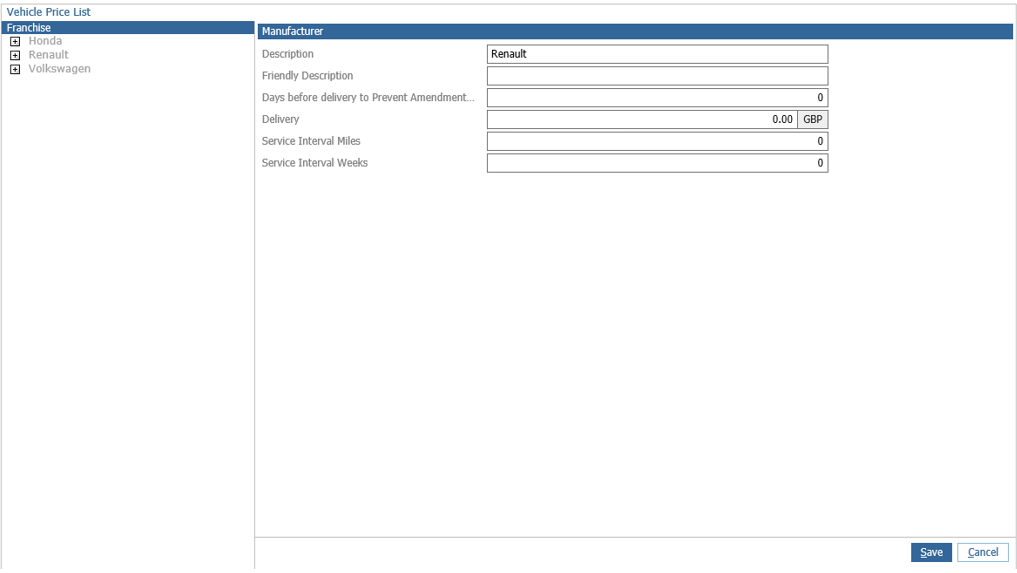
Once you have inputted the amount you are happy with you can click save in the bottom right.
This will now save the Service Interval Miles and will apply it to all the new vehicles that you bring into stock for this franchise.