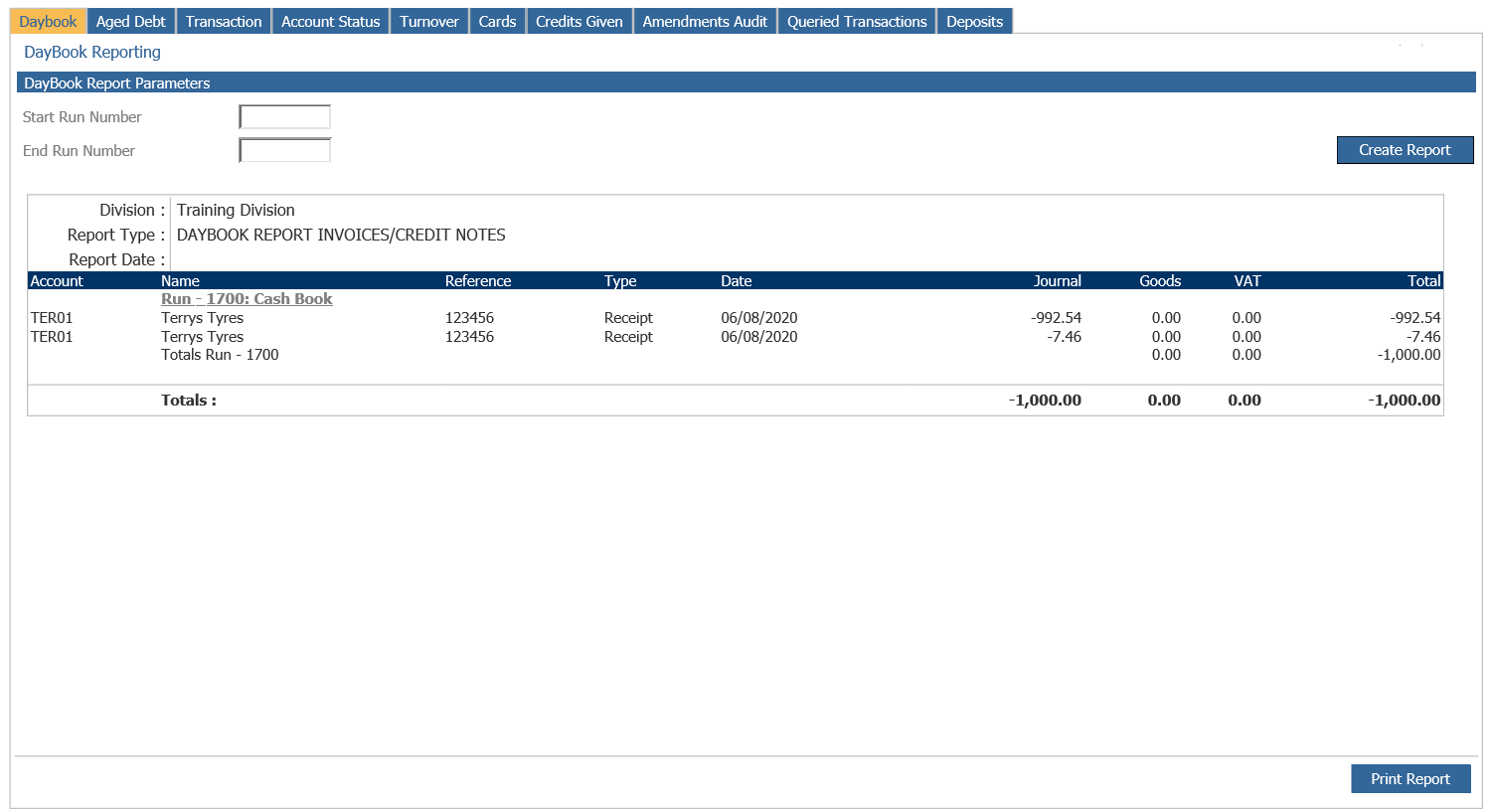
The Daybook is a record of all transactions posted to the sales ledger. Daybooks can be printed immediately after a miscellaneous postings or cash allocation or re-printed at any time during the current period as required. Daybooks should be used to check that manually posted invoices, credit notes and cash have been entered correctly. Sales Ledger Daybooks may be printed whilst the integrated Workshop and Parts modules are still producing invoices and can be produced by Run Number.
If a daybook is required for a particular Run Number or range of Run Numbers, complete the fields on the left hand side. Alternatively, leaving the run number blank will report all unprinted daybooks when clicking ‘Create Report’.
Each Daybook displays the sales ledger account code, name and run number related to the transaction. The invoice reference number is displayed, along with the Transaction Type, Date and Values. The Daybooks can be re-printed by selecting the ‘Print Report’ option.
Note: The Daybook report must be printed before the Sales Ledger Month End Routine can be completed unless the ‘Allow Month End Without Printing Daybooks’ flag in the Sales Ledger Transaction Parameters screen has been selected.