
As part of the sales contact process a Demonstration Diary (in CRM > Demonstration Diary) is available to book new vehicle demonstrations. The Demonstrator availability can be viewed by selecting the demonstration diary option in the CRM menu.
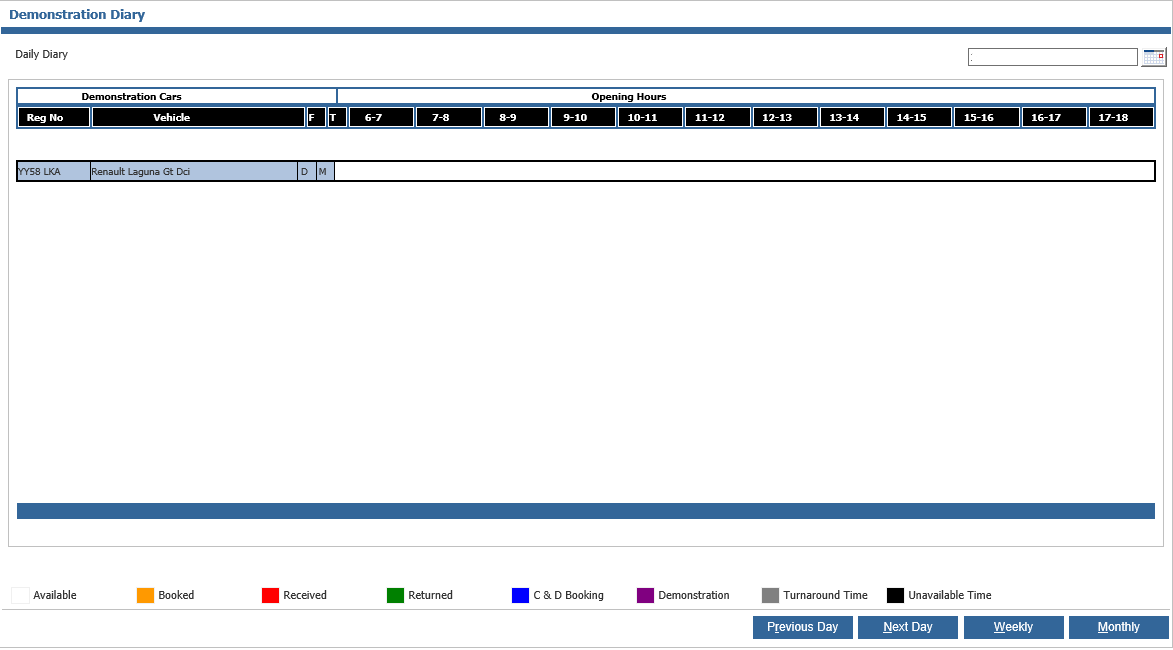
Double clicking on a vehicle will display the customer details for which the demo has been
arranged.
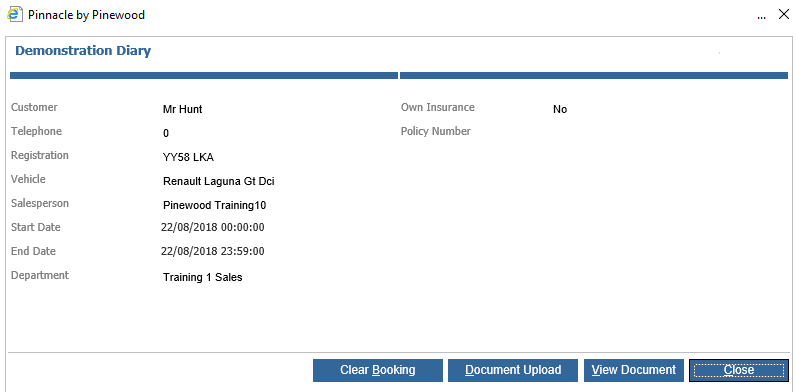
Selecting “Document Upload” enables a scanned document to be saved against the
demonstration.
Selecting “View Document” enables the option to view any stored documents.
"Clear Booking" will remove the booking from the diary and the customer.
"Close" returns to the Demonstration Diary.