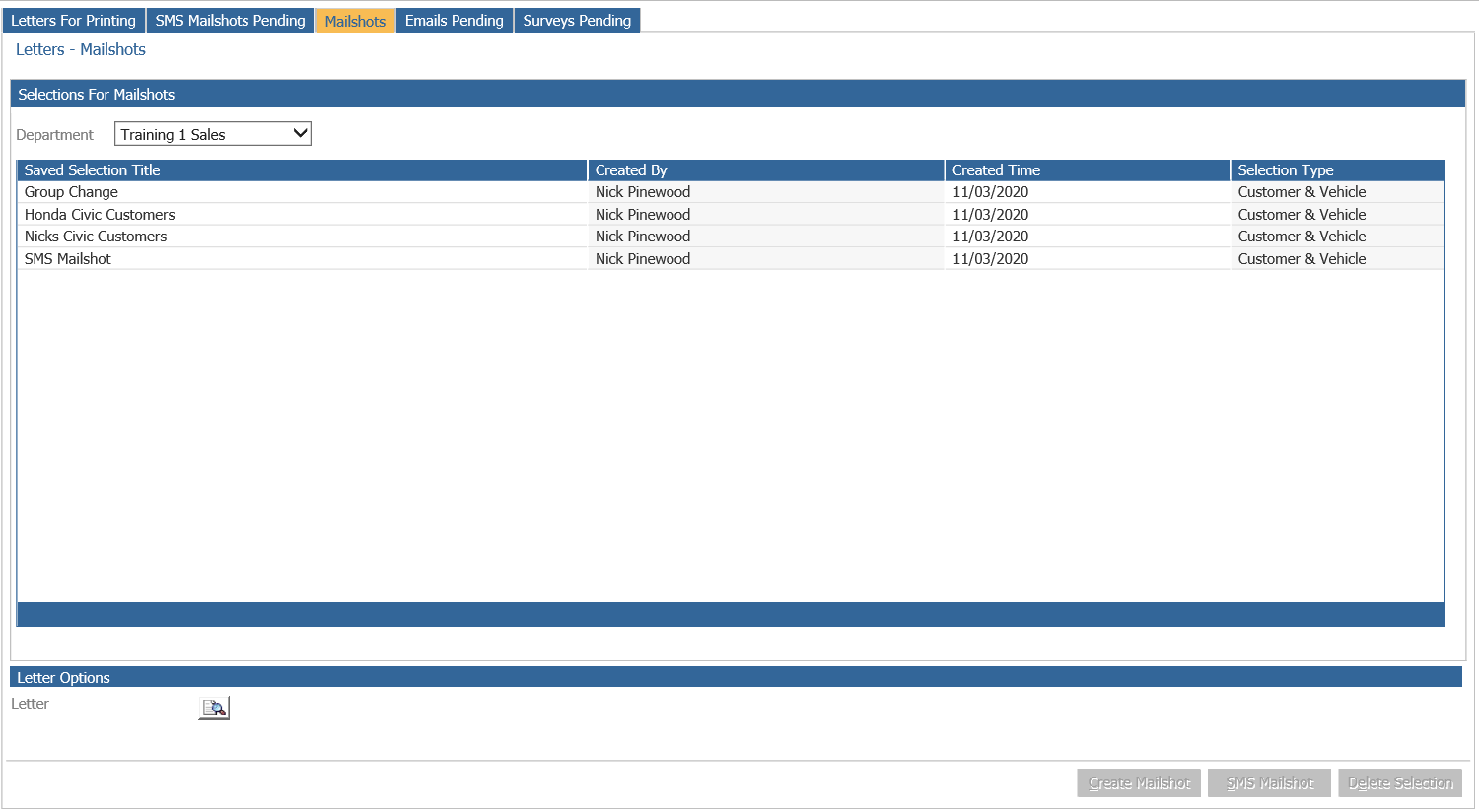
Once a selection has been created and the letter required has been uploaded into the system,
it is possible to attach the two pieces of data together and create a mailshot. There are three
different types of mailshot that can be created from Pinewood DMS – the first is used to populate the ‘Letters for Printing’ list with letters that must be physically printed and posted to customers.
The second option allows for SMS text messaging mailshots to be sent to customers, whilst the
final option is for an email mailshot to be sent to recipient email addresses.
Creating the above mailshots can be done on the Mailshots tab of the Processing - Letters area.