
The Time Frames tab is where Branch opening times can be set, and where Time Frames can be set so users can record preferred contact times when completing a telephone number field.
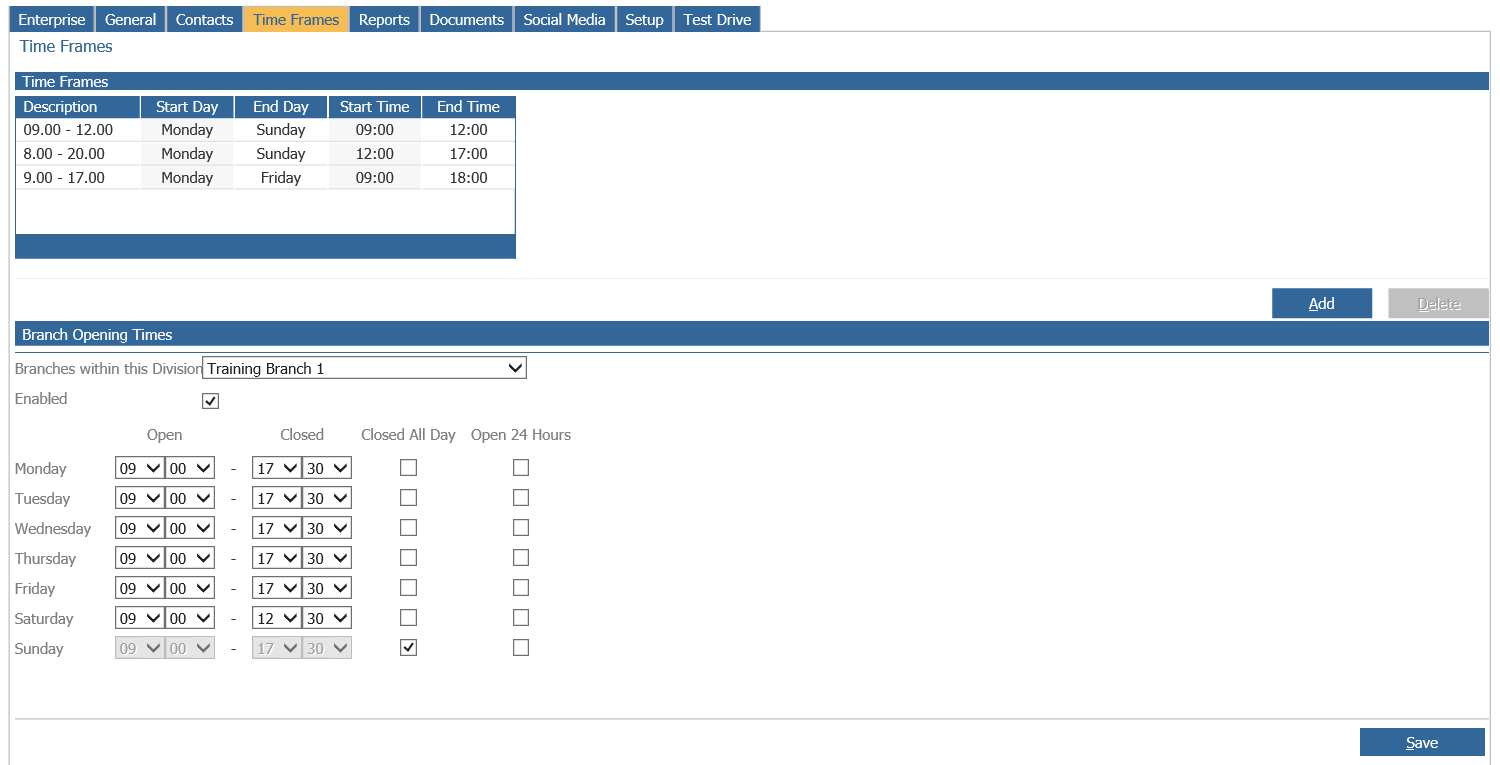
Entries can be amended by double clicking on the time frame to be changed. Alternatively, select
“Add” to open a new window, used to create an additional time frame on the system.
Alternatively, the “Delete” option can be used to remove a time frame from the system that is no
longer required.
The bottom half of the screen allows Branch Opening Times to be set. The information held
here works in conjunction with the auto-follow up functionality held within the Contacts tab of
the CRM parameters.
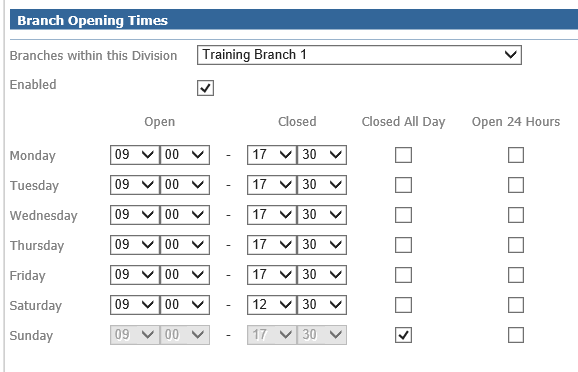
For businesses with multiple branches within the selected division within the company structure will be required to select the appropriate branch from the drop down menu.
Once selected the opening and closing hours of the branch can be set within the system and when
complete can be saved using the “Save” button.