Within Vehicles – Bring into stock – Demonstrator

Here vehicles can be found using the search criteria provided. Please note the only vehicles that can be found here are those which are new and already in stock with no customer order attached and no VAT invoice posted.
The vehicle desired to be turned into a demonstrator/used stock card can be selected.
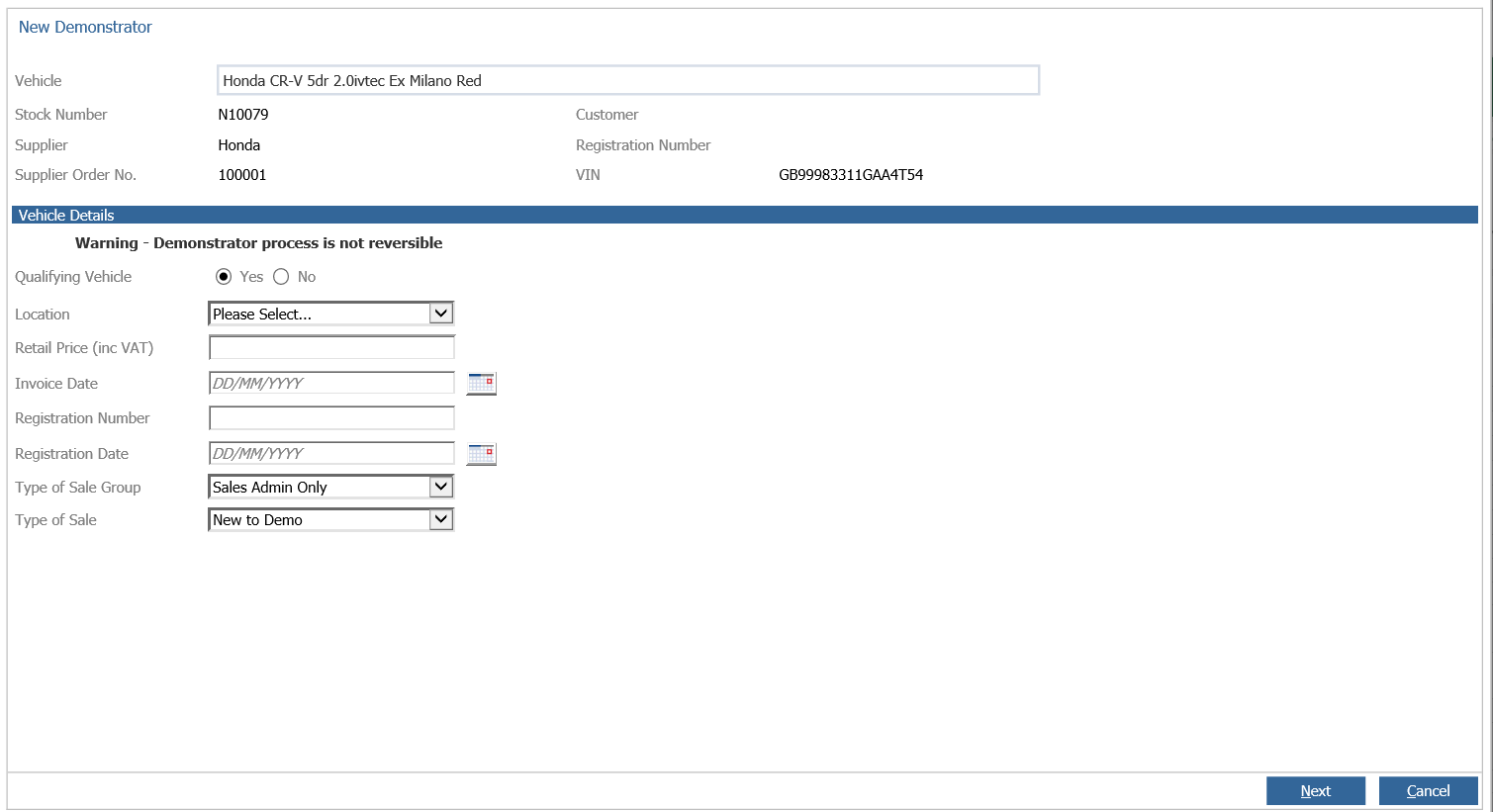
The top portion of the screen will give a summary of the vehicle details. Clicking into the Vehicle box will then give a pop up box which will go to the stock card.
Vehicle details
Qualifying vehicle: Whether the used stock card will be qualifying or not
Location: Custom drop down box – set up covered in another article
Retail price (inc VAT): Retail price of the vehicle (this field is mandatory and cannot be 0)
Invoice date: Invoice date the new vehicle stock card will have
Registration number: Registration of the vehicle
Registration date: Date the vehicle was registered
Type of sale group/type of sale: What will show on the new vehicle invoice
What this process will essentially do is take the new stock card, create a customer order for it and create a part exchange which will be the used stock card created. Invoice the new stock card and bring the used stock card into stock.
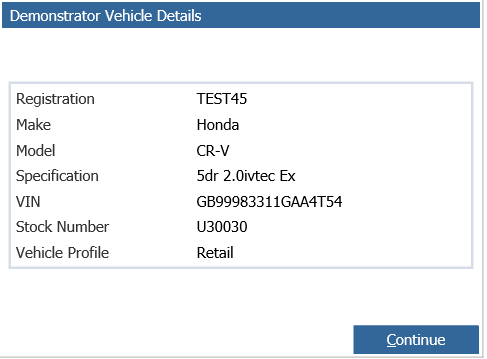
Once next is pressed it will give a pop up with the used vehicle stock number with a link to the stock card.
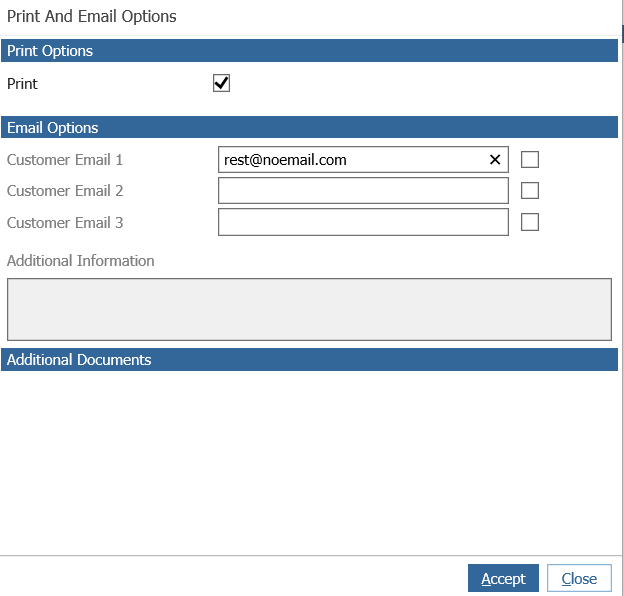
Once you continue this there will be an option to print and email.